CheckNumber.AI
 · 2 min read
Mapping WhatsApp Profile Enrichment into Your CRM Fields
Enrichment is only useful if it lands in named CRM fields that the rest of your team understands. This walks through which fields to create for WhatsApp profile enrichment and how to label them so nobody later reads more into them than they carry.
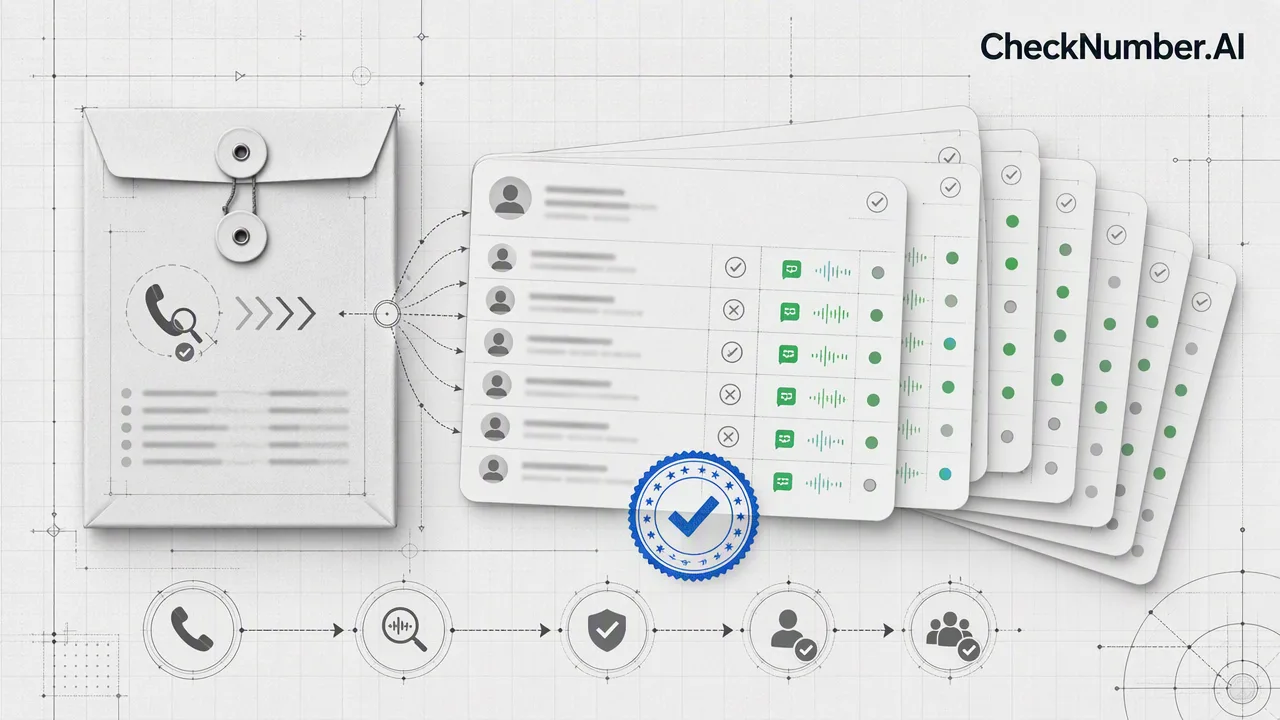
CheckNumber.AI’s Whatsapp Avatar, Age, Gender & Others Checker returns WhatsApp account-presence plus available profile and demographic enrichment, and the cleanest way to keep that data useful is to give each returned signal its own clearly labelled CRM field.
Create one field per returned signal
Resist the urge to collapse several signals into a single status column. Keep account presence in its own field, keep avatar availability in its own field, and keep each demographic field the checker supplies separate again. Collapsed columns are where meaning gets lost — six months later nobody remembers whether a blank meant “not checked”, “no account”, or “account present but nothing public”.
Name fields after the capability, not the conclusion
A field called wa_profile_enrichment_available is accurate and ages well. A field called verified_contact does not, because the check describes public profile information rather than verifying who holds the number. Field names travel further than documentation inside a company, so the name is where you prevent future overstatement.
Record the check date alongside the value
Profile information changes. Someone can add or remove an avatar at any time, so an enrichment value without a timestamp slowly turns into a claim you cannot support. Storing the check date next to each value also lets you decide when a record is stale enough to re-check rather than re-checking the whole database.
Deciding what the sales team sees
Most teams surface a simple grouping in the CRM view and keep the raw fields available underneath for anyone who wants detail. The grouping keeps the daily workflow fast; the raw fields keep the reasoning auditable when someone asks why a contact was prioritized the way it was.
FAQ
Should enrichment overwrite existing CRM values?
Write it into dedicated enrichment fields rather than overwriting data your team entered by hand. Keeping the two apart means a later disagreement can be traced to a source.
How often should enrichment be refreshed?
That depends on how quickly your lists age. Because profile information can change at any time, teams usually refresh on a schedule tied to campaign cycles rather than continuously.