CheckNumber.AI
· 7 min read
BAND App Number Checker: How to Check a Phone List for Registration
A practical guide to preparing phone lists and using BAND registration signals in a controlled community workflow.
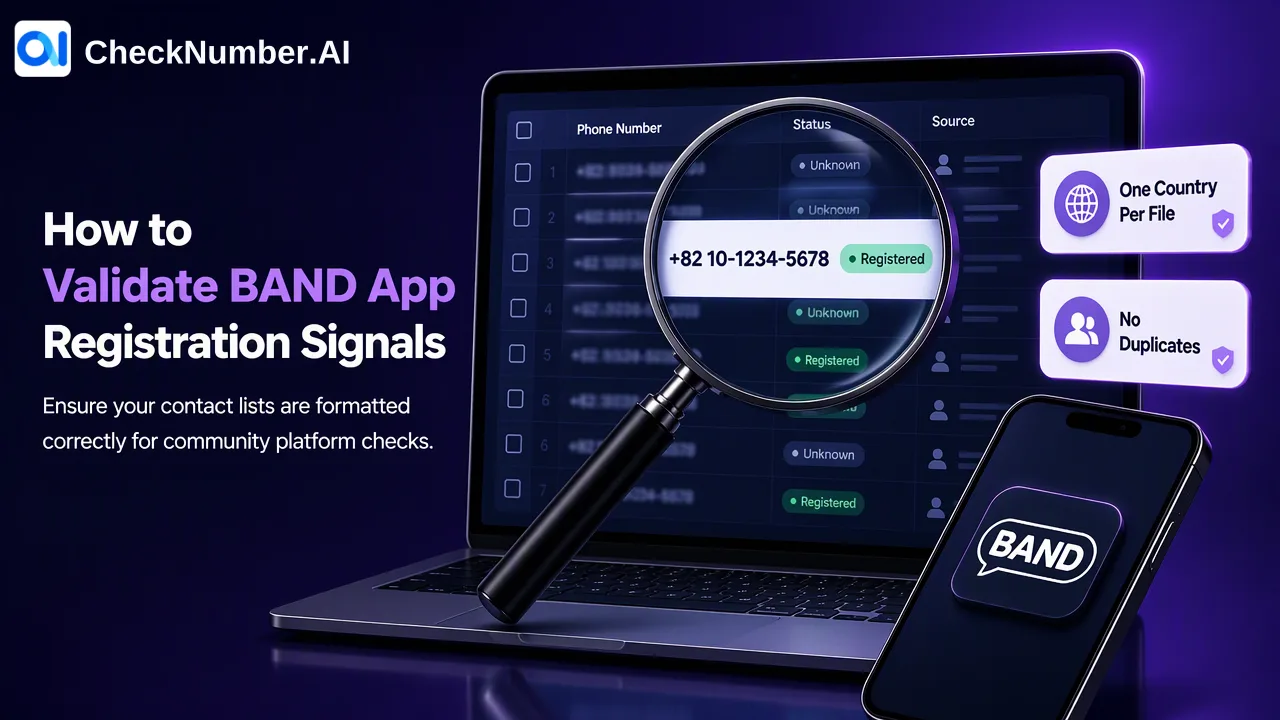
A BAND app number checker can check a supported phone list for BAND registration signals. Prepare one country per file, keep one number per line with its country code, and use the Band Checker to obtain checker-specific results for review. A registration signal describes the named platform at check time; it does not identify a person or grant permission to contact them.
What a BAND app number checker answers
BAND is a group communication app used by teams, clubs, schools, and other communities. Its official getting-started guide describes sign-up with a phone number, email, or linked account. That distinction matters when interpreting a phone-list result: checking a number is narrower than asking whether a particular person belongs to a particular group.
CheckNumber.AI’s Band Checker is a dedicated platform registration product. It checks whether phone numbers are registered with BAND and returns checker-specific results that teams can export for their own review. It does not inspect group membership, messages, who controls an account, personal identity, or an individual’s willingness to join a community. The result belongs to the BAND product; it should not be substituted for a WhatsApp, Telegram, carrier, or phone-validity result.
For a community operations team, the useful question is often whether a consented contact list has an observable BAND registration signal before staff decide how to manage invitations. That signal is one input to a workflow, not a decision about the person. A school or club may maintain separate records for invitation eligibility, contact preferences, and membership; those records answer different questions from a platform check.
Prepare a one-country list before checking
Start with a list the organization is authorized to use. Keep the original contact identifier in the organization’s own system so staff can later associate an exported result with the right record. Then make a working copy for checking. CheckNumber.AI’s phone-list workflow uses supported CSV or TXT uploads, with one country per file and one number per line. Include the country code in every number; the leading plus sign is optional. Do not combine local dialing formats from different countries in one upload and expect the checker to infer which country each line means.
A practical preparation sequence is:
- Separate contacts by country. If a source list mixes regions, create distinct files before upload.
- Review country-code formatting and resolve ambiguous local numbers against the original CRM record rather than guessing.
- Remove duplicate rows and obvious formatting errors with the free Number Cleaner in the dashboard. It normalizes numbers to E.164 and removes duplicates and invalid entries before a paid check.
- Keep a copy of the source list and document which cleaned file was submitted. This makes later review possible without treating the checker output as a replacement for the underlying contact record.
The product catalogue helps teams select the dedicated Band Checker rather than a different platform or validity product. The cleaning step is useful even if the final list is small: a duplicate number could otherwise create redundant rows and an avoidable review task. A normalized number also helps staff see exactly which country code was used. Cleaning addresses input quality; it does not establish BAND registration by itself.
Run the BAND registration check and review the export
After preparing the file, choose the Band Checker for the BAND question and submit the supported list through the bulk workflow. CheckNumber.AI also documents REST API access for supported bulk checking products, but this guide does not assume a particular endpoint, request field, response schema, or timing. Teams integrating a recurring workflow should consult the current API documentation for the product’s actual contract and applicable limits.
When results are ready, export the checker-specific output for customer-controlled review and segmentation. Associate each result with the input record in the team’s own system. Keep a separate category for rows that require manual review because of an input issue or an unclear result; do not silently treat every row as a definitive yes or no. The precise exported fields should be read from the current product output, not inferred from another checker.
A useful review sheet can contain the team’s existing contact ID, normalized input number, country group, the exported BAND result, the check date, and an internal review decision. These are suggested columns for the team’s own worksheet, not a promise about fields supplied by the service. The check date matters because a platform registration signal is observed at check time. It is not a permanent attribute of a person or a guarantee that an account will remain available.
Use registration signals in a responsible community workflow
A result can help staff decide which records deserve further review before planning a BAND invitation. For example, a community team may compare its own invitation-permission records with a list of numbers that have a BAND registration signal. Staff can then decide, under their own policies, which people may receive an invitation and which contacts should remain untouched. This is a proposed internal process, not an automated action performed by the checker.
Do not equate registration with consent. A number may be associated with a BAND account while its holder has never agreed to receive messages from a particular organization. Likewise, a result does not prove who controls the number. BAND’s account help explains that a phone number may previously have been registered by someone else who did not update the account after changing numbers. That is a concrete reason to avoid turning a number-level signal into a person-level assertion.
A negative or unclear result should be handled as a result for this checker and this point in time, not as evidence that the contact is invalid or that the person cannot participate in BAND. BAND’s official guide also describes sign-up routes other than a phone number. When teams need to know whether someone belongs to a specific group, they should use their own membership records and invitation process rather than stretching the meaning of a phone-list check.
Common mistakes to avoid
The first mistake is uploading a mixed-country file or a list of local numbers with missing country codes. The bulk workflow specifies one country per file and a country code on each line. Resolve uncertainty in the source data before interpreting a result. The second mistake is treating a cleaned or E.164-formatted number as a BAND account check. Normalization and duplicate removal prepare input; the Band Checker answers the platform registration question.
A third mistake is blending exports from several checker products into a universal status column. BAND registration, phone validity, and carrier context describe different things. Keep product names and check dates next to the data so a downstream CRM user understands which question was actually asked. A fourth mistake is using the registration output as an invitation list without consulting the organization’s permission records. The organization controls outreach decisions and should maintain a separate consent trail.
Finally, avoid treating the export as an identity lookup. It cannot show that a specific student, parent, customer, or club member controls the listed number. The most defensible use is to inform a limited review of records the team already has a legitimate reason to process, while leaving identity, membership, and contact-permission decisions to the appropriate first-party records.
FAQ
How can teams check BAND registration for a phone list?
Prepare a supported CSV or TXT file containing one country and one number per line with the country code, select the dedicated Band Checker, and review its checker-specific export. Clean duplicates and formatting problems before the check so the input is easier to interpret.
Does a BAND registration signal show who owns a number?
No. The signal concerns BAND registration for the checked number at check time. It does not verify a person’s identity or number ownership, and it cannot establish membership in a particular group.
Can a BAND result be used as permission to send invitations?
No. Platform registration is separate from prior express and informed consent. Teams should consult their own permission and membership records before deciding whether an invitation is appropriate.
How should teams handle contacts without a clear BAND signal?
Keep them in a separate internal review category, check the input formatting, and avoid inferring that the person is invalid or unwilling to join. The checker answers a narrow phone-registration question, while the team’s own records govern contact decisions.