CheckNumber.AI
· 5 min read
How to Bulk-Check Phone Numbers Before a Calling Campaign
Bulk phone checks help sales operations review a list, while consent and do-not-call decisions stay with the team.
Before a calling campaign, bulk-check phone numbers by cleaning the source list, normalizing country codes, running the specific validity and carrier checks needed for the campaign, and reviewing exceptions before handing records to callers. The checks can inform routing and list maintenance. They do not establish permission to call or predict whether someone will answer.
Start with the source list and the right to use it
Identify where each number came from and why it is in the campaign. A CRM export may combine past customers, recent inquiries, and purchased records; those groups should not be treated as one permission category. Keep the original record ID, source, country, and any contact preference alongside the number so the results can be returned to the right person. Remove records that have opted out or are outside the campaign’s purpose before spending time on checks.
Calling rules vary by jurisdiction and campaign type. In the United States, the FTC’s business guidance on do-not-call provisions describes obligations for covered telemarketers and sellers. The point for list preparation is operational: a number-checking result is not a consent record or a substitute for suppression lists. A team should apply the rules relevant to its campaign and keep evidence of its own decisions.
Define what the caller actually needs. If the goal is to exclude poorly prepared numbers, start with formatting and the named validity product. If the team must distinguish mobile from landline for its channel plan, add the documented carrier and line-type product. Avoid running unrelated platform registration checks simply because they are available.
Normalize and split the list before checking
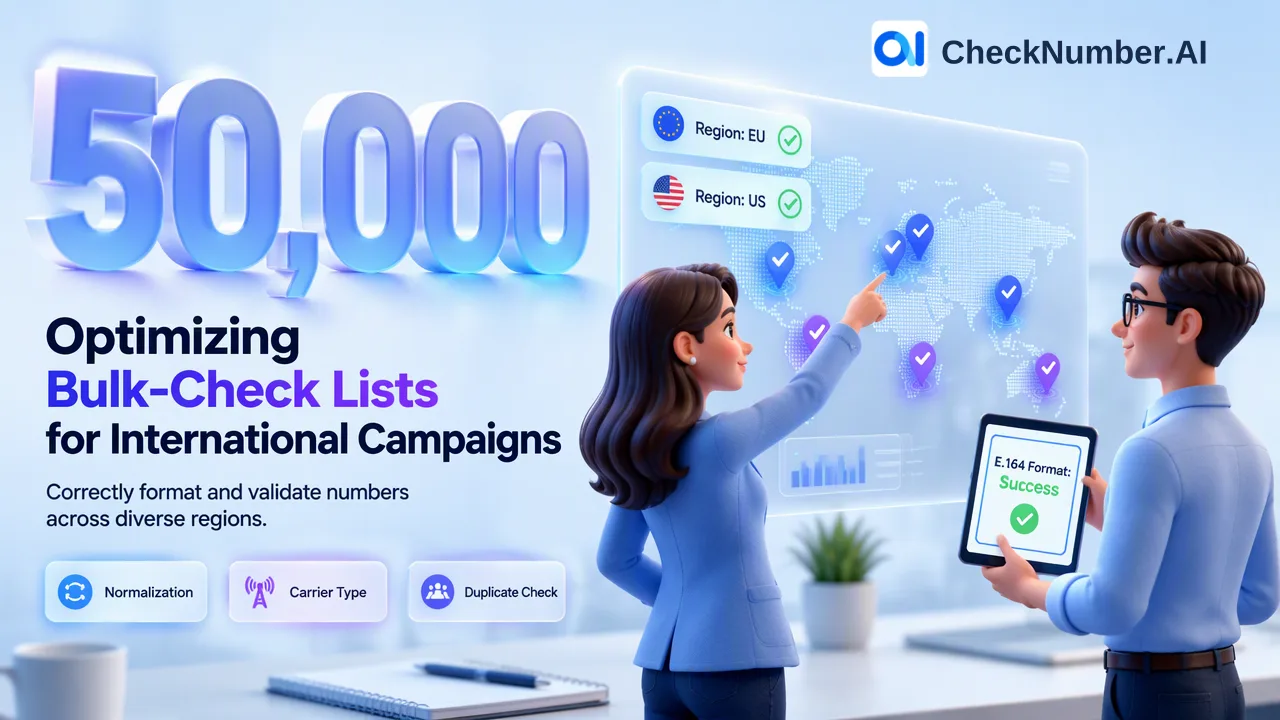
International lists often mix local and international formats, punctuation, spaces, country prefixes, and duplicate records. The ITU E.164 numbering recommendation defines the international numbering structure. CheckNumber.AI’s free dashboard Number Cleaner normalizes to E.164 and removes duplicates and invalid entries before a paid check. That is a preparation step; normalization alone is not the same as the named validity check or a successful phone call.
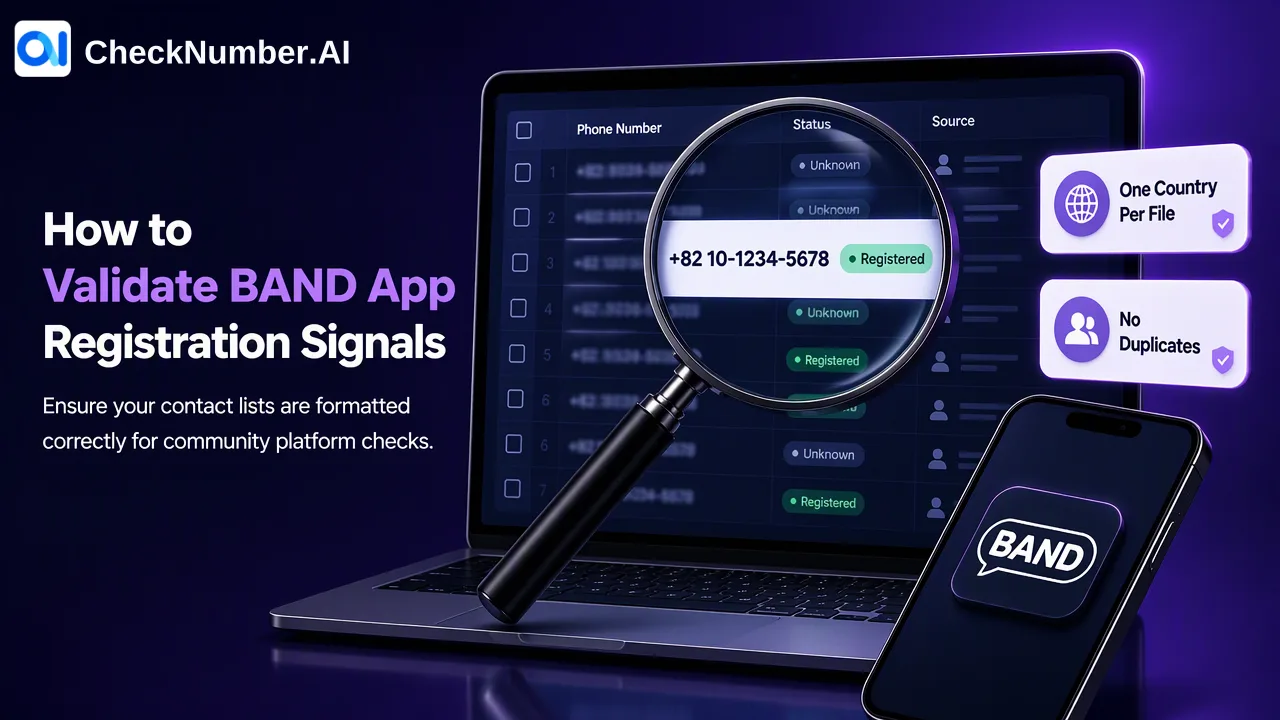
Review the country field instead of guessing from a customer’s language or shipping address. For the site’s phone-list upload workflow, use one country per file and one number per line with its country code; the plus sign is optional. If a source spreadsheet covers several countries, create separate files and keep a mapping back to the CRM record IDs. Confirm each country is supported in the selected product’s current selector. Do not assume every phone-number product covers every region.
Save a small reconciliation note: original row count, rows removed as duplicates, rows needing manual country review, and the normalized list sent for a check. This is an internal governance suggestion, not a service output field. It helps a colleague distinguish a formatting correction from a genuinely changed contact record.
Run only the checks that answer the calling question
A phone-number validity check addresses the validity question for the named product. Carrier and line-type context is a separate kind of information. On CheckNumber.AI, choose the relevant phone-number checking product and verify its documented capability before running a batch. A team should not infer one product’s output fields from another’s marketing page. Exact batch sizes and API behavior belong in the current product documentation rather than a general calling checklist.
After a validity check, keep rows that need review separate from rows the team can confidently route for further consideration. If a carrier or line-type product is used, decide how the campaign treats mobile, landline, and other reported categories within its own policies. The check informs the team’s routing rule; it does not make the call or determine whether it will be delivered. A number may be valid yet unavailable to a particular caller, and a call may be unanswered for reasons outside any list check.
For repeat imports, use the supported CSV or TXT upload workflow or consult the API documentation for supported bulk products. Do not invent a universal response format or rate limit. Export the checker-specific results and join them back to the source CRM records using a stable internal key rather than overwriting the original phone field blindly.
Review exceptions and launch with an audit trail
Before giving a list to callers, sample the normalized numbers by country, inspect records that were not matched to a CRM key, and confirm that suppression and consent data survived the export. A failed join can cause a caller to see the wrong person or an outdated preference even when the phone check itself was run correctly. Keep the original and cleaned versions for comparison under the team’s retention policy.
Create separate operational groups: records ready for the team’s final permission review, records needing format or country correction, records for a different calling channel, and records to hold. The group names are the team’s own workflow, not claimed checker statuses. A sales manager should decide when a person may call, using the applicable permission and do-not-call evidence. A carrier signal or validity result is one input, not that decision.
After launch, feed corrections back into the CRM: wrong country code, duplicate records, changed customer preference, or a number that a customer says is no longer theirs. Do not infer a checker accuracy rate from a small set of returned calls. The practical benefit of bulk checking is a more legible, reviewable list preparation process. It cannot promise contact, conversation, sales, or regulatory compliance.
FAQ
Should teams format numbers before running a bulk check?
Yes. Normalize country codes and remove duplicates first so each checked row can be traced to the original record.
Does a valid phone-number result mean the call will connect?
No. A validity result is the named product’s signal; connection and response depend on factors outside the check.
Can a carrier check tell a team whether it may call?
No. Carrier and line-type context can inform channel routing, while permission and do-not-call decisions require separate records and review.
How should teams handle mixed-country calling lists?
Split them by country, use one country per file for the supported upload workflow, and confirm each selected product’s current country coverage.