CheckNumber.AI
 · 5 min read
Beyond the Avatar: Using Profile Signals to Enrich and Segment Your Messaging Lists
Profile signals such as WhatsApp avatars and activity status provide valuable context for CRM enrichment and audience segmentation. Rather than serving as definitive identity verification, these signals act as a secondary data layer that helps teams categorize contacts, prioritize outreach, and maintain cleaner, more actionable messaging lists when combined with existing business data.
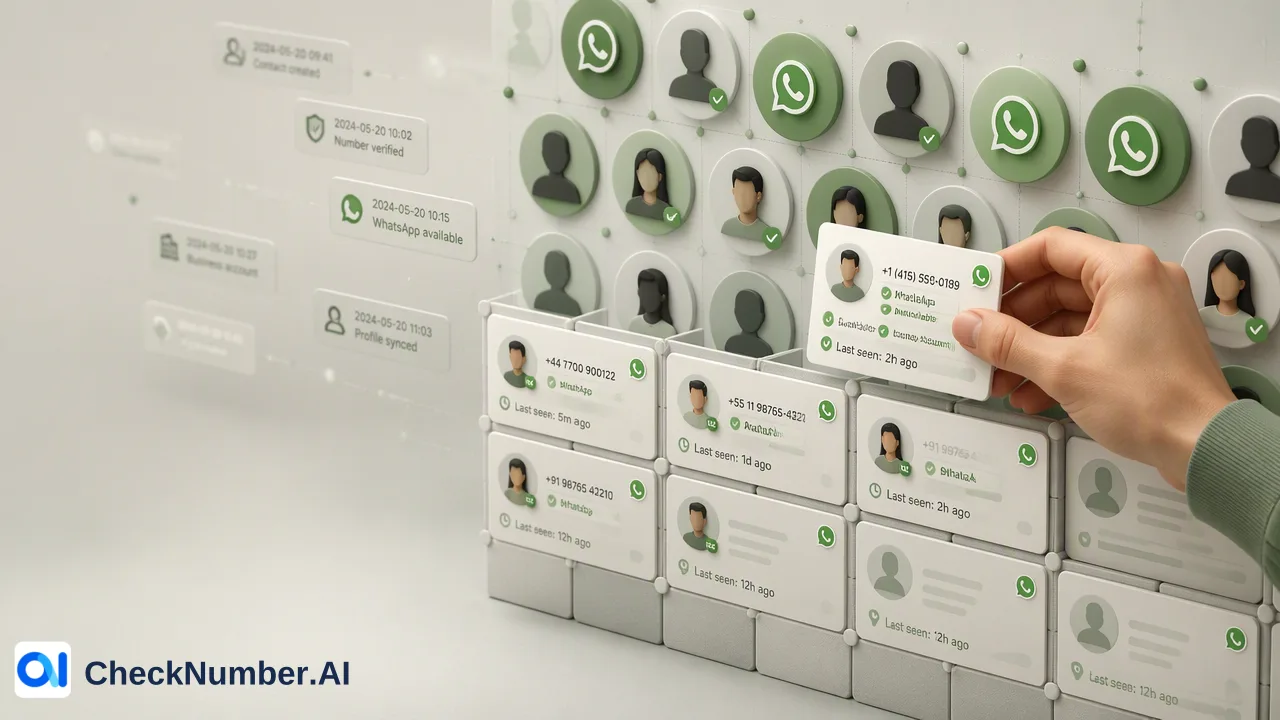
Profile signals like WhatsApp avatars and activity status provide valuable context for CRM enrichment and audience segmentation. Rather than serving as definitive identity verification, these signals act as a secondary data layer that helps teams categorize contacts, prioritize outreach, and maintain cleaner, more actionable messaging lists when combined with existing business data. By appending metadata to existing contact records, organizations can better understand their audience and tailor their engagement strategies without over-relying on basic registration checks.
The Role of Profile Signals in Modern CRM Strategy
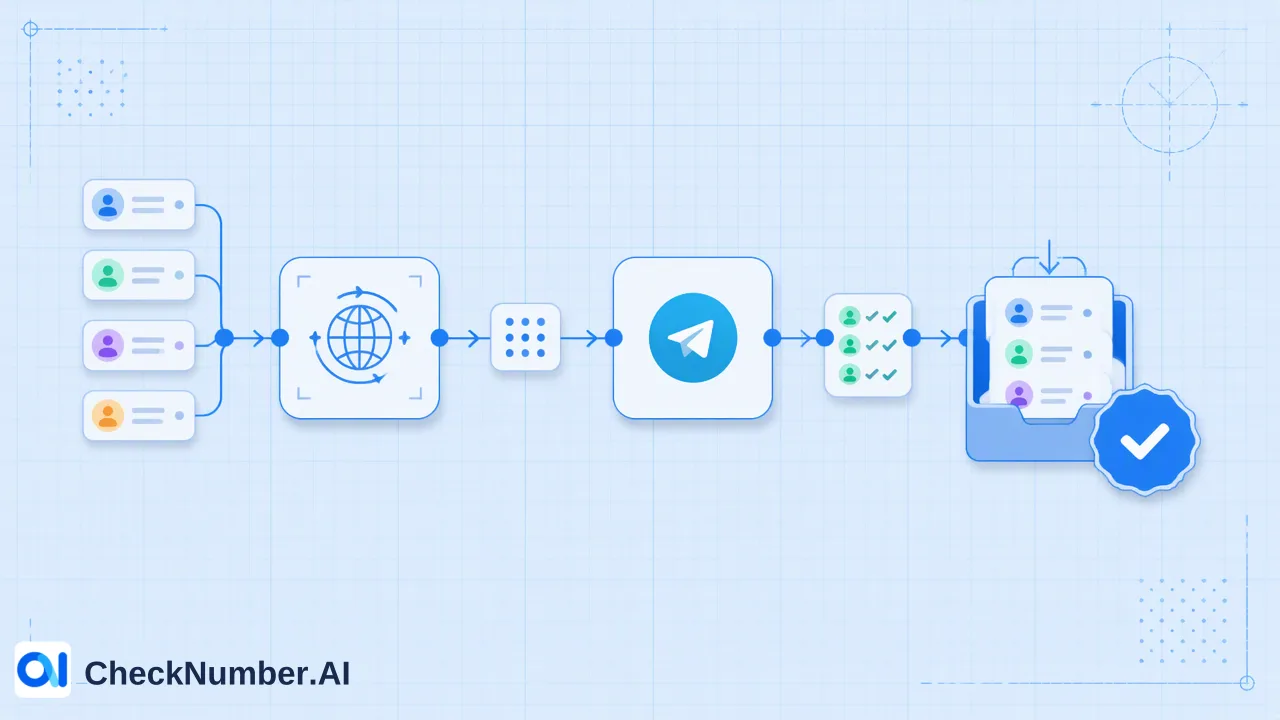
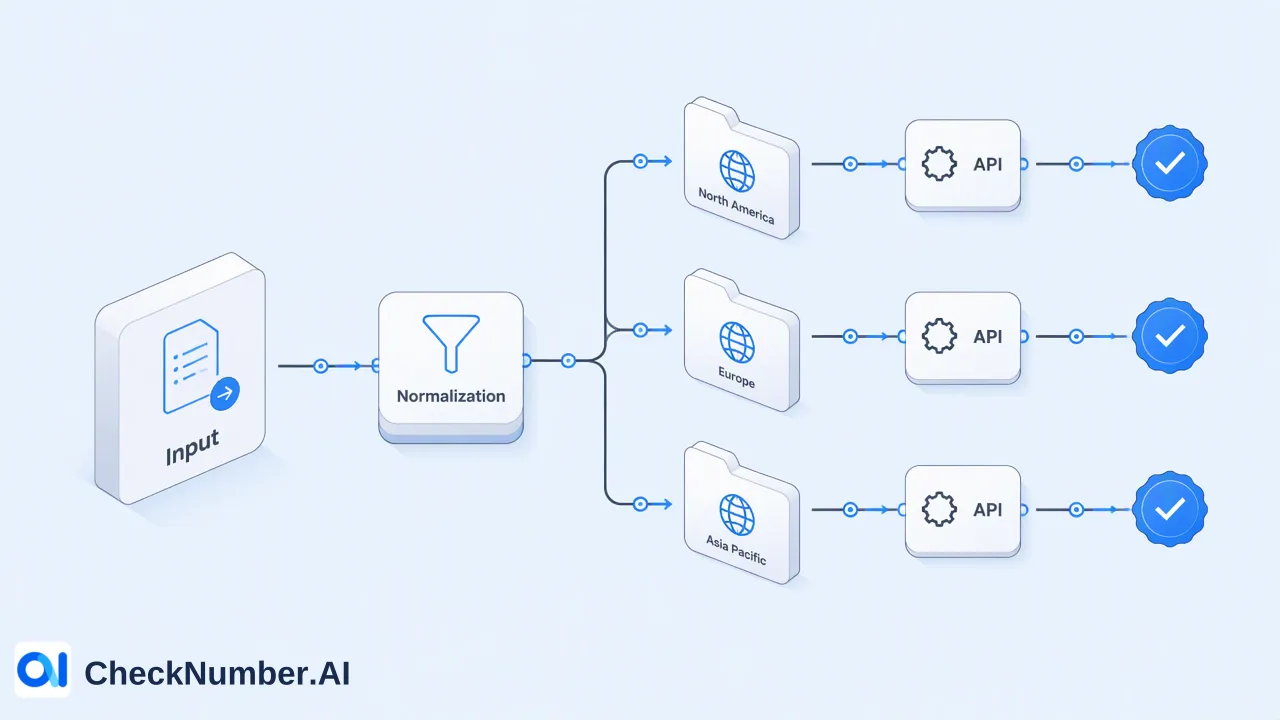
Profile enrichment is the process of appending metadata—such as avatar presence, activity status, or business profile indicators—to existing contact records to provide additional context for segmentation. While basic platform registration checks confirm account-related presence at the time of the check, profile enrichment adds layers of information that help teams understand the composition of their messaging lists. Organizations often rely on bulk checking of supported phone-number lists to process this data at scale. CheckNumber.AI provides specific tools for these workflows, supporting CSV or TXT list uploads and REST API access. When executing WhatsApp profile enrichment for segmentation, teams can utilize distinct products depending on their data needs. The WhatsApp Days Checker checks WhatsApp account presence and provides available activity or last-seen context, along with available business-account and profile context. Alternatively, the Whatsapp Avatar, Age, Gender & Others Checker checks WhatsApp account presence and provides available profile and demographic enrichment. By understanding the specific capabilities of each tool, teams can append the correct metadata to their CRM records.
Why Avatar Data is a Secondary Enrichment Layer
Avatar presence is a secondary signal for audience context and should not be used as a definitive filter for lead quality. A platform-registration signal describes account-related presence at check time only. Treating an avatar as a primary identity verification tool introduces significant data risks. For example, empty or missing avatars do not necessarily indicate an inactive or low-value lead. A contact may simply have strict privacy settings enabled or choose not to upload a profile picture. If organizations automatically discard records lacking an avatar, they risk removing valid contacts from their messaging lists. Instead, avatar data should be viewed as one input alongside other checks. It helps teams review and categorize records to support outreach prioritization.
Practical Applications for Audience Segmentation
When integrated properly, profile metadata significantly improves CRM data readability and helps sales teams prioritize outreach. Categorizing avatars—such as distinguishing between a brand logo and a human face—can help teams quickly identify whether a contact is likely a business entity or an individual consumer. Combining profile signals with existing business data provides more context than using profile signals in isolation. For instance, pairing a business profile signal from the WhatsApp Days Checker with a contact’s past purchase history allows marketing teams to segment B2B clients from retail customers. Similarly, utilizing demographic enrichment from the Whatsapp Avatar, Age, Gender & Others Checker alongside lead source data can inform how outreach campaigns are structured. This combined approach ensures that WhatsApp profile enrichment for segmentation supports highly targeted messaging lists rather than relying on isolated data points.
Maintaining Data Hygiene with Dynamic Signals
Profile data is inherently dynamic. Contacts frequently update their avatars, change their privacy settings, or modify their business profile indicators. Because these elements fluctuate, avatar data and activity signals should be timestamped to ensure the CRM reflects the most current user state. Relying on outdated profile metadata can lead to miscategorized segments and poorly prioritized outreach. To maintain accurate messaging lists, organizations can implement regular bulk checking workflows using CSV or TXT list uploads, or integrate via REST API for automated updates. Timestamping each enrichment check provides a historical record of when the profile signal was last verified, helping teams make informed decisions based on the freshest available data.
FAQ
How does profile enrichment differ from basic platform registration checks?
Basic registration checks confirm account-related presence on a platform at the time of the check. Profile enrichment is the process of appending metadata—such as avatar presence, activity status, or business profile indicators—to existing contact records to provide additional context for segmentation.
Why is it important to combine profile signals with existing business data?
Combining profile signals with existing business data, such as purchase history or lead source, provides more context than using profile signals in isolation. This combined approach supports better audience segmentation and helps teams prioritize outreach effectively.
Do missing avatars indicate an inactive contact?
Empty or missing avatars do not necessarily indicate an inactive or low-value lead. A contact may simply have strict privacy settings enabled. Missing avatars should be managed within a broader engagement strategy rather than being used as a strict filter for list hygiene.
How do teams process profile enrichment signals at scale?
Organizations typically use bulk checking workflows for supported phone-number lists. CheckNumber.AI supports these workflows through CSV or TXT list uploads and REST API access, allowing teams to append profile and demographic enrichment data to large messaging lists efficiently.