CheckNumber.AI
 · 8 min read
Cara Cek Nomor WA Aktif: How to Check Whether WhatsApp Numbers in a List Are Registered and Active
A list-level workflow for Indonesian teams: format 08xx numbers to +62, run a WhatsApp registration check, and add activity context only through the dedicated activity product.
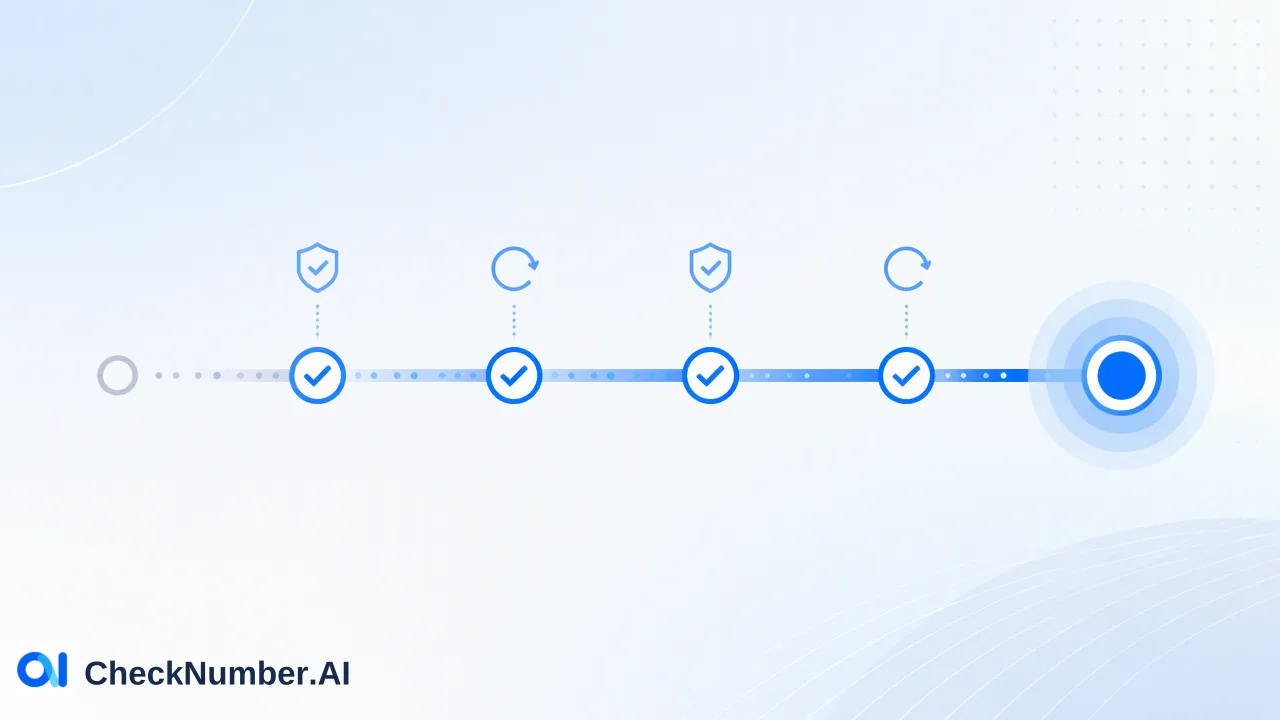
The practical answer to “cara cek nomor WA aktif” for a contact list has two parts: first check whether each number is registered with WhatsApp, then, only if timing matters, check how many days have passed since each account was last online. Saving numbers one by one in a phone works for a handful of contacts, but a list of thousands needs clean +62 formatting, a bulk registration check, and a separate activity check. A registered result is a WhatsApp-specific signal at check time; it is not consent to message and not a promise that anyone will reply.
What “cara cek nomor WA aktif” really asks
Indonesian searchers use the phrase for two different questions, and mixing them up is the most common reason a cleaned list still performs poorly:
- Is this number on WhatsApp at all? This is a registration question. The answer tells a team whether WhatsApp is a possible channel for that number at the moment of the check.
- Has this WhatsApp account been used recently? This is an activity question. A number can be registered but belong to an account nobody has opened for a long time.
Most top-ranking Indonesian guides only cover the manual route: save the number in the phone contacts, open WhatsApp, and see whether the contact appears or shows up under “Invite to WhatsApp”. WhatsApp also documents a click to chat link that opens a chat when the full international number is used. Both methods are fine for checking one or two numbers you already have permission to contact. They do not scale to a CRM export, they leave no audit trail, and they run through someone’s personal WhatsApp account.
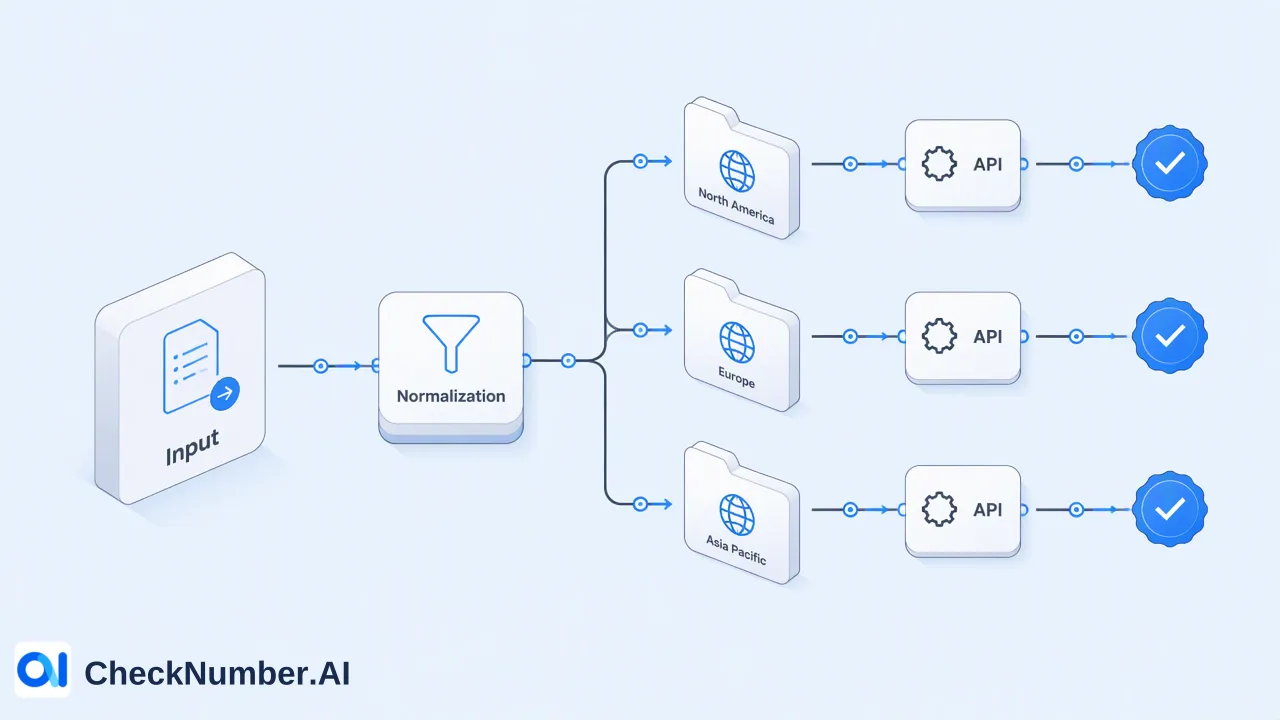
For teams, the list-level version of the question needs a repeatable workflow: format, split, check registration, add activity context where needed, and record the result date.
Step 1: Convert local 08xx numbers to +62 format
Indonesian lists usually mix several ways of writing the same mobile number. Before any check, every row should be in international E.164 form: a plus sign, the country code 62, then the subscriber number without the leading trunk zero. The ITU E.164 recommendation defines this international numbering format, and WhatsApp’s own help page on international phone number format describes the same idea of dropping the local prefix.
| How it appears in the list | Problem | Correct form |
|---|---|---|
| 0812-xxxx-xxxx | Local trunk zero, dashes | +62812xxxxxxxx |
| 62812xxxxxxxx | Missing plus sign (acceptable for upload) | +62812xxxxxxxx |
| +62 0812 xxxx xxxx | Country code plus trunk zero | +62812xxxxxxxx |
| 812xxxxxxxx | No country code | +62812xxxxxxxx |
| (+62) 812-xxxx-xxxx | Brackets and separators | +62812xxxxxxxx |
The Number Cleaner in CheckNumber.AI normalizes phone numbers to E.164 and removes duplicates and invalid entries before a check is run. Running it first matters for Indonesian data in particular, because the same customer is often stored twice, once as 0812… from a web form and once as +62812… from a CRM import. After normalization those two rows collapse into one, so the later results and any follow-up counts are not inflated.
Common mistakes to look for during this step:
- The double prefix “+620”, created when a tool adds +62 without removing the leading zero.
- Spreadsheet number formatting that turns long numbers into scientific notation or strips the plus sign. Store the column as text before exporting.
- Foreign numbers hidden in an Indonesian list, for example Malaysian (+60) or Singaporean (+65) numbers from regional campaigns. They need their own files.
Step 2: Prepare one file per country
Phone-list uploads use one country per file and one number per line with the country code; the plus sign is optional. Both CSV and TXT uploads are supported. A simple preparation routine for an Indonesian list:
- Filter the cleaned list to numbers starting with +62 and save it as its own file.
- Move any other country codes into separate files, one file per country.
- Keep one number per line with no names, notes or extra columns in the upload file. Keep the original CRM export separately so results can be joined back later.
- Name files with country, source and date, for example
id_webinar-leads_2026-10-20.txt, so each result can be traced to the list it came from. - Before uploading, confirm that the country appears in the selected product’s current country selector. Phone-number products do not cover China mainland, so mixed Asia-Pacific lists should be reviewed before upload.
Step 3: Run the WhatsApp registration check on the list
Two CheckNumber.AI products answer the registration question for phone-number lists:
- WhatsApp Number Checker checks whether phone numbers are registered with WhatsApp.
- WhatsApp Advanced Checker checks current WhatsApp registration for uploaded lists using a stricter real-time detection process.
Upload the +62 file, choose the product, and export the results when the task finishes. The export can then be matched back to the original CRM records by phone number.
Read the outcome narrowly. A registered result is a platform-specific reachability signal for WhatsApp at check time. It helps decide whether WhatsApp belongs in the channel plan for that number; it does not confirm who holds the number, and it says nothing about how recently the account was opened. That second question needs the activity step below.
Step 4: Add activity context to check whether the WA number is active
When the real question is “which WhatsApp contacts are likely to see a message soon”, registration alone is not enough. The WhatsApp Days Checker is the dedicated product for this. It checks WhatsApp account presence and provides available activity or last-seen context, plus available business-account context.
Two details are easy to misread:
- Activity days mean days since last online. They do not describe how old the account is or how many days the person has used WhatsApp.
- Context is provided where available. Some rows may not include an activity value, so the workflow should have a defined handling rule for blank values instead of treating them as zero.
A practical way to use the result is to create your own priority bands. The thresholds are an internal choice for each team, not a product rule. For example, a team might treat accounts last online within the past week as first-wave contacts, accounts last online within a month as second-wave contacts, and older or blank values as candidates for another channel. Review the bands after each campaign and adjust them to what the team actually observes.
How to act on each result
| Result in the export | What it tells the team | Suggested next step |
|---|---|---|
| Registered, recently online | WhatsApp is a possible channel and the account was used recently | Prioritize WhatsApp for contacts with documented opt-in |
| Registered, long time since last online | WhatsApp is a possible channel, but the account has not been opened recently | Lower priority, or plan SMS, email or a call where consented |
| Registered, no activity value | Registration signal only | Treat as a separate segment; do not assume recent use |
| Not registered | WhatsApp is not a channel for this number at check time | Use another consented channel; avoid repeat WhatsApp attempts |
| Removed by Number Cleaner | Duplicate or invalid entry | Correct the source record in the CRM |
Keep the check date next to each result. WhatsApp registration and activity change over time, so a list checked months ago should be checked again before it is used for a new campaign. For lists that are refreshed often, the same products are available through the REST API for supported bulk checking; the API documentation explains the supported requests and current usage limits.
Consent comes before any WhatsApp message
A registration or activity result describes the number’s status on WhatsApp. It does not create permission to contact anyone. Recipients need prior express and informed consent, and WhatsApp’s Business Messaging Policy states that businesses may only contact people who have shared their number and given opt-in permission to receive messages.
In practice, keep three columns side by side in the CRM: the consent source and date, the WhatsApp registration result and date, and the activity band if one was used. Contacts without a recorded opt-in should not move into a WhatsApp campaign regardless of how recent their activity looks. Opt-out requests received on any channel should remove the contact from the WhatsApp segment as well.
FAQ
How can teams tell whether a WhatsApp number is active or only registered?
Use two separate checks. A WhatsApp registration check shows whether the number is registered with WhatsApp at check time. The WhatsApp Days Checker adds available last-seen context, expressed as days since last online, which is the closer answer to whether the account has been used recently.
How should Indonesian numbers be formatted before a WhatsApp check?
Convert every number to +62 followed by the subscriber number without the leading zero, so 0812… becomes +62812… Remove spaces, dashes and brackets, fix any +620 double prefixes, and keep one number per line in a file that contains only Indonesian numbers.
How often should teams re-check a WhatsApp contact list?
Results describe the list at the time of the check, so a sensible routine is to re-check before each major campaign and whenever a list has been idle for several months. Store the check date with every result so the age of the data is always visible.
How can teams check a single WhatsApp number instead of a list?
For one or two numbers with existing permission, WhatsApp’s own click to chat link or the phone’s contact list is enough. Once the task involves a CRM export or repeated checks, a bulk upload with exportable results is easier to audit and to repeat.