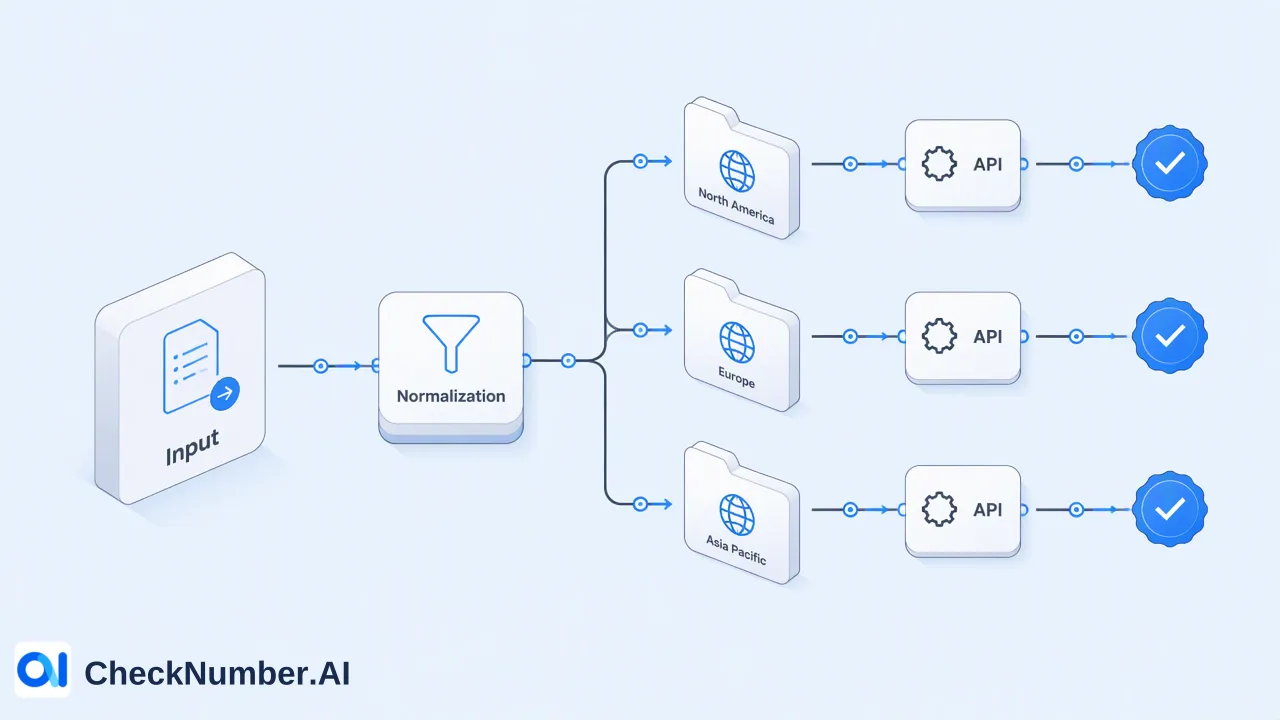
CheckNumber.AI
 · 7 min read
Telegram Phone Number Checker: Checking a Contact List Without Running Scripts
How non-developer teams can check a phone list for Telegram registration by uploading a file instead of running a Python tool with their own Telegram account.
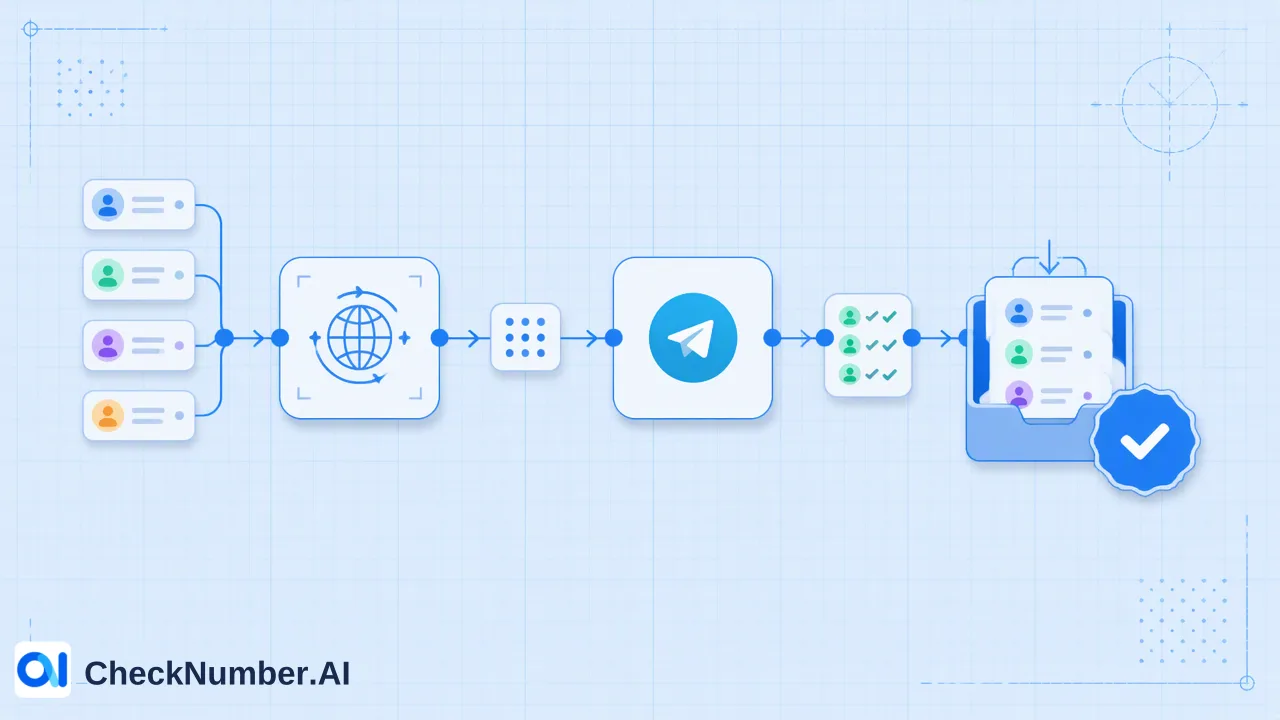
A Telegram phone number checker tells you whether each number in a list is registered with Telegram at the time of the check. Most top results for the search are open-source Python tools that need a developer setup and a personal Telegram account. For marketing, CRM and operations teams, an upload-based Telegram phone number checker covers the same registration question with a CSV or TXT file and an exportable result, with no scripts to install.
What a Telegram phone number checker answers
The core question is narrow: is this phone number registered with Telegram right now? For a contact list, that answer supports channel planning. Numbers with a Telegram registration signal can be considered for Telegram outreach where the contact has opted in, and the rest can be planned for SMS, email or a call.
The result is a platform-specific reachability signal at check time. It is useful for deciding which channel to plan for each number, but it does not identify the person behind the number, and it does not show consent. Teams that keep those boundaries in mind get far more value from the result than teams that treat it as a profile of the contact.
Telegram itself offers a manual version of this check. Its FAQ explains that contacts who use Telegram appear at the top of the Contacts list in the app. That works when the numbers are already saved in someone’s phone, which is rarely the case for a CRM export of several thousand rows.
How script-based Telegram number checkers work
The results that dominate the search are command-line tools published on GitHub and PyPI. The widely referenced Bellingcat telegram-phone-number-checker is a good example of what this route involves:
- A Python environment and a package install.
- A Telegram account with an active phone number.
- Telegram API credentials created under that account through my.telegram.org.
- Numbers passed on the command line, with output written to the console and a JSON file.
The tool’s own documentation advises against using a personal account for automation. Telegram’s developer page adds that accounts logging in through unofficial API clients are placed under observation, and that using the API for flooding or spamming leads to a permanent ban. For journalists or researchers checking a few numbers, the trade-off can be reasonable. For a sales or CRM team, it means a developer has to maintain the setup, a real Telegram account carries the operational risk, and the output still needs to be converted back into a spreadsheet.
Script-based tools vs an upload-based Telegram checker
| Consideration | Script-based tool | Upload-based bulk check |
|---|---|---|
| Setup | Python install and Telegram API credentials | Account on the checking service |
| Telegram account used | The operator’s own account | No personal Telegram session needed by the team |
| Input | Numbers typed or passed as arguments | CSV or TXT file, one number per line |
| Output | Console text and JSON | Exportable result file for review and segmentation |
| Who can run it | Someone comfortable with a terminal | Marketing, CRM and operations staff |
| Repeat runs | Re-run the script and re-process output | Upload a new file, or use the REST API for integration |
Neither route changes what the answer means. Both report Telegram registration at the time of the check, so the choice is about who runs the workflow, which account carries the risk, and how easily the results flow back into the team’s own systems.
Step-by-step: checking a contact list for Telegram
- Export the numbers from the CRM or spreadsheet together with a record key, and keep that export as the master file.
- Normalize the list. Number Cleaner in CheckNumber.AI normalizes phone numbers to the international E.164 format and removes duplicates and invalid entries before a check is run.
- Split by country. Phone-list uploads use one country per file and one number per line with the country code; the plus sign is optional.
- Confirm coverage. Check the country in the selected product’s current country selector. Phone-number products do not cover China mainland, and Hong Kong, Macau and Taiwan are unsupported for phone-number products except LINE, so those rows need another plan.
- Choose Telegram Checker, the product that checks whether phone numbers are registered with Telegram, and upload the CSV or TXT file.
- Export the results when the task finishes and join them back to the master file by phone number, adding the check date as its own column.
A team that follows these steps ends with one tidy column per check, which makes the next decision, which channel to plan for each contact, straightforward.
Reading registered and not-registered results
Each number in the export comes back with a Telegram registration result. A practical way to use it:
- Registered: Telegram is a possible channel for that number at check time. Move the contact into the Telegram segment only if the consent record covers that type of outreach.
- Not registered: plan another consented channel instead of retrying Telegram.
- Rows removed during cleaning: fix the source record, because the same error will reappear in the next export.
Keep results dated. Telegram registration changes over time, so a list checked several months ago should be checked again before it drives a new campaign. Avoid merging the Telegram result into a single “contactable” flag together with other checks; separate columns keep it clear which signal came from which product.
When registration is not enough
Some teams need more than a registration answer. CheckNumber.AI keeps these needs in separate products, and each product’s output belongs only to that product:
- Telegram Days Checker checks Telegram account presence and provides available activity or last-seen context, plus available account-identifier and Premium-membership context. Activity-day values mean days since last online, not account age.
- Telegram Age & Gender Checker checks account presence and provides available profile, demographic and activity enrichment. Inferred attributes such as age or gender are estimates for segmentation, not confirmed personal facts.
- Telegram Username Registration Checker is the option when the list holds Telegram usernames instead of phone numbers.
Start with the plain Telegram Checker and add one of these only when a specific decision, such as prioritizing recent users, depends on it.
Integrating the Telegram check through the REST API
For teams that refresh lists every week, supported bulk checking products are also available through the REST API, so the same Telegram registration check can run from an internal system instead of a manual upload. The Telegram Checker API documentation describes the supported requests and the current usage limits; read those details there rather than assuming a fixed rate or batch size.
Whichever route a team uses, registration is a platform signal and not permission to message. Recipients need prior express and informed consent, and Telegram’s rules against spam apply to every sender.
FAQ
How can teams check Telegram registration for a list without a developer?
Prepare a CSV or TXT file with one number per line and one country per file, select the Telegram Checker product, upload the file and export the result. No Python environment, Telegram API credentials or personal Telegram account is needed for the team running the check.
How should phone numbers be formatted for a Telegram number check?
Use international format with the country code and no local trunk zero, such as converting a local 0-prefixed number into the +country-code form. The plus sign is optional in uploads. Number Cleaner can normalize numbers to E.164 and remove duplicates before the check.
How can teams check Telegram usernames instead of phone numbers?
Use the Telegram Username Registration Checker, which checks whether usernames are registered with Telegram. Keep usernames and phone numbers in separate files, because each product accepts its own input type.
How often should a Telegram contact list be checked again?
Results reflect the time of the check, so re-check before each significant campaign and whenever a list has not been used for several months. Store the check date with every result to make the age of the data visible.