CheckNumber.AI
 · 5 min read
How to Build a High-Conversion WhatsApp Outreach Workflow: From Raw List to Qualified Lead
Learn how to build a structured WhatsApp outreach workflow by cleaning contact data, verifying platform registration, and using account signals to segment leads.
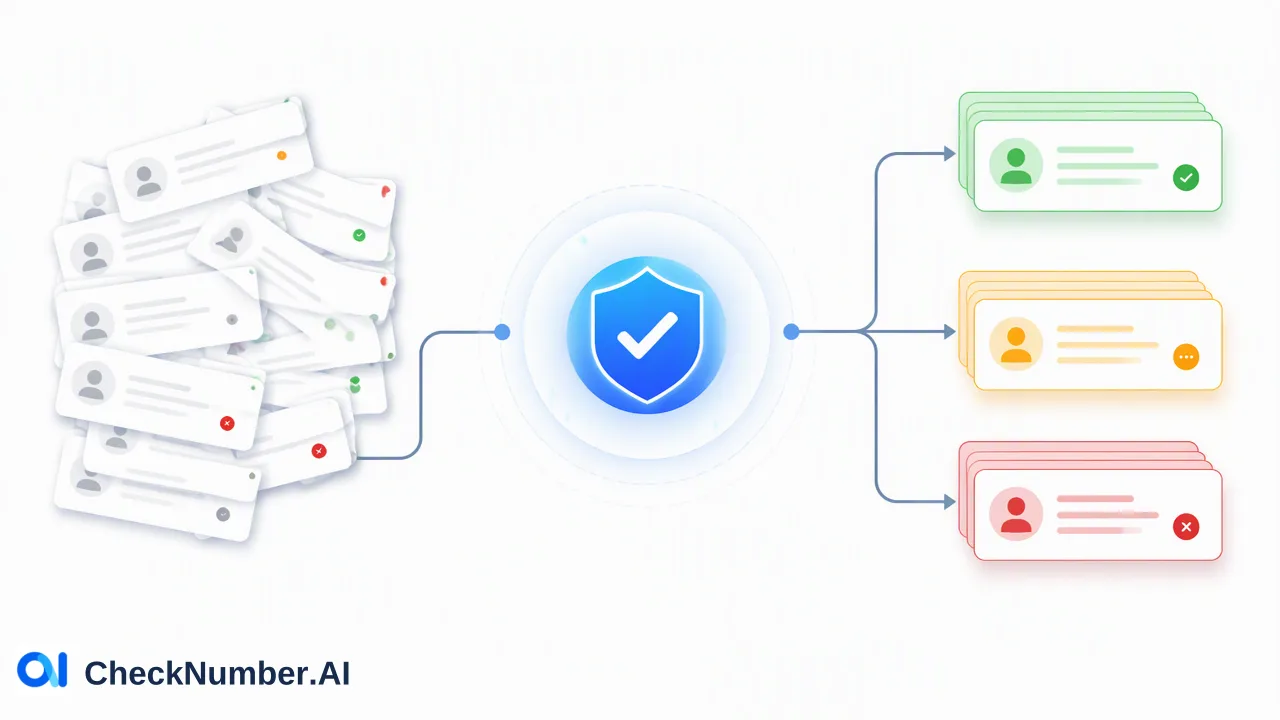
A high-conversion WhatsApp outreach workflow transforms raw, unverified contact records into segmented, qualified audiences through systematic data standardization, platform registration checks, and context-based lead filtering. Instead of dispatching unsegmented messages to unverified phone numbers, organizations clean contact records, check whether accounts exist on WhatsApp, and use activity signals to organize outreach tiers.
The Operational Bottlenecks of Raw List Outreach
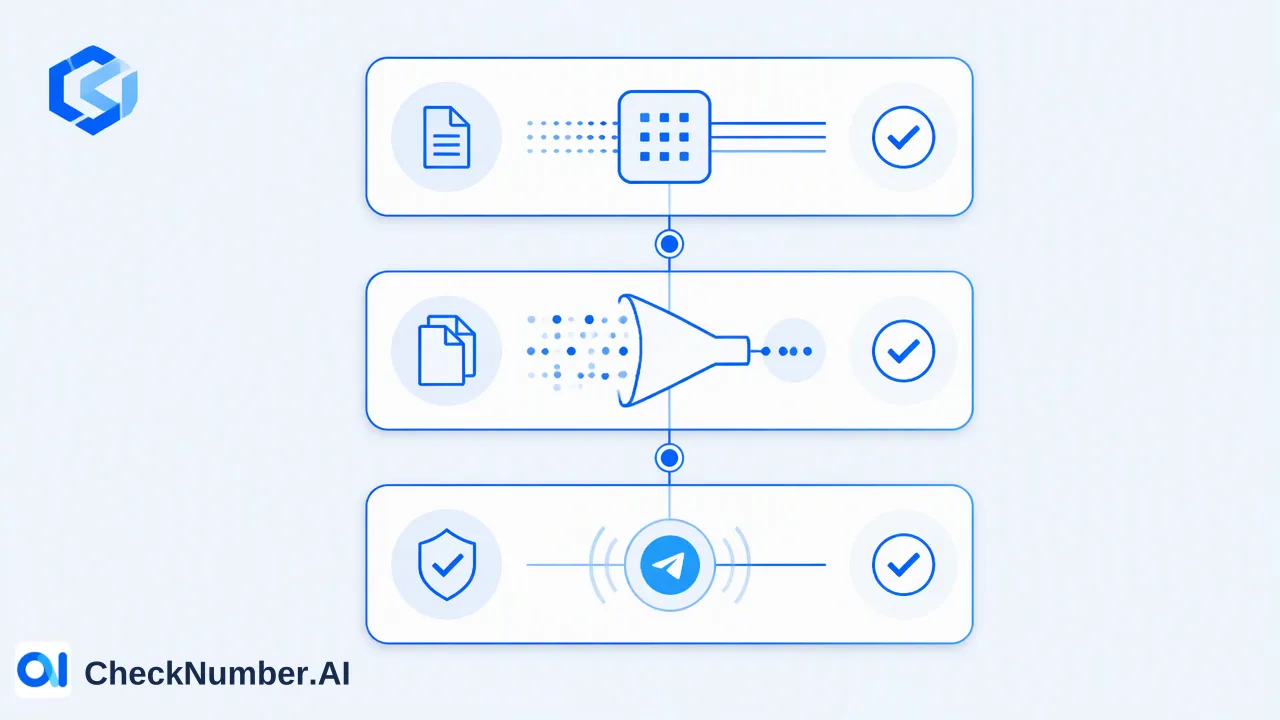
Marketing and acquisition teams often acquire lead lists from diverse touchpoints, including web forms, past event rosters, inbound marketing campaigns, and purchased partner databases. Initiating direct outbound messaging to these raw lists without structured validation introduces significant operational friction. Raw contact databases frequently contain typographical errors, outdated phone numbers, discontinued lines, and records that have never established an account on the target messaging network. When outreach systems dispatch messages indiscriminately to these contacts, teams encounter high delivery failure rates, wasted messaging spend, and skewed campaign metrics. Furthermore, messaging unverified or inactive numbers can signal spam-like behavior to platform automated monitoring systems, creating risk for operational sender numbers. Effective WhatsApp customer acquisition requires moving away from unvetted bulk distribution. A sustainable outreach strategy relies on a structured sequence that cleans raw entries, verifies platform registration status, and applies account context to prioritize active prospects.
Step 1: Standardizing Formats and Preparing List Hygiene
The initial phase in building an outreach workflow focuses on data normalization and basic list cleaning. Contact records collected across multiple regions or intake channels rarely follow consistent syntax. Incomplete country dialing codes, local prefixes, brackets, hyphens, and whitespace all introduce ambiguity into downstream communication tools. Standardizing international phone number formats ensures every record adheres to a uniform structure with country and area routing prefixes. This formatting step eliminates syntax-level errors and prepares lists for accurate verification calls. Teams can run automated normalization scripts or rely on bulk file preparation before submitting records to verification pipelines. Early data hygiene also involves deduplicating entries and removing incomplete contact rows from internal CRM databases. Removing structural defects before running platform-level verification reduces processing overhead and ensures that operational teams only spend resources evaluating coherent contact records.
Step 2: Validating Platform Registration and Reachability
A common point of confusion in contact management is the difference between a functional phone number and an active WhatsApp account. A phone number may be active on a cellular carrier for voice calls or SMS, yet completely absent from the WhatsApp ecosystem. Relying solely on basic carrier or network status does not indicate whether a user can receive messages on the platform. Using CheckNumber.AI’s WhatsApp Number Checker, organizations upload contact lists via CSV or TXT files, or query phone numbers programmatically via REST API, to determine if an account exists on WhatsApp. For workflows requiring enhanced verification depth, WhatsApp Advanced Checker provides account registration checks using a higher-detection-rate task. Filtering contact databases against verified platform registration signals helps teams remove non-registered numbers prior to campaign execution. This stage ensures that outbound communications target exclusively numbers capable of receiving WhatsApp messages, directly improving delivery efficiency and preserving sender reputation.
Step 3: Enriching and Segmenting for Qualified Lead Outreach
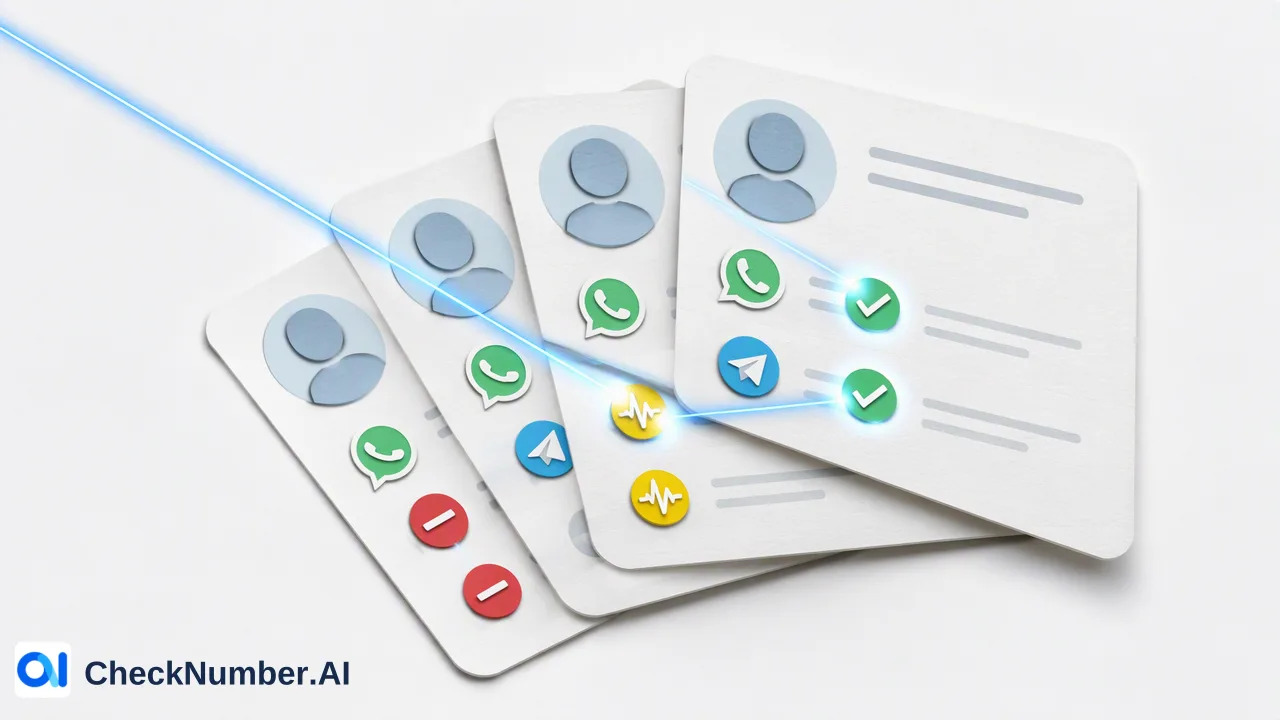
Confirming account registration identifies which contacts are reachable, but high-performing outreach requires deeper audience segmentation. Not all registered users exhibit the same engagement patterns, and different contact profiles demand different conversational approaches. Incorporating additional account signals allows teams to categorize contacts into distinct workflow queues:
| Signal Type | Documented Capability | Outreach Application |
|---|---|---|
| Activity Context | WhatsApp Days Checker provides available last-seen and account presence context | Informs prioritization for rapid-response sales outreach versus nurture sequences |
| Business Profile Context | WhatsApp Days Checker identifies available business-account indicators | Routes leads to B2B enterprise reps versus consumer-facing agents |
| Profile Enrichment | WhatsApp Age & Gender Checker supplies available demographic and profile context | Supports audience grouping and tailored conversational messaging |
| For example, sales representatives can prioritize leads displaying recent activity signals for direct conversational follow-ups, while scheduling contacts with older activity signals for broader marketing updates. Similarly, identifying business accounts allows B2B outreach teams to introduce corporate offerings while routing personal profiles to general consumer tracks. These signals serve as decision-support inputs, helping teams allocate sales capacity toward the most relevant leads. |
Building an End-to-End Automated Outreach Architecture
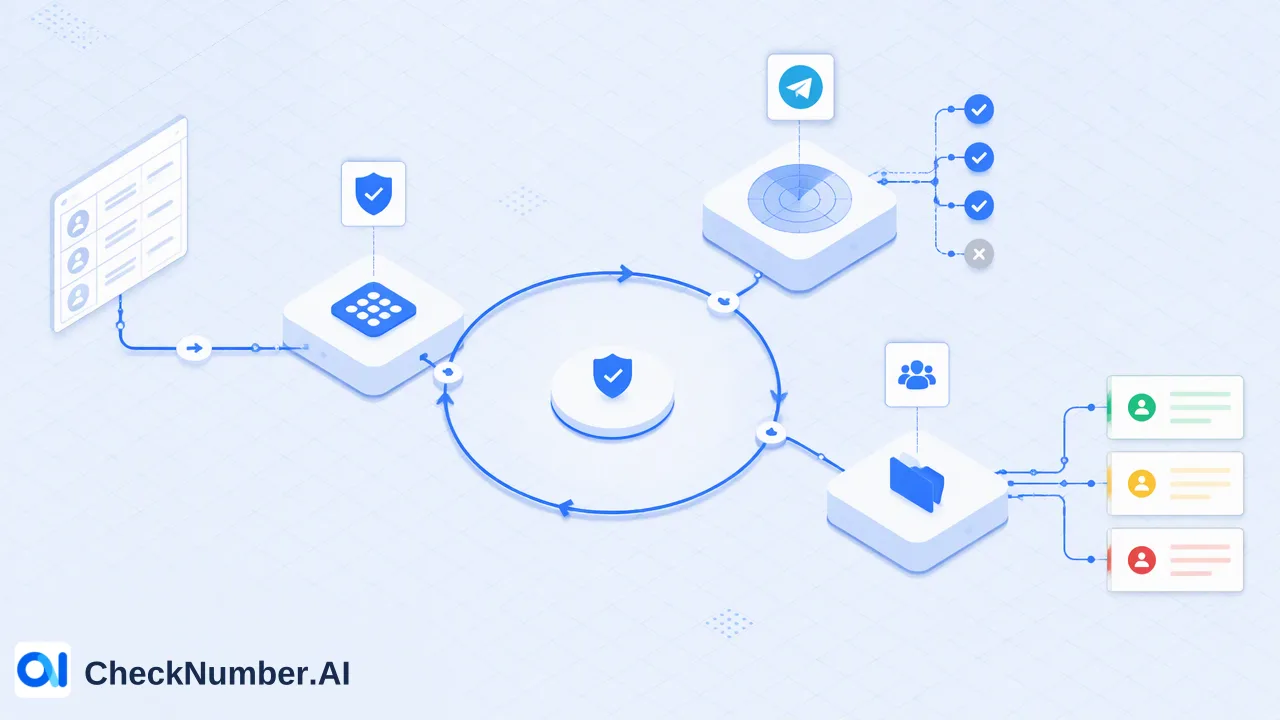
To maintain high data quality over time, organizations integrate these verification stages into continuous acquisition pipelines. Contact records entering from lead generation forms or CRM webhooks flow through formatting routines before triggering validation requests. Using REST API integrations, customer relationship management platforms can automatically route incoming contacts through WhatsApp registration and activity checks. Leads that return positive registration signals are tagged as reachable and assigned to active sales cadences. Records lacking WhatsApp registration can be diverted to alternate communication channels, such as email or SMS, avoiding wasted touchpoints. Periodic re-checking of older database segments via bulk CSV or TXT batch jobs also maintains list hygiene as contacts change carriers or deactivate messaging apps. Establishing this continuous verification architecture ensures sales teams focus their efforts exclusively on qualified, platform-verified leads.
FAQ
Why do teams use platform-specific validation instead of generic phone checks?
A standard phone number may be valid on a telecommunications network without having an associated account on a messaging application. Platform registration signals confirm whether a specific phone number is registered with WhatsApp at the time of verification. Checking platform-specific reachability helps teams filter out inactive contacts before launching targeted messaging campaigns.
How do activity signals support lead prioritization?
Activity signals, such as last-seen context and business account indicators, provide contextual details regarding account presence. Teams use these signals to separate commercial profiles from personal accounts or to prioritize contacts showing recent platform presence, helping sales workflows direct immediate attention to receptive segments.
How can organizations process bulk lists for WhatsApp validation?
Organizations can upload contact lists in CSV or TXT formats or integrate checking capabilities directly into CRM systems via REST API. These bulk workflows support high-volume checking across customer databases before automated or manual outreach sequences begin.