CheckNumber.AI
 · 6 min read
WhatsApp Finder: Finding Which Contacts in Your List Use WhatsApp
How CRM and sales teams find which numbers they already hold are registered with WhatsApp, from file preparation to channel planning.

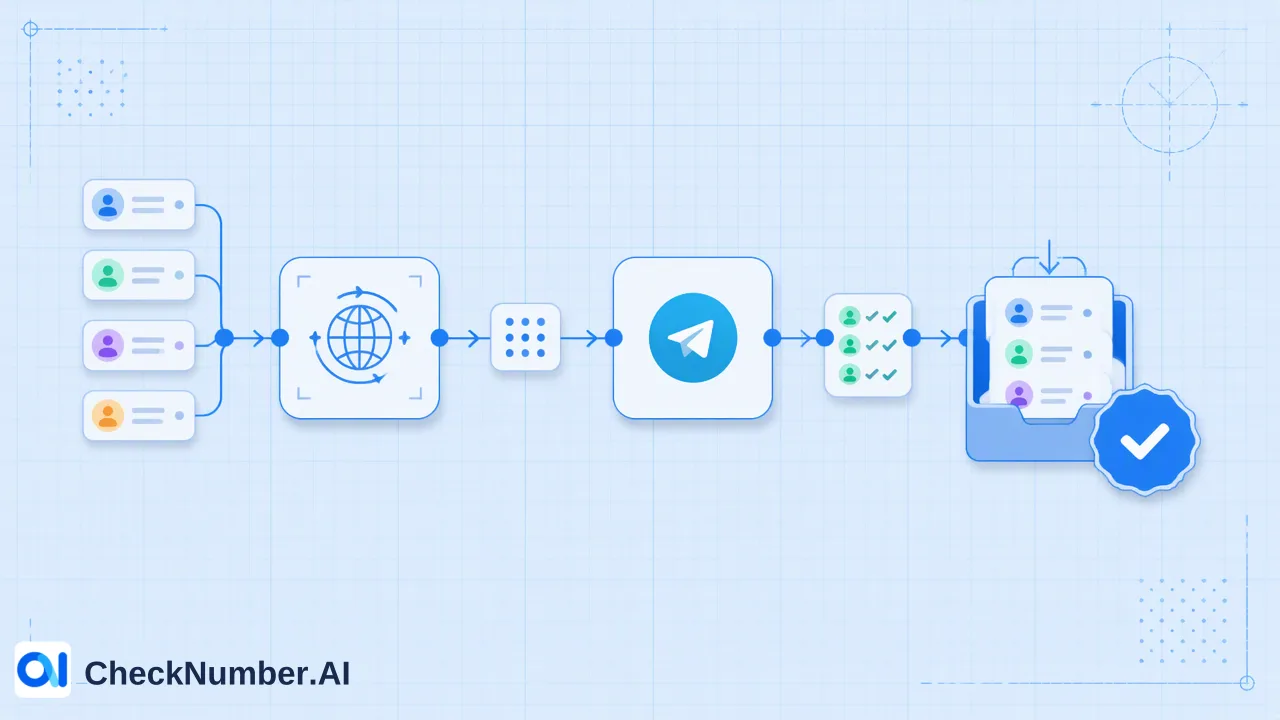
A WhatsApp finder for a contact list works by checking each phone number you already hold and reporting whether it is registered with WhatsApp. The workflow is to clean numbers into international format, split them by country, upload a CSV or TXT file to a WhatsApp registration checker and sort the export into registered and not-registered groups. The result is a platform signal at check time that helps plan channels. It does not provide consent to message anyone.
What people usually mean by a WhatsApp finder
The phrase covers several different needs, and only one of them is a list-level problem.
- Finding a person by name. WhatsApp has no public name search. The app only matches the numbers saved in your phone’s address book, as the WhatsApp help page on finding and inviting contacts explains: contacts with accounts appear in chats, and others appear under an invitation heading.
- Finding someone through a group. Shared groups and communities list participants, but only for people you already share a space with.
- Finding which of your numbers use WhatsApp. A sales or CRM team holds thousands of numbers and needs to know which ones can be reached on the platform.
This article is about the third need. Syncing an address book works for a few dozen contacts, but importing a lead list into a personal phone is slow, mixes business data with a personal account and offers no export of the results. A bulk registration check is built for the list-sized version of the problem.
Prepare the list before checking
Clean input decides how useful the output is.
- Export the numbers from the CRM together with a record ID, in a separate file from the numbers themselves, so results can be matched back.
- Normalize to international format. Local formats with a leading 0 or missing country code are the most common reason a registered contact looks unregistered. The free dashboard Number Cleaner normalizes phone numbers to E.164 and removes duplicates and invalid entries before a paid check. WhatsApp’s own guidance on international phone number format shows the pattern: country code first, no leading zeros or extra symbols.
- One country per file. Phone-list uploads use one country per file and one number per line with the country code; the plus sign is optional.
- Check coverage. Confirm the country in the selected product’s country selector. China mainland phone numbers are not covered, and Hong Kong, Macau and Taiwan are not supported for phone-number products except LINE.
- Save as CSV or TXT, with no names or notes in the upload file.
A few minutes here usually matters more than any later step.
Run the registration check
For a basic finder, the WhatsApp Number Checker is the matching product. It checks whether phone numbers are registered with WhatsApp. The workflow in the dashboard is:
- Select the WhatsApp registration product.
- Upload the country file.
- Wait for the check to complete.
- Export the results and join them to the CRM records by number.
Teams that run this on a schedule can use REST API access for supported bulk checking products. The documentation describes the endpoints and current limits, so follow the API documentation and avoid hard-coding assumptions about batch sizes or rates.
Adjacent products answer different questions. The WhatsApp Advanced Checker uses a stricter real-time detection process for registration, the WhatsApp Days Checker adds available activity context, and the WhatsApp Age & Gender Checker adds profile and demographic enrichment. Pick one by the question at hand, and do not assume one product’s fields appear in another’s export.
Read the results and segment the list
A registration export separates rows into groups that each get a different treatment.
| Group | Meaning at check time | Suggested handling |
|---|---|---|
| Registered | The number has a WhatsApp account | Keep in the WhatsApp-eligible segment, subject to consent |
| Not registered | No WhatsApp account found for the number | Route to email, SMS or a phone call instead |
| Unclear or failed rows | The check could not give a clear answer | Re-run or review by hand; do not treat as proof of absence |
If a row looks wrong, look at formatting first. A missing country code or a number saved with a local trunk prefix will produce a misleading result.
Store the result as a field on the contact record along with the check date. Registration changes over time as people install or abandon the app, so a date stamp tells the next person how fresh the signal is.
Use the segments for channel planning
The practical payoff is deciding where each contact belongs in a multi-channel plan.
- WhatsApp-eligible segment. Registered numbers become candidates for WhatsApp outreach, but only where the team has the contact’s prior opt-in. WhatsApp’s Business Messaging Policy sets the consent expectations for business messaging.
- Alternative-channel segment. Not-registered numbers do not need to be dropped. They can be assigned to SMS, voice or email, depending on what consent covers.
- Sales prioritization. A sales team can contact registered leads in the channel they are likely to read, and keep slower channels for the rest. The word is likely, because the signal says nothing about how the person behaves.
- Waste reduction. Message templates, agent time and list-building effort are saved when contacts who cannot be reached on a channel are filtered before a campaign starts.
Keep a note of why each segment exists, since a future team member may otherwise read a registration flag as a statement about interest or intent.
What a finder result does not show
A WhatsApp registration result is a platform-specific reachability signal at check time. It is not consent. It is not a statement about identity, ownership or activity, and it does not promise that a message will be delivered or answered. Recipients need to have given prior express and informed consent before any marketing contact, and a record of that consent belongs in the CRM next to the check result.
Teams should also resist reading too much into the output: no checker tells you whether a number belongs to a particular person, and enrichment fields from a different product do not apply to a standard registration check.
For current rates and plan details, use the pricing page.
FAQ
How can teams find which numbers in a list use WhatsApp?
Teams can normalize the numbers to international format, split them by country, upload a CSV or TXT file to a WhatsApp registration checker and export the registered and not-registered results.
Can a WhatsApp finder search for people by name?
No. WhatsApp matches phone numbers, not names, and a list-level registration check works from numbers the team already holds.
Why might a registered contact appear as not registered?
Formatting is the most common reason. Missing country codes, leading local zeros and mixed-country files can all produce misleading results, so normalizing numbers and uploading one country per file helps.
Is a registered result permission to message the contact?
No. Registration is a platform signal and not consent. Business messaging requires prior express and informed consent from recipients.
What should teams do with numbers that are not registered?
They can be moved to another channel such as SMS, voice or email where consent allows, and re-checked later if the list is reused.