CheckNumber.AI
· 5 min read
WhatsApp Registration vs Business Status: Read a Bulk Check
Use registration and Business status as separate signals when reviewing a WhatsApp contact list.
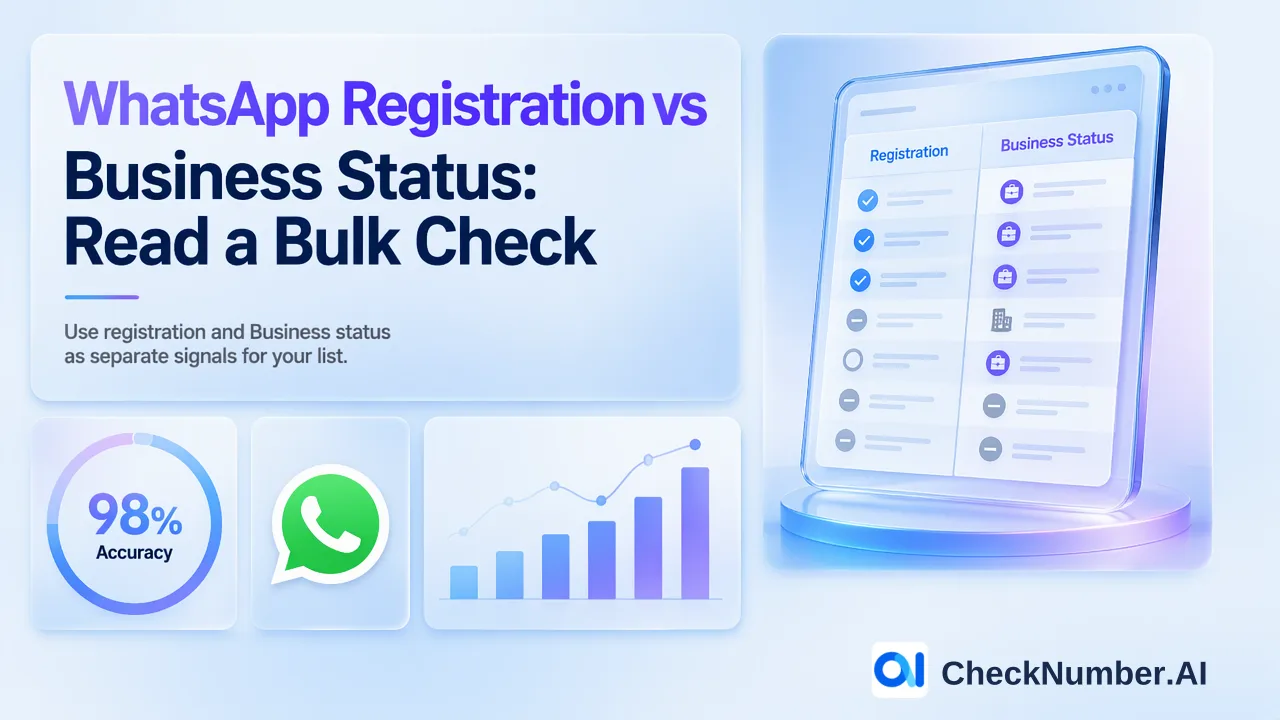
A WhatsApp registration result and a Business-account result answer different questions. In our bulk Business Checker export, read the whatsapp column first to see whether a number has a WhatsApp registration signal, then read business to distinguish a Business account from a regular account among the rows with a usable result. Keep missing or failed results separate from either account category.
Why the two columns matter to a contact list
Suppose your team has a customer list for a service update. Some contacts use WhatsApp, and some of those accounts are Business accounts. A single “WhatsApp yes” label would hide that distinction. A single “Business no” label would be equally misleading if it covered numbers that are not registered or could not be checked.
Our WhatsApp number checker introduces the broader registration question. The Business Checker answers the narrower account-type question alongside it. The exported number column lets you return each observation to the original contact record; whatsapp and business belong in separate columns in your working file. Keep the original contact identifier outside the checking result so two customer records that happen to share a number are not silently merged.
The practical reading order is simple: establish whether the row has a usable registration observation, then interpret Business status for that same row. A Business indicator describes the observed account type at check time. It does not name or verify the company behind the account.
Run the Business check and wait for the export
The current CheckNumber WhatsApp Business Checker is a bulk, asynchronous service. Prepare a TXT file of phone numbers in the format required by the current documentation, submit the file for the ws_business task, and retain your input file and task reference. The task is not a synchronous lookup where an immediate submission response can be treated as the final classification.
Follow the documented task status. Download the result only once the task reaches exported. If the task is still running, the list has no completed export to classify. If a task or row fails, retain that failure as a review item. Do not turn it into “personal account” or “not on WhatsApp” just to fill a spreadsheet cell.
Before joining an export back to your contact list, preserve the phone-number text rather than allowing spreadsheet software to change long digits or leading characters. Keep the check date with the output. A later run may describe a different observation, and the date tells colleagues which file informed a decision.
Read four distinct outcomes
A useful review sheet separates the following outcomes instead of reducing everything to a yes/no Business filter:
| Registration observation | Business observation | Working interpretation |
|---|---|---|
| WhatsApp present | Business present | WhatsApp account with a Business signal |
| WhatsApp present | Business absent | WhatsApp account without a Business signal in this result |
| WhatsApp absent | No usable Business classification | No WhatsApp registration signal in this check |
| Missing, failed, or unresolved | Missing or unresolved | Keep for review; no account-type classification |
This is an interpretation guide, not a promise that every export uses the exact words in this table. Read the actual returned values and status in the current export. In particular, a blank Business field is not automatically a regular personal account. If its WhatsApp observation is unavailable too, the row has not answered the first question.
For example, a sales operations colleague may want a segment of existing business contacts whose numbers show a Business signal. They can filter for a usable WhatsApp-present row and a usable Business-present row, then reconcile those numbers with the CRM’s company records. A row with WhatsApp present and Business absent can be reviewed separately. An unresolved row stays in a follow-up bucket rather than entering either audience.
Use the signal for screening, then verify the decision
Account type can help a team decide which existing contacts merit a closer look. It cannot establish that the account belongs to the organization written in your CRM. A business name, customer relationship, and contact permission come from your own records and direct verification, not from the two checker columns. Registration and Business status also say nothing conclusive about whether a future message will be delivered or answered.
That distinction matters when a list is handed from one team to another. Pass along the original contact ID, the observed number, both returned columns, the task outcome, and the check date. If a colleague sees only a “Business leads” label, they cannot tell whether a row was observed, inferred from a blank, or copied from an older run. A small sample review of the exported values against known contacts is a useful first step before the full list is segmented.
If your immediate question is which numbers in an existing contact list appear to use WhatsApp and which of those have a Business signal, use our documented Business Checker workflow and inspect the completed export. Then apply your own identity and permission checks before deciding what to do with the list.
FAQ
Does a Business result verify the company behind a WhatsApp account?
No. It is an account-type signal. Match the number to your own company and contact records before treating it as an organizational contact.
Is a blank Business field a personal account?
Not by itself. Check the WhatsApp observation and task or row status first. Leave unresolved output unclassified.