CheckNumber.AI
· 5 min read
How to Prepare a Mixed-Country Phone CSV for Bulk Checking
A practical way to split a mixed-country phone list without losing its CRM history.
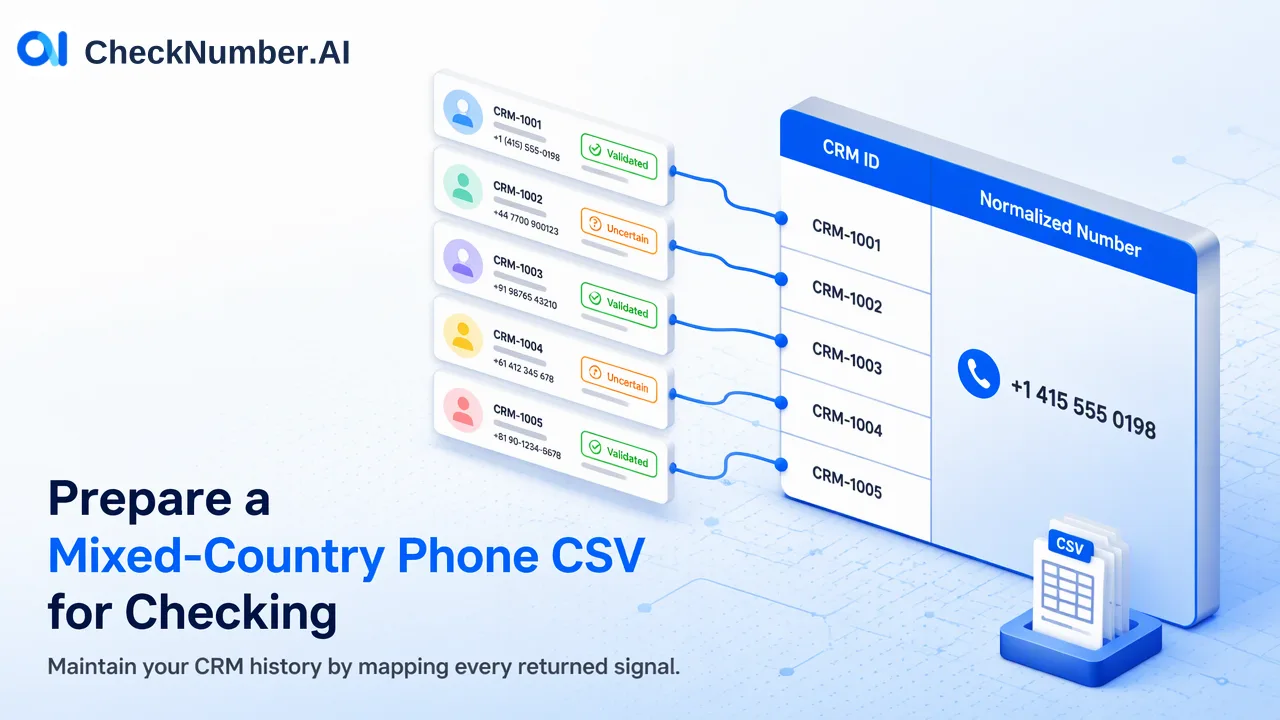
To check a phone CSV containing several countries, first establish the country for each source row, then normalize and separate the numbers into country-specific files. Keep a mapping from every exported number to its original CRM record so the returned signal can be reviewed in context.
Start with the customer record, not the dial code
An international customer export often has a phone column, a country column, and a CRM record ID. Those fields may disagree. A sales record might say United Kingdom while the number begins with another country’s calling code; a local number may have no code at all. Applying one code to the entire file would turn a data problem into plausible-looking but incorrect numbers.
Make a working copy with the original row ID, untouched phone value, country evidence, normalized candidate, and a review status. Preserve the original export. Use a reliable country field or an explicit international prefix when available. If the country comes only from a shipping address, account locale, or salesperson note, check whether that field describes the phone itself. A customer’s delivery country is not always their phone country.
Set uncertain rows aside. For example, a local number without a country field cannot be safely assigned a calling code from its length alone. Ask the owner of the source record or consult the original contact form. If the answer remains unclear, leave the row out of the checker upload and retain it in the review file. This keeps an ambiguous row visible instead of silently converting it into a different number.
Normalize each confirmed country group
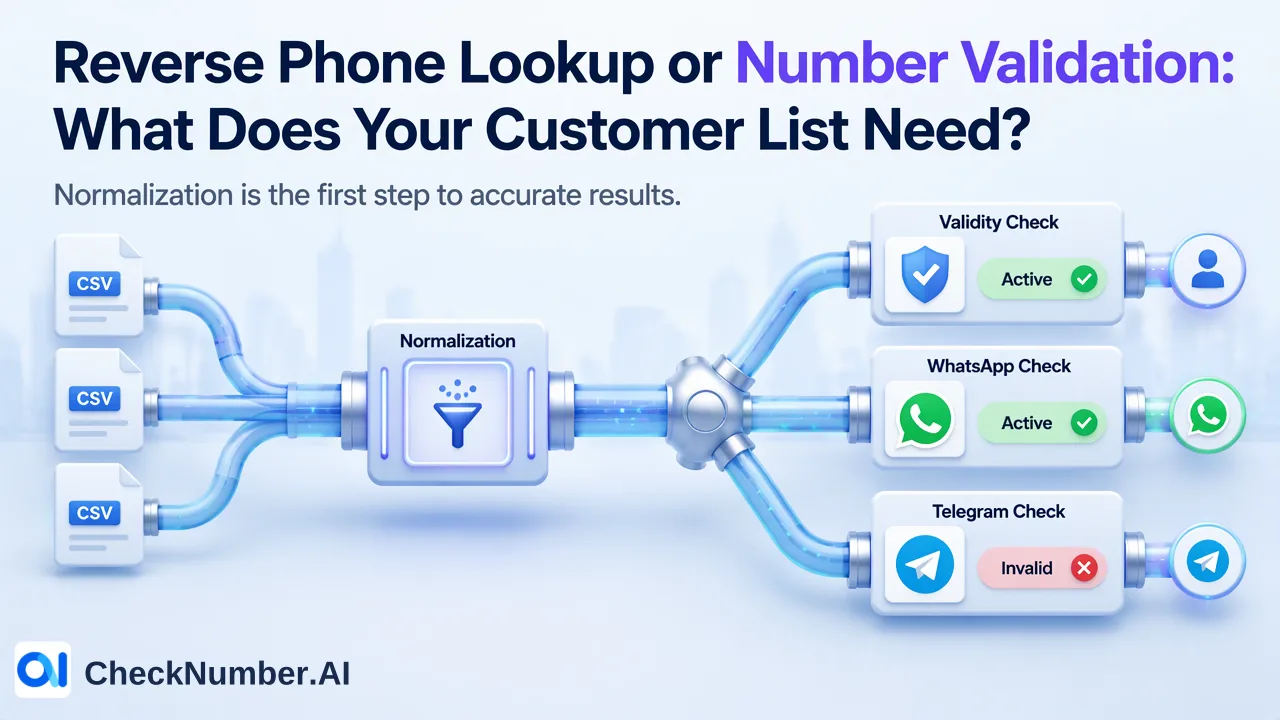
Once the country is established, group rows by that country before changing their number format. Review local prefixes, separators, extension text, and blank cells within each group. E.164 is a useful normalized representation: a plus sign, the country calling code, and the national number. CheckNumber’s phone-list workflow accepts a country code on every line; the plus sign is optional. Its Number Cleaner can normalize to E.164 and remove duplicate or invalid entries before a paid check.
Do not assume normalization proves that a line belongs to a person or is reachable on a particular platform. A well-formed number is still only a candidate for the selected check. When choosing that check, confirm its current country selector for the group you intend to upload. Different CheckNumber products may cover different countries.
Create a separate checker file for each confirmed country and selected product. The upload file should contain one number per line, all for that one country, with its country code. A source CSV with names, account notes, and multiple country groups is useful for your own records, but it is not the one-number-per-line file to submit. Name each export for the country and the intended check so a later result is not confused with a different run.
Keep the link when numbers repeat
Two CRM rows can contain the same normalized number. Cleaning may leave one input line for both records. Before upload, make a separate mapping table with the normalized number, country, selected check, source row ID, and the original value. If several source rows map to one checked number, keep all of their IDs in the mapping. Never rely on upload row order alone to reconstruct the relationship after duplicate removal.
Consider a customer export with two accounts that share a business switchboard number. You may submit that number once, but the result belongs to the checked number at that time. It does not establish which account controls the line. When the result returns, join it to both source rows for review, retaining the shared-number flag. The CRM owner can then decide whether the records should remain separate.
This mapping also makes a rerun understandable. Save the source export date and check date alongside the result, and keep rows excluded for uncertain country or invalid formatting in the same work package. A later analyst can distinguish an unsubmitted row from a negative result rather than treating both as a failed check.
Review the returned signal in its own terms
After the country-specific run, join the exported checker result to your mapping by the checked number and the run context. Read the result according to the named product: a platform registration observation, a validity signal, and other product-specific outputs answer different questions. Do not turn a registration signal into proof of identity, phone ownership, or permission to contact someone.
Keep a small set of customer-facing review labels such as checked, uncertain source, excluded before check, and needs CRM review. These are your workflow labels, not promised CheckNumber output fields. A row with an ambiguous source country stays in the uncertain group until someone resolves it. A checked row can be segmented only for the decision the selected signal actually supports. Any outreach still depends on the consent and contact rules already applicable to your customers.
If you have a mixed-country list ready now, start by exporting a reversible source-ID mapping and one confirmed country group. Review that group’s country selector, prepare its one-number-per-line file, and use the returned signal to improve the specific CRM task that prompted the check.