CheckNumber.AI
· 6 min read
Turn a vCard Export into a Bulk Phone Checking List
Extract vCard TEL entries into a one-number-per-line bulk file while preserving contact IDs, labels, and review exceptions.

To turn a vCard export into a bulk phone checking list, extract each TEL entry, retain its source contact reference, and normalize the phone number into a separate one-number-per-line file. A contact card can hold several phone fields, so the number of check inputs will not necessarily equal the number of cards. Keep a mapping back to the original card before deduplicating or uploading anything.
Understand what a vCard TEL entry represents
The vCard specification defines TEL as a telephone property within a contact card. A card may include several TEL properties with labels or type parameters that distinguish work, mobile, home, or another use. Some exports represent the value as text; others use a URI form. A name in the card is contact context, not part of the number to check. Likewise, a preference marker is a hint about which number the address book may show first, not a guarantee that the preferred number is valid.
A generic CSV guide often starts after the contact data has already been flattened. vCard conversion has an earlier problem: one card can expand into zero, one, or many phone rows. If the team keeps only the first TEL value, it may miss a useful work line. If it copies the whole card into one spreadsheet cell, a checker cannot interpret the input as one phone number per line. The conversion step must preserve both the number and the relationship to the card.
Make a source-preserving extraction table
Save the original .vcf export and create a working table with a stable card identifier, a TEL occurrence identifier, original TEL text, the card’s displayed name if needed for internal review, any TEL type label, the interpreted country, normalized candidate, and a review status. These are proposed local fields, not documented CheckNumber.AI upload or result fields. A single card with work and mobile TEL entries becomes two table rows sharing a card ID but having separate occurrence IDs.
Use a vCard-aware parser where possible. The format has escaping and line-folding rules; splitting solely on newline characters can corrupt long properties. Keep the original TEL value alongside the parsed value so a reviewer can distinguish a parsing error from a bad source record. If a TEL value is a tel: URI, handle its URI notation in the local parser and retain the unmodified value for audit. Do not assume the source address book used a consistent country or stored every number in international form.
Normalize candidates and isolate uncertain entries
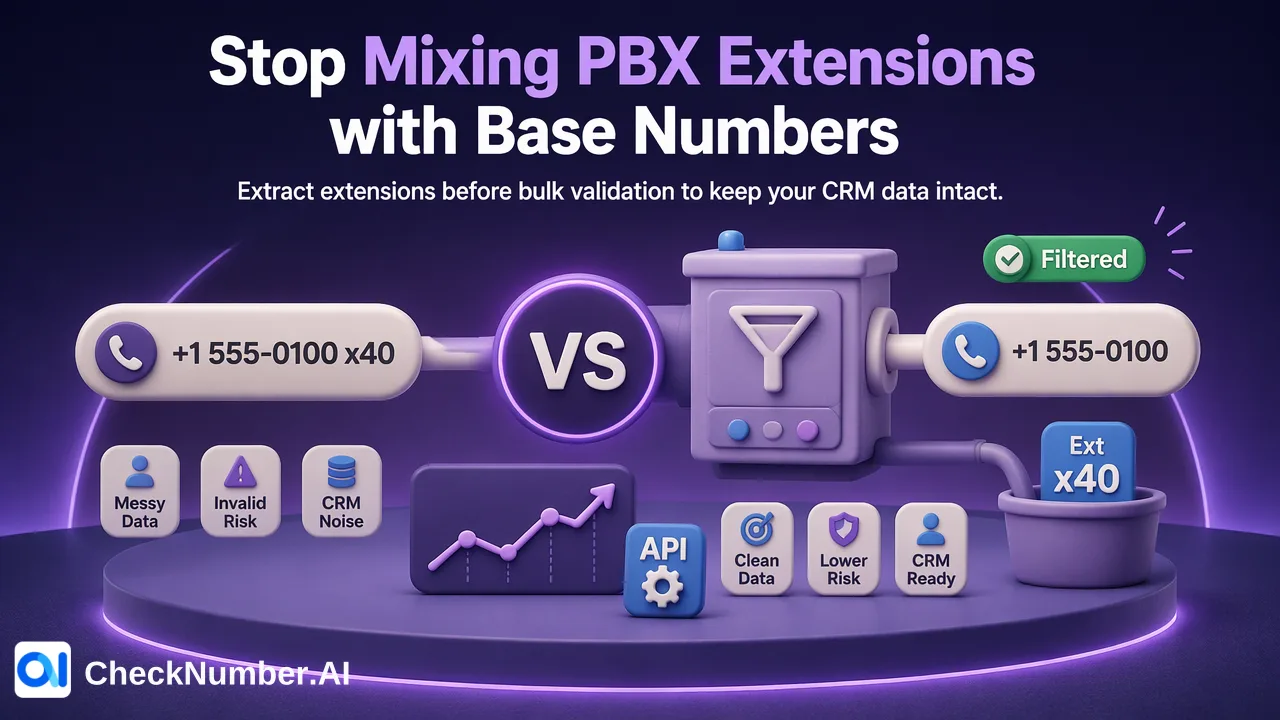
For each TEL occurrence, determine whether there is enough country context to form an international phone number. A local number without a country code may require a country associated with the contact or source system; a contact’s language alone is weak evidence. Do not guess the country from a familiar prefix or force a number into a valid-looking shape. Put incomplete, extension-only, service-code, and ambiguous values into a review queue. If a number includes a PBX extension, retain it in the map and submit only the public base number where that split is supported by the source.
The ITU E.164 numbering plan supplies the framework for international numbers. For the CheckNumber.AI bulk workflow, phone-list files use one country per file and one number per line with country code; the plus sign may be omitted. Create a separate number-only file for each country. A card that contains numbers from two countries can contribute one entry to each file while remaining one card in the source map. Never place contact names, TEL labels, or IDs into a number-only line.
Deduplicate check inputs without collapsing contacts
Several contact cards can refer to the same company switchboard or family number. Normalize the candidate values, then build a map from each unique check input to all TEL occurrence IDs that produced it. This may reduce redundant checks, but the source rows must remain separate. A duplicate number is not evidence that the cards represent the same person. Likewise, a single card with two numbers does not imply that the numbers share the same validity or activity signal.
Before upload, compare counts at each stage: cards parsed, TEL properties extracted, entries requiring review, normalized candidates, and unique numbers prepared. Investigate any surprising drop. Sample cards with multiple TEL values and ensure they have multiple map rows. Check a few records end to end: original vCard property, local normalized candidate, upload line, and mapping key. This is more informative than merely confirming that a CSV or TXT file opens.
Check and rejoin the results
Choose the documented bulk phone-number product that answers the team’s question; CheckNumber.AI’s product catalog distinguishes different checking signals. A format or validity result, platform registration signal, and activity signal have different meanings. Do not treat one as proof of another or infer contact ownership from any of them. Keep the check date and selected product with the local result.
When results are exported, match the checked number to the normalized key in the extraction table, then expand that relationship back to each TEL occurrence and card. Do not depend on file order or assume that every upload row produced an identical result row. Investigate unmatched, duplicate, or uncertain results before updating the address book or CRM. Preserve the original TEL label so a team can tell whether a result applied to a work line or a mobile line. A user-managed review step can then decide whether to flag, correct, or retain each contact value. The checking service supplies a number-level signal; the contact-card reconciliation belongs to the team.
FAQ
How can teams handle several TEL entries on one vCard?
Expand each TEL property into a separate local row with its own occurrence ID while retaining the same source card ID. Prepare each suitable number as an individual check input.
Should duplicate numbers in different cards be deleted?
No. Deduplicate the check inputs if useful, but retain every card-to-number relationship. Shared numbers do not prove duplicate people or businesses.
What if a TEL entry has no country code?
Use reliable source context to determine the country, or hold it for review. Do not guess a country solely to make the value pass a format check.
Can a phone check verify the name on a vCard?
No. A number-level checking signal does not verify the card owner’s identity or the current relationship between the number and the named contact.