CheckNumber.AI
· 4 min read
What Do Telegram Activity Days Mean in a Contact List?
A documented Telegram activity-day value means days since last online, not account age or days of continuous use. Treat it as an observation made at a check date, with missing or approximate values kept separate.
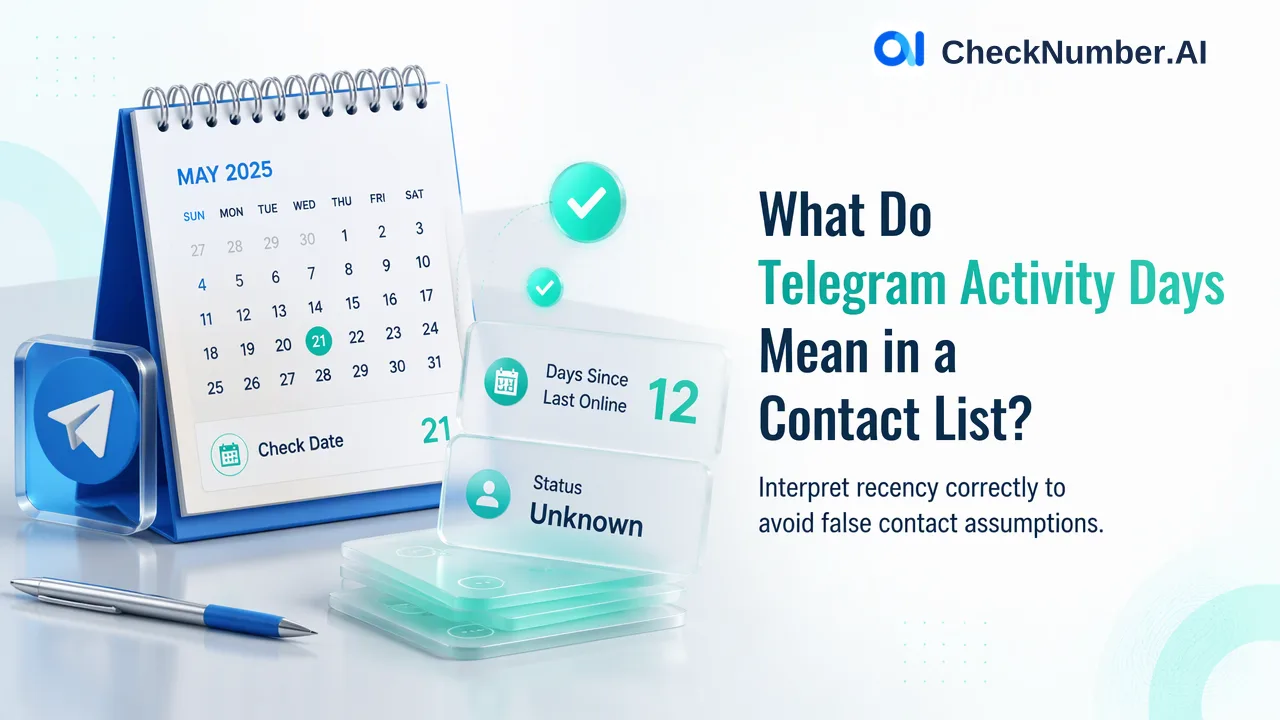
A documented Telegram activity-day value means days since last online, not account age or days of continuous use. Treat it as an observation made at a check date, with missing or approximate values kept separate.
Separate three meanings of “age”
A CRM analyst may see a number and a field labeled “days” and assume it describes how long an account has existed. That would change the business meaning of the data. In CheckNumber’s Telegram activity documentation, the named activity product describes last-seen context and days since last online. This is a recency measure when available. It does not date account creation. It also says nothing about a person’s age.
| Question | What a value would mean | Can Telegram activity days answer it? |
|---|---|---|
| How recently was the account observed online? | Time since an available last-online signal | Yes, within the documented signal’s limits |
| When was the account created? | Time elapsed since registration | No |
| How old is the account holder? | A demographic attribute, perhaps estimated elsewhere | No |
The distinction matters because a team might otherwise label an older account as recently active or infer a person’s characteristics from a recency field. Keep the product and field names in the export instead of using a generic column called “Telegram age.”
Read recency as an observation, not a live status
If the field is available, a smaller day count means a more recent last-online observation than a larger day count in the same check context. It does not mean the account is online now, active every day, willing to reply or reachable for a campaign. Telegram privacy settings and visibility can make a last-seen signal unavailable or approximate. The product documentation describes what may be returned, but each row still needs its own interpretation.
An analyst can create broad, internally chosen review bands, such as recent, less recent and unknown, without claiming a universal conversion threshold. Store the original returned value, the check date and the internal band side by side. Then another person can change the banding rule without rewriting the underlying observation. A band is an operational priority, not a statement about the person behind the account.
Keep missing and unresolved rows visible
A blank or unavailable activity field is not proof that the account has never been online. It may reflect limited visibility, a missing signal or a processing outcome that needs review. Keep it in a separate “activity unknown” group. Likewise, do not convert an unregistered result into a numeric recency value. The analyst should inspect the actual checker result and identify why the row lacks activity context before using it in a decision.
For example, an illustrative CRM note might say: “Telegram Days check on 13 November; registration result recorded; activity days unavailable; no recency band assigned.” Another might say: “Activity days available at check; placed in internal recent-review band.” These notes are examples of labeling, not actual checks or promises about the underlying accounts. The date gives the result its temporal context, while the explicit unknown label prevents false certainty.
Use the field only when it changes a real decision
Suppose a team needs to decide which existing, permitted contacts to review first. Available recency may help it order that internal review, while unknown rows remain eligible for separate investigation. If the campaign decision depends only on registration, the extra activity product may not be necessary. If it depends on whether a contact currently wants a message, activity days cannot provide that consent.
Before importing an export into a CRM, name the column “Telegram days since last online, checked on [date]” where that interpretation is documented. Preserve missing values and the original checker identity. Then decide whether the recency context genuinely changes the team’s next review step. Consult the current Telegram activity checker documentation for the selected workflow and keep outreach permissions as a separate requirement.