CheckNumber.AI
 · 9 min read
Phone Number Checker: Which Check Answers Which Question About a Number
A guide to what a phone number checker can tell a team, mapping each question about a number to the specific check and workflow that answers it.
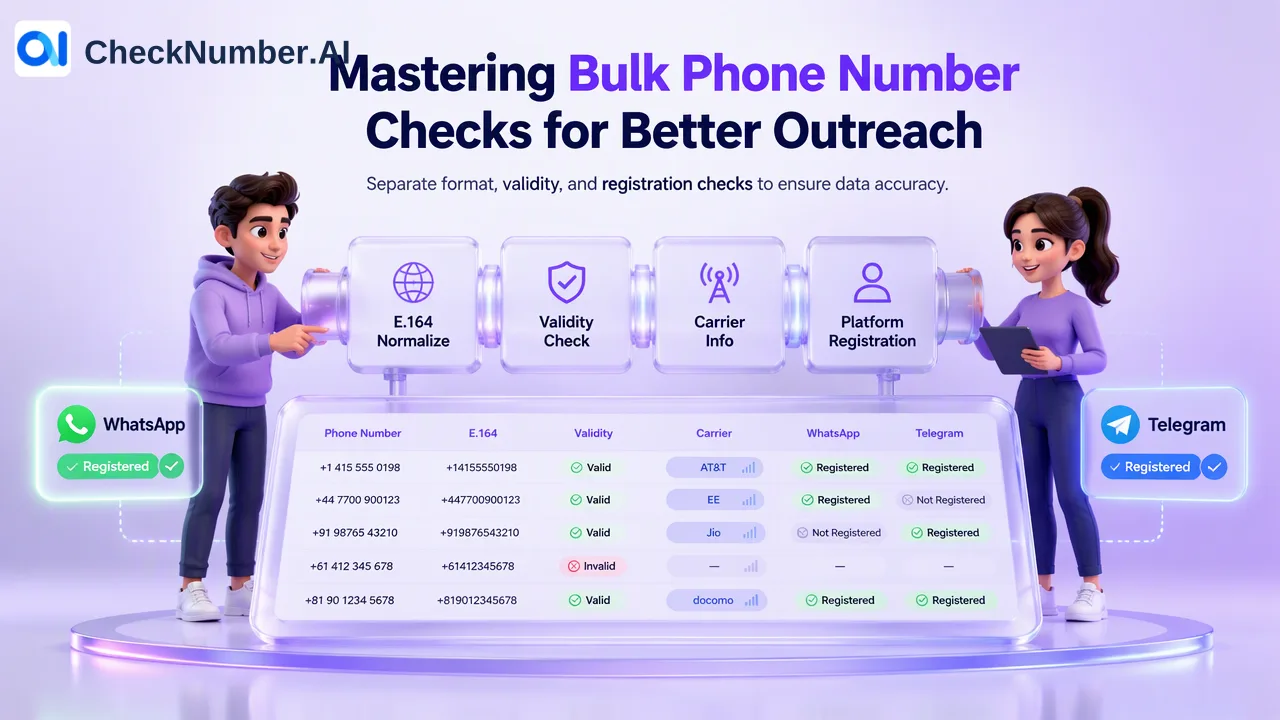
A phone number checker is not one test but a family of checks, and each one answers a different question. Format normalization tells you whether a number is written in a standard international form; a validity check answers whether the number is valid; a carrier lookup reports the carrier, line type, country and regional context; and a platform checker reports whether the number is registered with a named service such as WhatsApp or Telegram at the time of the check. Picking the right phone number checker starts with writing down the question, then choosing the check, and finally deciding whether the job is a single number or a whole list.
Why “phone number checker” means several different tools
Search results for this phrase mix very different products. Some pages offer a format validator that only parses the digits. Others are carrier lookup tools that show whether a number is mobile, landline or VoIP. Some advertise reverse lookups that claim to show a subscriber name or a spam score, which is a separate category of caller-ID data. Availability checkers, meanwhile, tell businesses whether a vanity or toll-free number can be claimed.
Because these tools share one label, teams often buy the wrong one. A marketing team that wants to know which contacts use WhatsApp gains nothing from a format validator, and a developer who needs to separate landlines from mobiles before an SMS send gains little from a messaging registration check. The sections below separate the questions so each can be matched to a specific check.
Question-to-check map for phone number checks
| Question about a number | Check that answers it | Named tool | Typical scope |
|---|---|---|---|
| Is it written in a consistent international format, and are there duplicates? | Format normalization and list cleaning | Number Cleaner in the free dashboard Toolbox | Lists, before any paid check |
| Is the number valid? | Phone-number validity check | Phone Number Validation | Lists |
| Which carrier, line type, country and region? | Carrier lookup | Global Carrier Checker; Advanced US Carrier Checker for the United States and Canada; carrier lookup in the free Toolbox for quick questions | Single numbers or lists |
| Is it registered with a specific messaging or social platform? | Platform registration check | The named checker, such as the WhatsApp Number Checker or Telegram Checker | Lists |
| Does the number show recent activity? | Activity check | Number Active Checker | Lists |
Each row is a separate product with its own output. Results from different checkers should be stored as separate columns in your own data, not merged into a single combined record format, because each product exposes its own capabilities.
Format normalization: the first check on any list
Most problems in imported phone lists are formatting problems. The ITU-T E.164 recommendation defines the international public telecommunication numbering plan: a country code followed by the national significant number, up to 15 digits in total. Writing every number in that form gives every later step a consistent key.
Common formatting issues include:
- National trunk prefixes left in place, such as a leading 0 in many European and Asian numbers that should be dropped once the country code is added.
- Missing country codes on numbers collected through a local web form.
- Spaces, dashes, brackets and text pasted in from spreadsheets or email signatures.
- Duplicates that differ only in formatting, such as
+44 7700 900123and07700900123.
The free Number Cleaner in the dashboard Toolbox normalizes phone numbers to E.164 and removes duplicates and invalid entries before a paid check. Developers who need parsing inside their own code often use Google’s open-source libphonenumber library for the same normalization task.
Normalization is a formatting step. It tells you that a string is written in a consistent international form, which is a prerequisite for the checks that follow.
Validity: answering “is this number valid?”
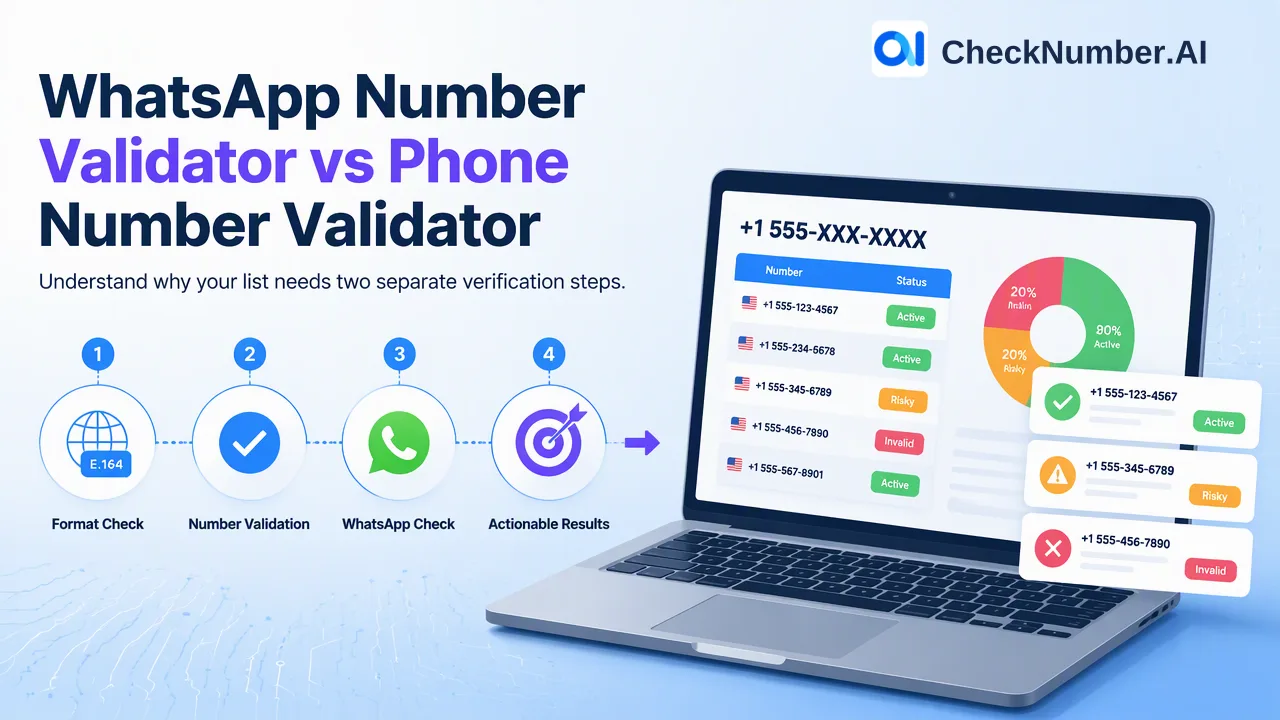
When the question is whether numbers in a list are valid, the matching product is Phone Number Validation, which batch-checks phone-number validity for list cleaning before downstream workflows.
Teams typically use the validity result to:
- Remove numbers flagged as invalid before importing a list into a CRM or dialer.
- Separate a review queue from the main list rather than deleting rows outright.
- Compare suppliers or lead sources by how much of each delivered file passes validation.
A valid number is a better starting point for outreach, but validity alone does not predict whether a message will arrive or whether a person will answer. Keep the validity result as one column in the record, alongside the date it was produced.
Carrier, line type and regional context
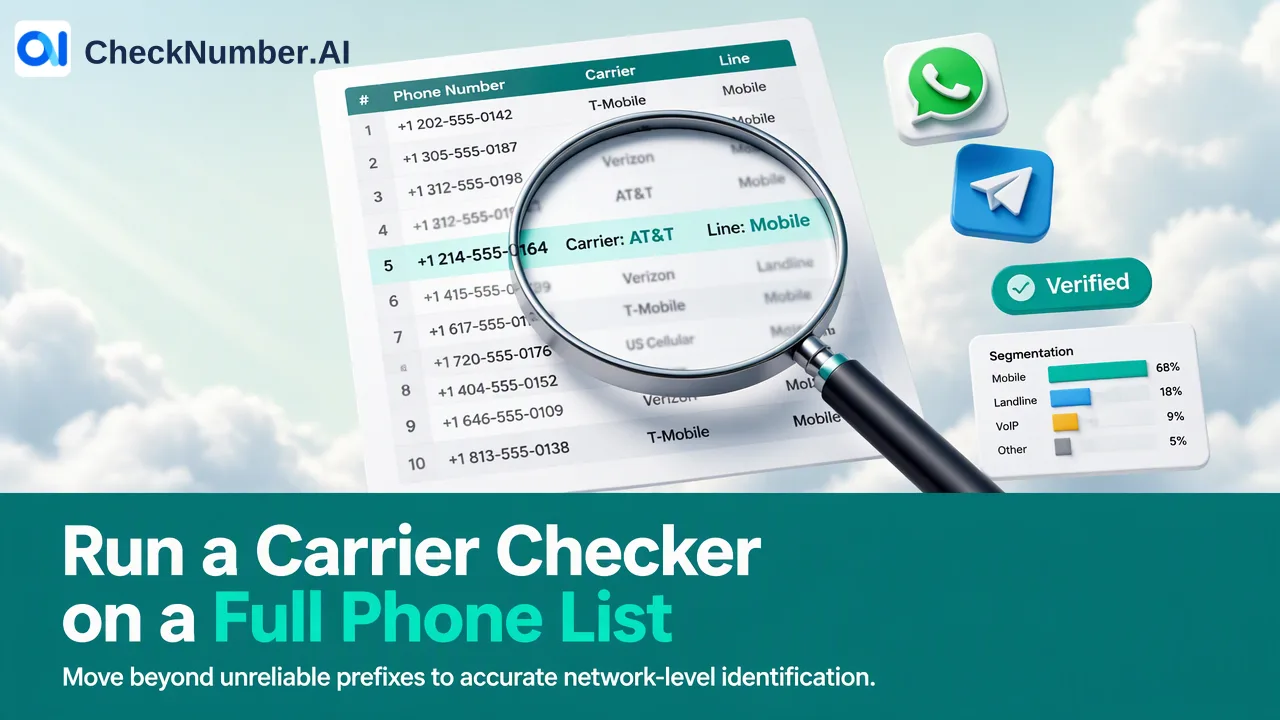
Carrier data answers a different question: which network a number belongs to and what kind of line it is. The Global Carrier Checker identifies carrier, line type, country and regional context for phone numbers across supported countries. For North American lists, the Advanced US Carrier Checker identifies carrier, line type and regional context for United States and Canada phone numbers.
Common uses of carrier and line-type data include:
- SMS routing decisions: deciding which numbers should go to an SMS path at all, and which provider route to use.
- Calling campaigns: separating mobile numbers from landlines before choosing how to contact each segment. In the United States, the FCC explains that the Telephone Consumer Protection Act places specific consent requirements on autodialed and prerecorded calls and texts to mobile numbers, so line type is useful compliance context for legal and operations teams.
- Regional segmentation: grouping contacts by country or region for time-zone-aware scheduling.
For a single question about one number, the free carrier lookup in the dashboard Toolbox is the quickest option. For files, the Global Carrier Checker produces a list-level result that can be exported. Carrier intelligence is separate from platform registration, so a carrier result says nothing about which apps a number uses.
Platform registration: WhatsApp, Telegram and other named checkers
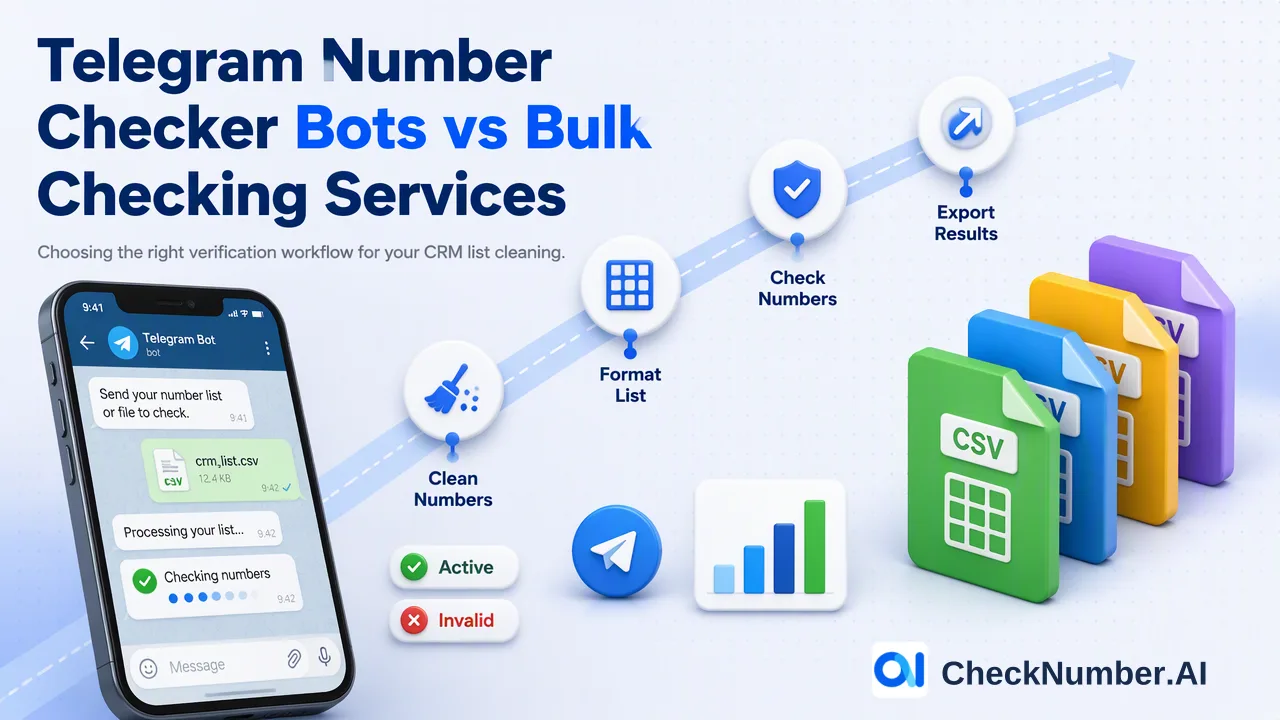
When the question is “can this contact be reached on a specific platform?”, the answer comes from a platform checker named for that platform. Examples include the WhatsApp Number Checker, Telegram Checker, Viber Checker, Line Checker, Signal Checker and iMessage Checker, each of which checks whether phone numbers are registered with its platform.
A registration result is a platform-specific reachability and deliverability signal at check time. It is useful for channel planning within an audience that has already given consent: one segment may be suitable for a WhatsApp program, another for SMS, another for email. It does not establish consent; recipients need prior express and informed consent before outreach.
Some platforms have additional named products with more context, such as the WhatsApp Days Checker or Telegram Days Checker, which add available activity or last-seen context. Those fields belong only to those named products. If a project needs them, choose that product directly instead of expecting extra columns from a standard registration checker.
Activity signals and how they differ from validity
The Number Active Checker provides recent phone-number activity signals for list prioritization, separate from Phone Number Validation. Teams with large, aging lists use it to decide which segments to work first. An activity signal supports prioritization; it does not predict whether a contact will respond.
Keep activity and validity as two distinct checks. A number can pass one and not the other, and the two answer different questions.
Single-number checks versus list workflows
The same question can be a single-number task or a list task, and the right tool changes with it.
Single numbers. The free dashboard Toolbox covers quick, one-off tasks: carrier lookup, number cleaning, number generation, plus email generation and email cleaning on the email side. It suits a support agent checking a number before a call, or a developer testing formatting rules.
Lists. The core workflow is bulk checking of supported phone-number or email lists through CSV or TXT uploads or the REST API. File preparation follows a simple rule set:
- One country per file.
- One number per line, including the country code; the plus sign is optional.
- Run the Number Cleaner first so the paid check receives normalized, de-duplicated input.
- Choose the named checker that matches the question, then export the result for review and segmentation.
Pipelines. REST API access is available for supported bulk checking products. Request formats, returned fields and applicable limits are defined per product in the current API documentation, which is the reference for any integration.
Before starting any list, confirm the target country in the selected product’s country selector. Phone-number products do not cover China mainland, and Hong Kong, Macau and Taiwan are unsupported for phone-number products except LINE.
A practical order of operations and common mistakes
For a typical contact list, a sequence that keeps cost and confusion low is:
- Clean and normalize with the Number Cleaner.
- Check validity with Phone Number Validation if the list source is uncertain.
- Add carrier and line type with the Global Carrier Checker when routing or calling decisions depend on it.
- Check platform registration only for the platforms a campaign will actually use.
- Store each result with its source and date, then segment.
Mistakes that come up repeatedly:
- Skipping cleaning, which sends malformed rows and duplicates into paid checks.
- Mixing countries in one file, which conflicts with the one-country-per-file upload rule.
- Treating one checker’s output as another’s, for example reading a carrier result as a messaging-app result.
- Reusing stale results from an earlier campaign; signals reflect the time of the check.
- Confusing a check with permission. Consent records belong in the CRM, separate from checker exports.
FAQ
How can teams tell which phone number check a project needs?
Write the business question first. Formatting and duplicates point to the Number Cleaner, validity points to Phone Number Validation, carrier and line type point to the Global Carrier Checker, and reachability on a specific app points to that platform’s named checker.
Is there a free way to check a phone number?
The dashboard Toolbox is free and includes number cleaning, carrier lookup and number generation. The Number Cleaner normalizes numbers to E.164 and removes duplicates and invalid entries. Platform registration, validity and activity checks are separate paid products.
What file format do bulk phone checks accept?
CSV or TXT uploads with one country per file and one number per line including the country code. The plus sign is optional. The REST API is available for supported bulk checking products.
Can results from different checkers be combined into one report?
Teams can join results in their own spreadsheet or CRM, but each checker should keep its own columns with the product name and check date. Different products expose different capabilities, so their outputs are not interchangeable.
How often should a contact list be re-checked?
Re-check before each significant campaign or import, especially for platform registration and activity, since those results describe the moment of the check. Keep the date of each result so stale data is easy to spot.