CheckNumber.AI
· 5 min read
LINE Phone Number Search Finds No One: Does That Mean No Account?
A missing LINE phone-search result does not establish that the number lacks a LINE account.
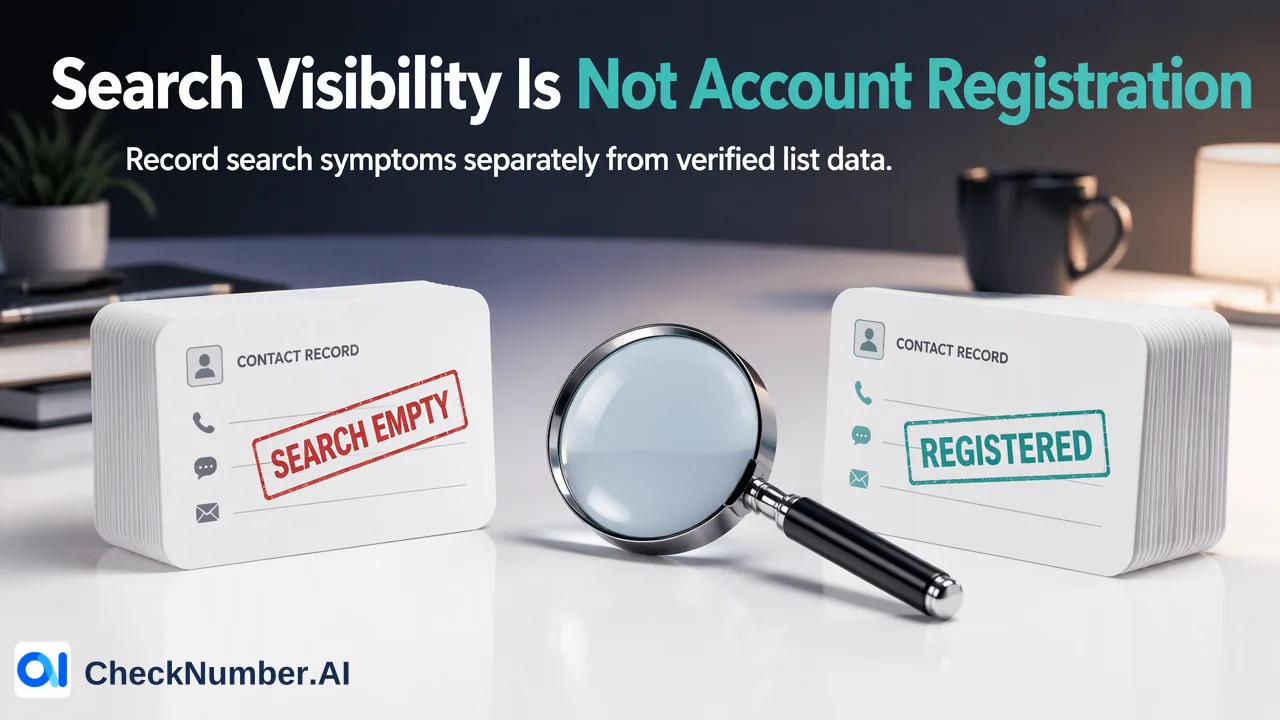
No. If LINE phone-number search finds no person, the search result by itself cannot establish whether the number has a LINE account. Search visibility and a phone-number registration signal answer different questions. First check the likely search or contact conditions; if you have a legitimate list-review need, use a separate registration check for the narrower platform signal.
Why a phone search can return no contact
You might have a customer’s number from a previous order and try to add them in LINE for a requested follow-up. A blank friend-search screen feels like a clear answer, but it is only an answer about that search attempt. LINE’s own help describes settings that affect whether others can add a person by phone number. Search availability and temporary restrictions can also affect what the screen shows.
The number you have may not be the number associated with the person’s LINE account. A contact record can be stale, entered in a different format, or simply belong to a different channel. LINE Help discusses cases where the contact number and the account do not line up. Before drawing an account conclusion, confirm that the number came from the person and is still the number they want you to use. If the purpose is to connect with that individual, asking them for their QR code or add-friend link is often a clearer next step than repeating the same search.
Search visibility and registration are separate questions
LINE friend search is an in-app route for finding or adding someone. It can be affected by the person’s settings and the conditions of the search. Our Line Checker starts from a phone number and returns a LINE registration signal for that number. The documented list result pairs the number with an activated value. It is useful when a team needs to review a phone list for platform association, rather than resolve a single failed friend-search screen by guesswork.
Consider two rows in a customer file. One person does not appear in native phone search, but a separate check returns a positive registration signal for the submitted number. That is not a contradiction: a platform association can be observed while friend-search visibility is restricted. In another row, a negative or unresolved check does not explain every reason a particular person was absent from the screen. The person may use another number, and the check says nothing about their identity or willingness to add you. Keep the two observations in separate columns.
Choose a next step for your actual purpose
If you are trying to add a known person, use the route the person agrees to share. Confirm the contact number, check that you have entered it correctly, and ask for a QR code or add-friend link if phone search still fails. That directly addresses the connection task. A bulk registration check is not a substitute for the person’s participation in an add-friend process.
If you manage an existing, authorized customer list and need to plan which records merit a LINE-specific review, the Line Checker can add a registration signal to those phone rows. Prepare a clean phone list, select the supported country for the check, and retain your original record IDs so you can return results to the right contacts. The result can help you decide which records to inspect next. It does not establish that an account belongs to the customer named in your CRM, that they will receive a message, or that they have agreed to outreach.
How to record a no-match without losing context
For an individual contact, write down what actually happened: “phone friend search returned no match,” with the date and the number format used. Do not rewrite it as “no LINE account.” If a later list check is relevant, record its named service and result separately. This small wording difference keeps future teammates from turning a search symptom into a false account fact.
For a team reviewing many contacts, group rows by the action still needed: confirm the number with the person, request their preferred add method, or review a registration signal from the list check. Keep unknown or inconsistent rows open. A result captured today can also differ from a later situation, so retain its observation date instead of treating it as permanent.
When the immediate goal is to connect with one person, ask for their preferred LINE add method. When the goal is to review a legitimate phone list for LINE association, use our product directory to select the Line Checker and interpret its result as a platform signal, alongside the original search observation.
FAQ
Can a LINE registration result prove that I can add the person by phone?
No. Registration and friend-search visibility answer different questions. The person’s settings and the add method still matter.
What should I do if the number is not found in LINE search?
Confirm the number with the person and ask for a QR code or add-friend link if they want to connect. Record the failed search as a search observation, not an account conclusion.