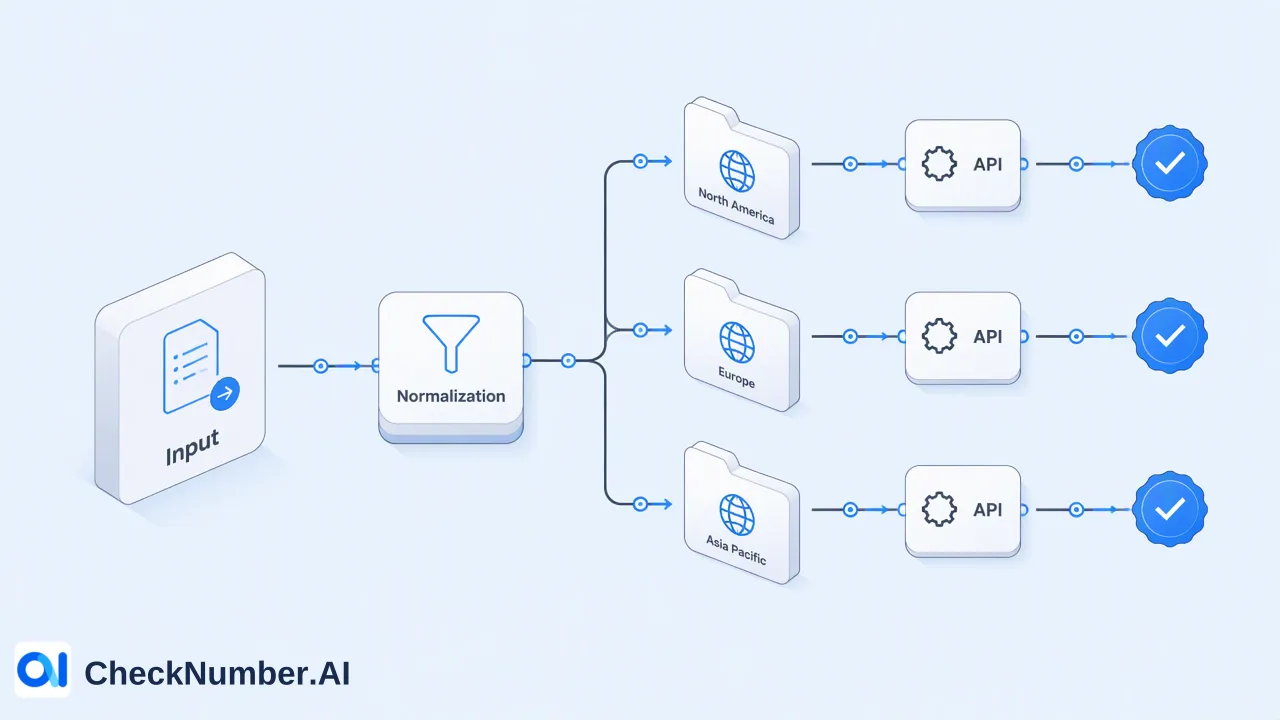
CheckNumber.AI
 · 5 min read
How to Prepare a CSV or TXT File for Bulk Number Checks
A practical workflow guide for technical teams on formatting CSV and TXT files for bulk phone number and email list processing, verifying data compatibility, and selecting the correct intelligence signal.
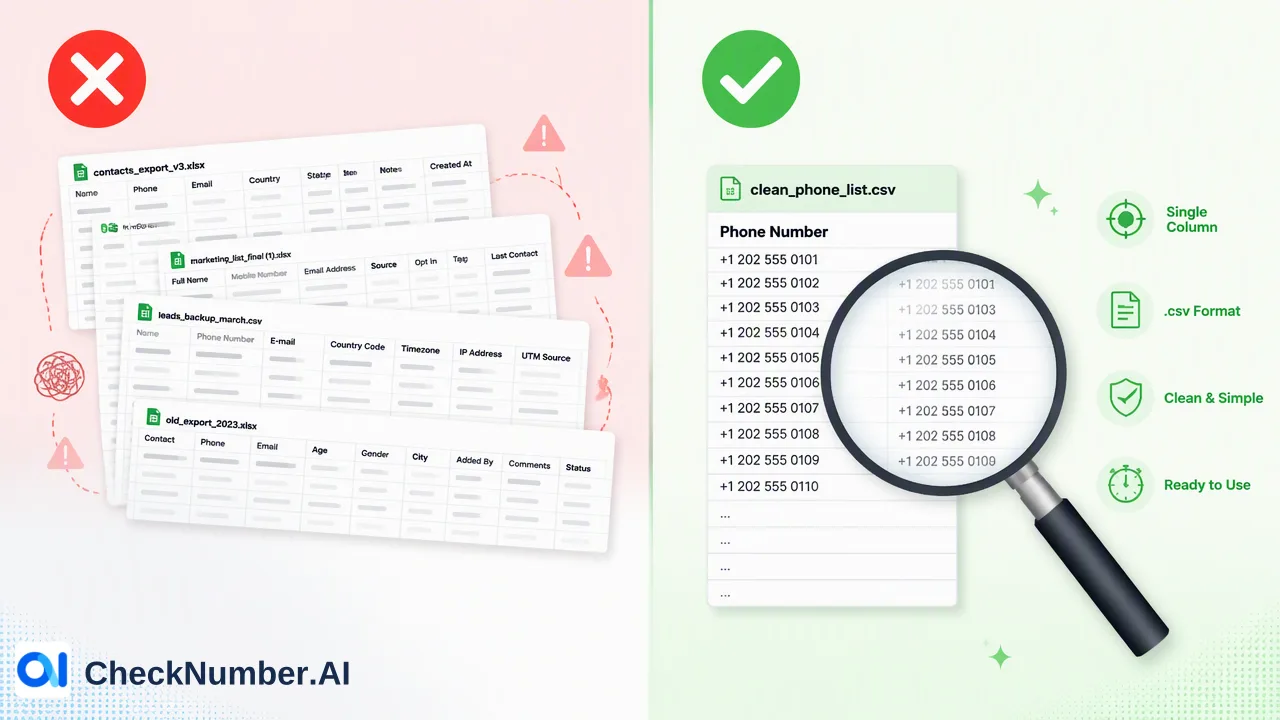
To prepare a CSV or TXT file for bulk checking, verify the data is organized in a clean, single-column format containing only the phone numbers or email addresses to be processed. Supported files can be uploaded directly to the platform for batch processing. Before submission, teams must identify the specific intelligence signal required—such as carrier information, RCS capability, or email registration status—to confirm the correct checker is applied to the dataset.
Understanding Bulk Processing Requirements
The core workflow for list analysis involves the bulk checking of supported phone-number or email lists. Organizations often need to process large datasets to retrieve specific intelligence signals that inform internal decisions and support data review workflows. To facilitate this, bulk workflows support CSV or TXT list uploads, alongside REST API access for programmatic integrations.
When preparing a dataset, the primary requirement is verifying the file format aligns with the platform’s supported extensions. CSV (Comma-Separated Values) and TXT (Plain Text) files are the standard formats for batch submissions. These formats provide a lightweight, universally compatible structure that minimizes parsing errors during upload. Unlike complex spreadsheet formats that may contain hidden metadata, macros, or multiple sheets, CSV and TXT files maintain a strict text-based structure. Teams should verify that their lists are saved explicitly with a .csv or .txt extension before initiating a bulk workflow.
Structuring Your Data for Success
Proper data formatting is a critical step in preparing a file for bulk processing. Data should be organized in a clean, consistent format to facilitate accurate processing. For both CSV and TXT files, the most effective structure is a single-column layout containing only the target identifiers—either phone numbers or email addresses. When preparing a single-column CSV file containing only phone numbers for carrier intelligence processing, teams should remove extraneous data points such as names, internal account IDs, or physical addresses. Including unsupported columns can disrupt the parsing process and complicate the retrieval of intelligence signals. For phone number lists, formatting the numbers consistently helps standardize the input. While the platform processes the identifiers, confirming that the numbers are clean and free of unnecessary special characters streamlines the workflow. Similarly, for email lists, confirming that there are no trailing spaces or hidden formatting characters within the TXT or CSV file helps maintain data integrity during the batch upload. It is also important to separate different input types; phone numbers and email addresses should be placed in distinct files, as they require routing to different specialized checkers.
Selecting the Right Intelligence Signal
Different products expose different high-level capabilities; a capability must not be transferred from one product to another. Therefore, selecting the appropriate checker for a specific dataset is essential. Teams must align their business requirements with the documented scope of each intelligence signal before uploading their CSV or TXT file. The Global Carrier Checker is designed to identify carrier, line type, country, and regional context for phone numbers across supported countries. It provides carrier intelligence and location signals, which can support internal routing or prioritization workflows. For organizations focused on rich-messaging audience planning, the RCS Checker identifies phone numbers that support RCS or Google Messages. This product returns a platform registration signal and a rich messaging capability signal, indicating account-related presence for the RCS platform at the time of the check. When processing email lists, the Email Validation product checks registration signals across supported email providers. It returns an email provider registration signal, which helps teams review the account-related presence of an email address on its respective platform. By understanding these distinct capabilities, organizations can route their CSV or TXT files to the correct product, confirming the retrieved intelligence matches their operational needs.
Submitting Your Batch
Once the CSV or TXT file is properly formatted and the appropriate intelligence signal is selected, the final step is submission. Files are submitted for batch processing to retrieve the selected intelligence signals. During the upload process, the platform reads the single-column list and applies the chosen checker—whether that is the Global Carrier Checker, RCS Checker, or Email Validation—to each identifier in the file. Teams can monitor the batch progress as the system processes the list. After the bulk check is complete, the platform provides the resulting intelligence signals for the submitted dataset. The output will correspond directly to the capabilities of the selected product, appending the relevant carrier data or platform registration signals to the original list of identifiers. Because bulk workflows also support REST API access, technical teams have the option to automate this submission and retrieval process, integrating the batch results directly into their internal data pipelines or review systems.
FAQ
What file formats are supported for bulk checking?
Bulk workflows support CSV or TXT list uploads. These formats provide a clean, lightweight, and text-based structure for processing large lists of phone numbers or email addresses without the complications of hidden formatting found in complex spreadsheet files.
Can organizations use the same file for different types of checks?
Yes, a properly formatted single-column CSV or TXT file can be submitted to different checkers, provided the input type matches the product’s requirements. However, different products expose different high-level capabilities. A list of phone numbers could be processed through the Global Carrier Checker for carrier intelligence, and then separately through the RCS Checker for rich-messaging capability signals.
What kind of information can teams retrieve from a bulk phone number check?
The retrieved information depends entirely on the selected product. The Global Carrier Checker identifies carrier, line type, country, and regional context. Alternatively, the RCS Checker identifies phone numbers that support RCS or Google Messages, providing a platform registration signal for rich-messaging audience planning. A capability must not be transferred from one product to another.