CheckNumber.AI
 · 5 min read
How to Choose the Right WhatsApp Contact Screening Workflow for Your Business
A strategic guide to selecting WhatsApp contact screening methods that balance operational scale, data privacy, and the depth of user intelligence required for effective outreach.
Choosing the right WhatsApp contact screening workflow depends on list volume, technical infrastructure, and the depth of intelligence required for outreach. While manual checks suffice for small, ad-hoc tasks, organizations scaling their operations typically transition to bulk CSV or TXT uploads and REST API-based workflows. Selecting the appropriate method—ranging from basic platform registration checks to advanced profile enrichment—supports data privacy guidelines and helps teams improve the quality of their contact lists. A tiered screening strategy matches the team’s scale and technical capacity to minimize waste and account risk.
The Strategic Importance of Contact Screening
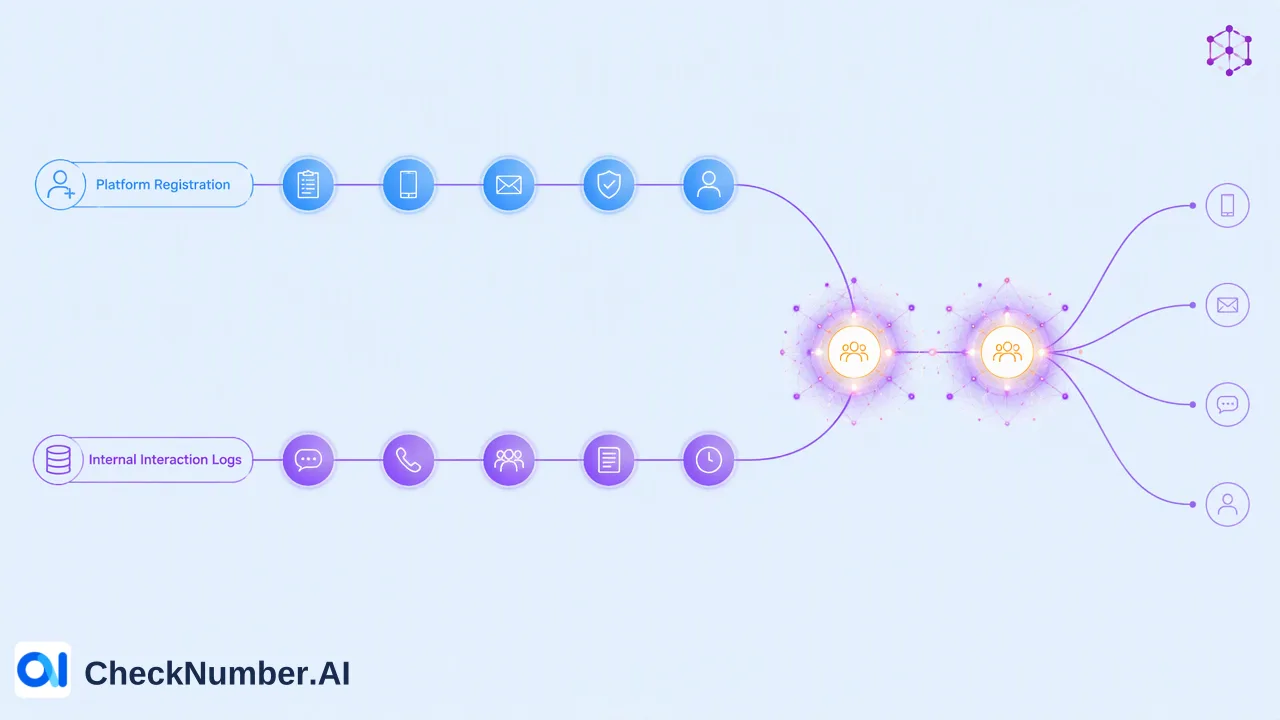
Effective WhatsApp outreach requires a tiered screening strategy that matches the team’s scale, technical capacity, and data privacy requirements. Contact screening is the process of verifying whether phone numbers are associated with active WhatsApp accounts and, where applicable, retrieving profile or activity signals to inform outreach strategies. Operating without a defined workflow often leads to messaging unverified numbers, which increases operational waste and account risk. By implementing a structured screening process, teams can confirm platform account presence before initiating contact. This approach helps minimize waste and supports more efficient resource allocation. Rather than treating all phone numbers equally, organizations can use screening signals as one input alongside other checks to prioritize outreach. A well-chosen workflow provides teams with the context needed to segment audiences effectively, ultimately supporting a more organized and targeted communication strategy.
Tiered Screening: Matching Tools to Business Scale
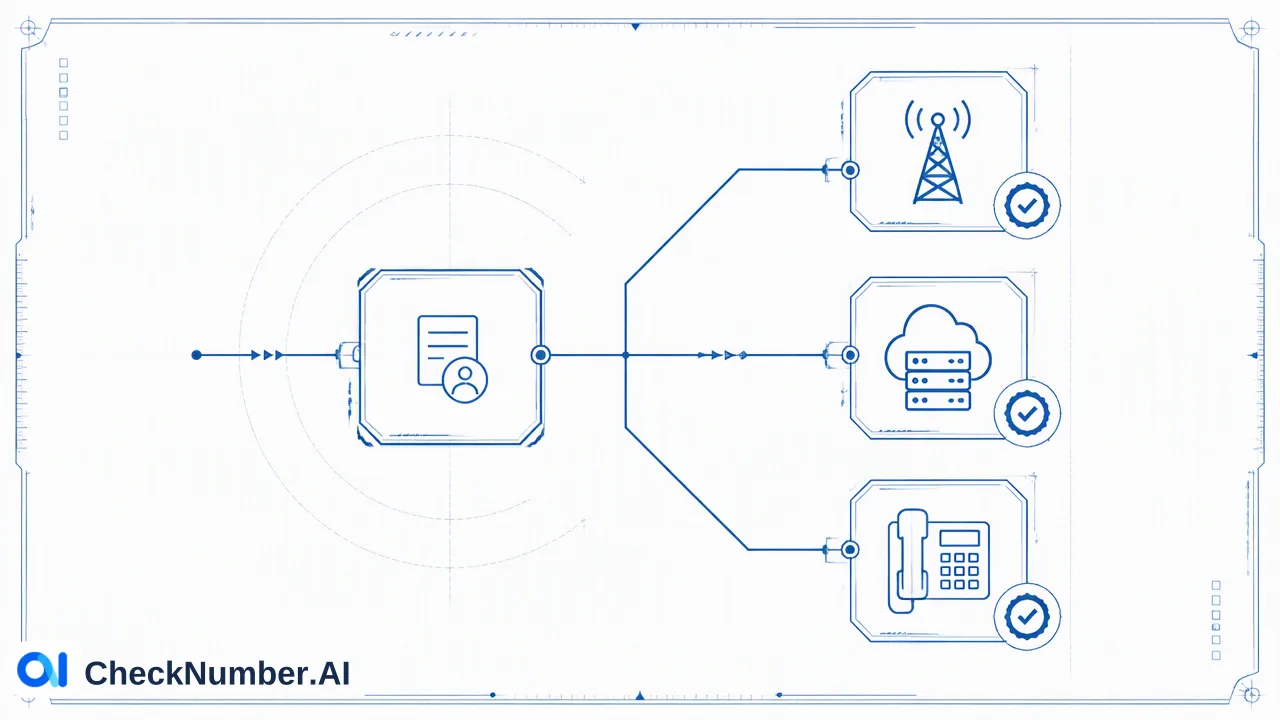
Organizations must categorize screening methods by operational complexity to find the right fit for their operations. Manual verification is limited to small-scale, ad-hoc checks and quickly becomes inefficient as contact lists grow. For businesses managing larger datasets, transitioning to automated solutions is necessary. The core workflow for scaling operations involves the bulk checking of supported phone-number lists. CheckNumber.AI provides bulk workflows that support CSV or TXT list uploads, allowing teams to process multiple records simultaneously without manual intervention. For enterprise-level automation and deeper integration with customer relationship management (CRM) systems, REST API access is essential. API-based cloud services help teams automate the screening process directly within their existing infrastructure. When utilizing the REST API, organizations should note that the API has rate limits that restrict requests per minute and that concurrency is also limited. Directing technical teams to current API documentation helps them design a workflow that respects these boundaries while maintaining high throughput for bulk operations.
Selecting the Right Depth of Intelligence
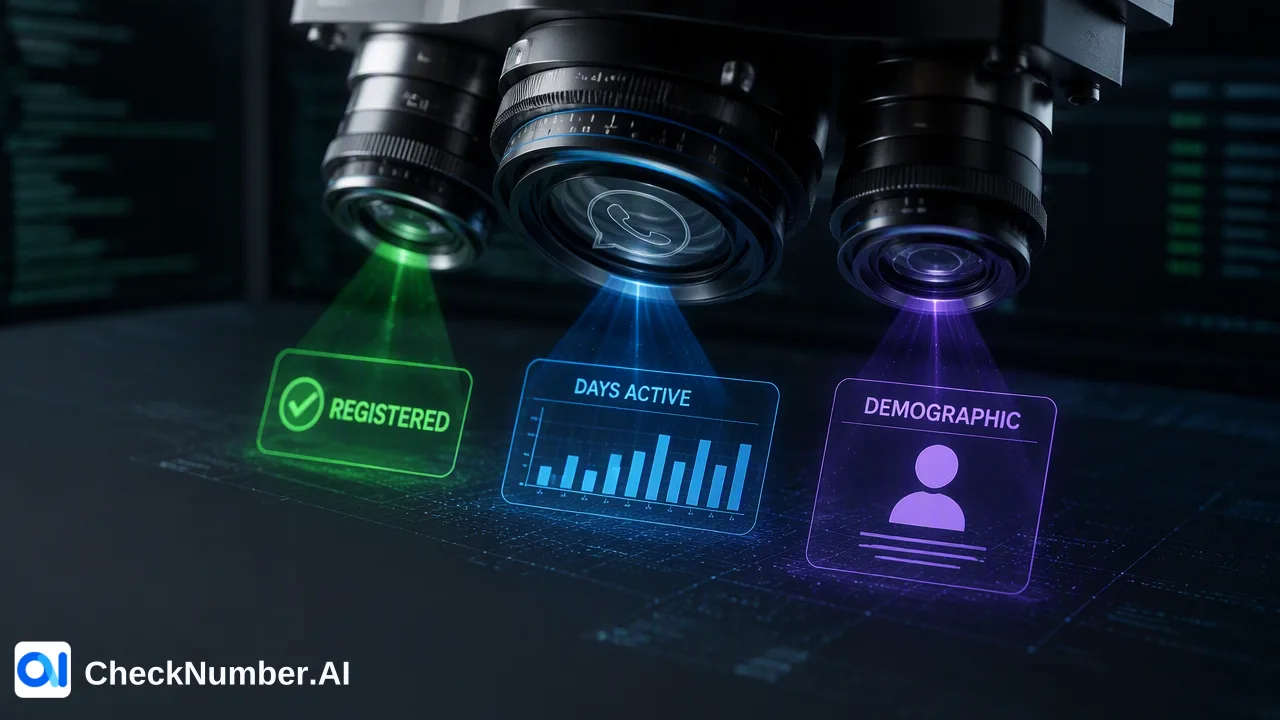
A critical step in designing a WhatsApp contact screening workflow is determining the level of detail required for each contact. Basic registration checks confirm platform account presence, providing a foundational signal that a phone number is registered on WhatsApp. However, advanced enrichment provides deeper intelligence for segmentation. CheckNumber.AI offers specific capabilities based on the chosen tool. The WhatsApp Days Checker checks WhatsApp account presence and provides available activity or last-seen context, plus available business-account and profile context. This activity signal helps teams understand account presence duration, which can inform prioritization. Alternatively, the WhatsApp Avatar, Age, Gender & Others Checker checks WhatsApp account presence and provides available profile and demographic enrichment. These capabilities should be chosen based on specific business goals. Teams focused on understanding business profiles might prioritize the Days Checker, while those needing demographic enrichment for audience segmentation might select the Avatar and Age Checker. Matching the tool to the required depth of intelligence helps teams avoid unnecessary processing while gathering the exact signals needed for their workflows.
Prioritizing Data Privacy and Security
Professional screening workflows should support internal data privacy guidelines. When integrating a REST API or utilizing CSV and TXT uploads, organizations can select workflows that align with their data handling policies. Secure processing environments help maintain the confidentiality of contact lists during the screening process. Local processing or secure cloud-based APIs provide better data handling for mid-to-large sized teams. By relying on established bulk checking services, organizations can process large volumes of phone numbers while keeping their data workflows organized. It is important to structure the screening process so that uploaded data is used only for the requested checks. Implementing these practices supports a responsible approach to data management, giving teams confidence that their contact screening workflow respects privacy requirements while delivering valuable platform registration and profile enrichment signals.
FAQ
When should a business transition from manual to automated WhatsApp screening?
A business should transition from manual to automated WhatsApp screening when contact list volumes exceed the capacity of ad-hoc checks. Manual verification is only viable for small-scale tasks. As operations grow, adopting bulk workflows that support CSV or TXT list uploads and REST API access becomes necessary to maintain efficiency and support enterprise-level automation.
What is the difference between a registration check and profile enrichment?
A basic registration check confirms platform account presence, indicating whether a phone number is registered on WhatsApp. Profile enrichment goes further by providing additional context. For example, the WhatsApp Avatar, Age, Gender & Others Checker provides available profile and demographic enrichment, while the WhatsApp Days Checker provides available activity, last-seen context, and business-account signals.
How can API-based screening support CRM data quality?
API-based screening helps teams automate the verification of platform account presence directly within their CRM systems. By integrating REST API access, organizations can systematically check phone numbers and append available profile or activity signals to contact records. This automated workflow helps minimize waste and informs internal decisions regarding outreach prioritization.
What signals does the WhatsApp Days Checker provide?
The WhatsApp Days Checker checks WhatsApp account presence and provides available activity or last-seen context, along with available business-account and profile context. These signals help teams understand the activity status of a registered number, which can be one input alongside other checks to inform communication strategies.
How do bulk workflows process contact lists?
Bulk workflows process contact lists by allowing teams to submit multiple phone numbers simultaneously. CheckNumber.AI supports this through CSV or TXT list uploads for manual batch processing, as well as REST API access for programmatic integration. These methods streamline the screening process for large datasets, replacing inefficient manual checks.