CheckNumber.AI
· 5 min read
How to Review Letters and Non-ASCII Digits in a Phone List
Separate vanity numbers, pasted labels and native digits before preparing a country-specific bulk checking file.
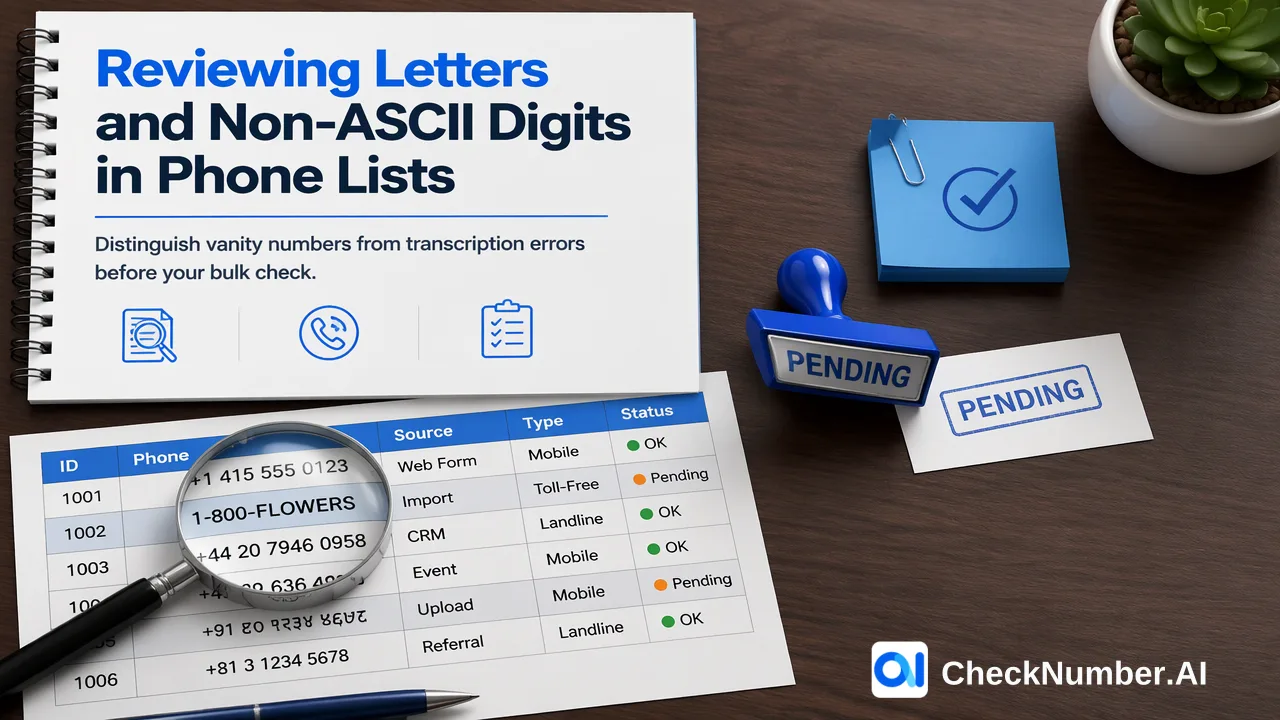
Review unusual characters before converting them. Keep the original text, identify whether letters belong to a vanity number or an error, and map decimal digits only through a defined conversion rule. Then prepare the supported phone list for checking.
Start with the characters that change the answer
A phone column containing letters is not one problem. A business may deliberately advertise a word in its telephone number. A customer may paste “mobile” before ordinary digits. Another row may contain a letter that resembles a digit. Deleting all letters makes these inputs look similar while producing different and sometimes incorrect numbers.
Work on a copy of the source list. Keep the original value and a stable source-row identifier in your own review file, alongside the proposed number and a short reason for the change. These are customer-managed preparation columns, not fields promised in a CheckNumber export. The purpose is to make a conversion explainable when someone later asks why a customer number changed.
First separate rows containing only familiar digits and separators from rows containing letters, native numeral characters, multiple candidate numbers or extensions. This small review queue deserves more attention than ordinary spaces and brackets because a transformation may change the number itself.
Distinguish vanity letters from transcription errors
Intent matters before keypad conversion. An intentionally published vanity number uses letters as a memorable representation of telephone digits. Confirm that representation against the business’s own contact information and the applicable telephone keypad convention. Preserve both the displayed form and the numeric candidate in your working copy.
An isolated letter inside a personal mobile number is a different case. Ask for correction or compare the original customer submission; do not assume that every O means zero or every I means one. A parser producing a number is not evidence that it recovered the intended contact.
Google’s libphonenumber FAQ explains that its parser tries to extract a phone number and can interpret alphabetic characters as digits. That helpful behavior is why teams should inspect the original input rather than use successful parsing as an automatic approval. For pasted labels, remove only the label whose role is clear. If the text contains two telephone numbers, split the source record through an explicit review instead of accepting whichever candidate a library happens to extract.
Convert decimal digits without guessing
Native decimal digits can represent the same numerical values as ASCII digits. A controlled conversion maps each supported decimal character to its corresponding ASCII digit while retaining the order. Use a Unicode-aware decimal-digit operation in your preprocessing tool, and test the scripts actually present in your file. Broad character stripping can silently erase digits outside the ASCII range.
Do not turn every character that looks numerical into a telephone digit. Decorative symbols, superscripts and mixed text require separate decisions. Likewise, a conversion that changes the visual characters does not supply a missing country code or resolve an uncertain national prefix.
For a useful test, take one reviewed source row, compare every original digit with the converted candidate, and confirm that no digit disappeared or was duplicated. Then test a row with mixed digit scripts and a row containing an unexpected symbol. The latter should remain in review unless your stated policy explains it. Reading direction on screen can be confusing when a plus sign and native digits appear together; compare the stored character sequence as well as its visual presentation.
Resolve country and extension before the bulk file
Once the candidate digits are clear, establish the country from reliable source context. A customer-selected country or a complete international number is stronger evidence than guessing from the person’s language. Keep extensions in your working contact record rather than attaching extension digits to the main number submitted for a mobile-number check.
CheckNumber phone-list uploads use one country per file and one number per line with the country code; the plus sign is optional. Confirm coverage in the selected checking product’s current country selector. Prepare separate files when the reviewed list spans countries.
Our Number Cleaner normalizes numbers to E.164 and removes duplicates and invalid entries before a paid check. That documented preparation capability does not replace your decision about an ambiguous letter or an unsupported numeral conversion. Resolve the ambiguous input before treating a cleaned candidate as the customer’s intended number.
Keep unresolved inputs out of automatic deletion
Use a simple disposition in your own review sheet: approved conversion, customer correction needed, or unresolved. A row awaiting correction can remain associated with its customer record while being withheld from the checking file. This preserves useful contact history without pretending that the number has been repaired.
Before uploading, reopen the prepared CSV or TXT file and compare a few approved rows with their originals. Include a vanity conversion, a native-digit conversion and a previously ambiguous row in that comparison. Confirm the same country grouping and the absence of extension text.
Then choose the signal you actually need from our phone number checker. A checking result can inform list review, but it cannot retrospectively prove that a guessed character conversion was correct. The most useful handoff is a supported file whose unusual inputs already have a clear, reversible explanation.