CheckNumber.AI
 · 2 min read
How to Use the CheckNumber.AI LinkedIn Number Checker for Bulk Registration-Signal Workflows
A technical guide for B2B marketers and developers on using the CheckNumber.AI LinkedIn Number Checker to process bulk registration-signal workflows for US and India phone numbers.

The CheckNumber.AI LinkedIn Number Checker allows users to perform bulk registration-signal workflows by processing lists of United States and India phone numbers. By uploading files in .txt or .csv format, the tool returns an ‘activated’ field for each number, which serves as a registration-detection signal for segmentation purposes.
→ Start verifying — get 1,000 free checks →
Understanding LinkedIn Registration-Signal Workflows
The CheckNumber.AI LinkedIn Number Checker is designed specifically for bulk registration-signal workflows. When processing a list of phone numbers, the tool returns an activated field. This activated field is a LinkedIn registration-detection result for the submitted number, indicating whether the number is registered on the platform. This signal allows B2B marketers and developers to segment their lists based on platform registration.
Technical Requirements and Input Formatting
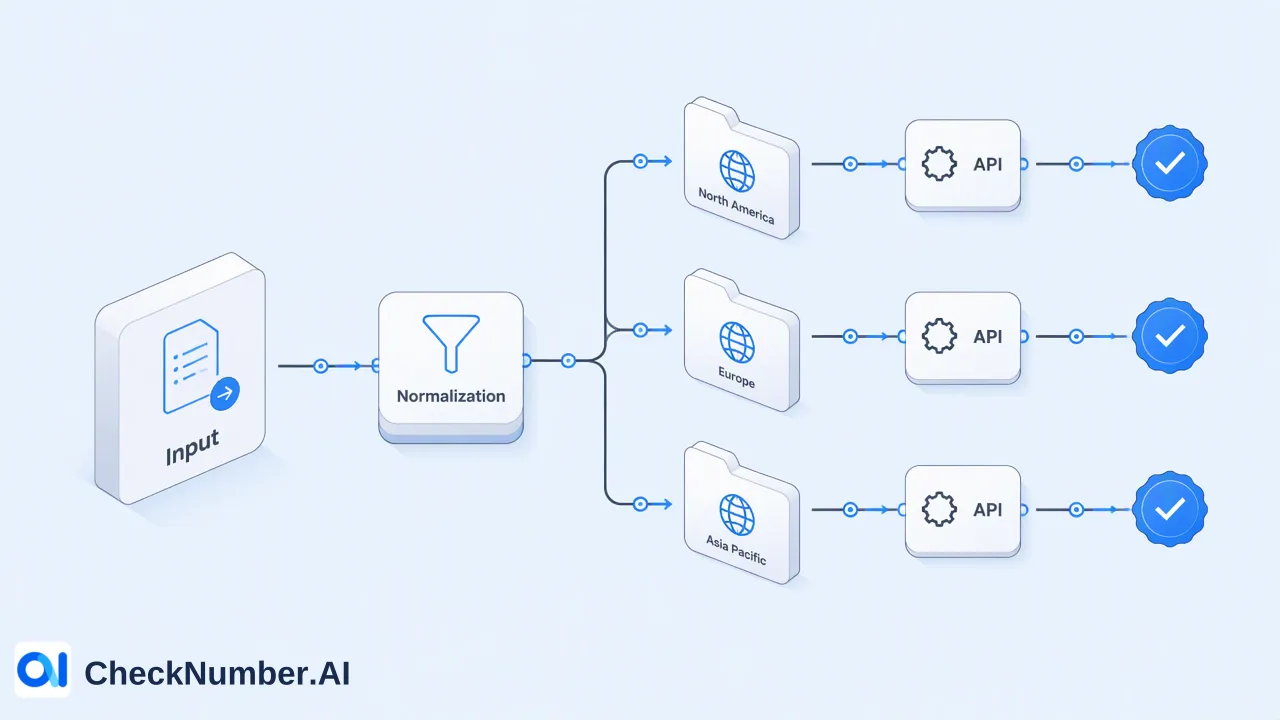
To process a bulk check, lists must be formatted correctly before submission. The CheckNumber API and no-code upload methods accept input files in either .txt or .csv format. Within these files, phone numbers must be formatted with one entry per line using the E.164 format. The LinkedIn Number Checker requires a minimum batch size of 1,000 numbers per submission and supports a maximum batch size of 500,000 numbers.
Executing a Bulk Check
Developers and technical teams can integrate the LinkedIn Number Checker into their systems using the REST API. When configuring the API request, the required task type is linkedin_phone. The product accepts supported United States and India numbers for these checks. For numbers outside of these regions, they are outside this product’s documented coverage. The tool returns the original number alongside the activated field. For complete integration details and access methods, refer to the official documentation at https://docs.checknumber.ai/.
FAQ
What phone number regions are supported by the LinkedIn Number Checker?
The tool supports United States and India phone numbers. Other regions are outside this product’s documented coverage.
What is the required file format for bulk uploads?
Input files must be in .txt or .csv format, containing one phone number per line in E.164 format.
What does the ‘activated’ field represent?
The activated field is a LinkedIn registration-detection result for the submitted number, used strictly for segmentation purposes.