CheckNumber.AI
 · 3 min read
Beyond the Connection Request: Why LinkedIn Lead Verification is the New Standard for B2B Sales
Learn how LinkedIn lead verification helps B2B sales teams move beyond manual outreach by using platform registration signals and professional profile enrichment to inform data-driven workflows.
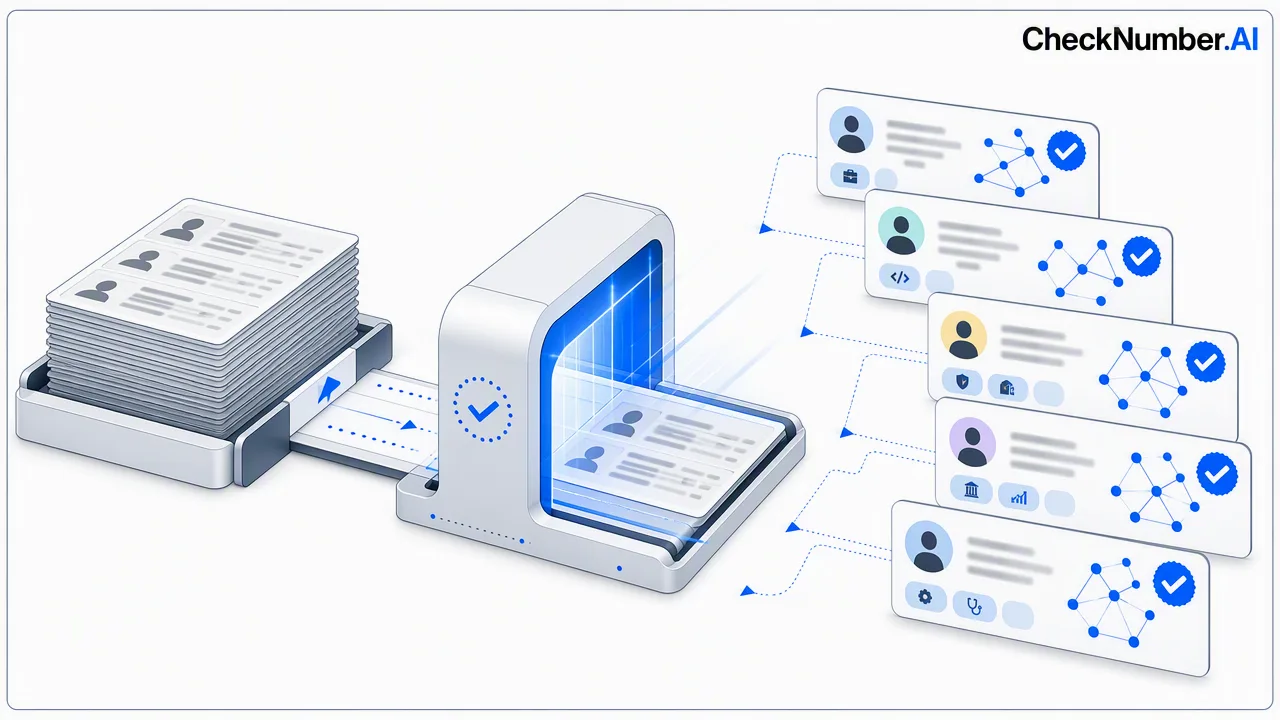
Modern B2B sales requires more than just sending a connection request; it demands data-driven LinkedIn lead verification. By utilizing platform registration signals and professional profile enrichment, sales teams can qualify lists more effectively. This process confirms the presence of a professional profile associated with an email address, providing relevant demographic and career context that supports targeted outreach and informs internal pipeline decisions.
The Evolution of B2B Lead Qualification
Manual outreach without verification often leads to wasted effort and inefficient pipeline management. Historically, sales operations relied on basic contact lists, leaving teams to guess which addresses were associated with professional profiles. Today, relying solely on unverified data limits the ability to prioritize leads based on professional profile data. Transitioning to automated checks helps teams review lists systematically, meaning that outreach efforts are supported by accurate platform presence data rather than assumptions.
What is LinkedIn Lead Verification?
At its core, this process involves checking an email address to confirm its association with a specific platform account. The LinkedIn Email Profile Checker provides platform registration signals alongside professional and demographic profile enrichment. Instead of merely checking if an email format is valid, this workflow confirms platform registration. The resulting professional profile enrichment provides deeper context, such as career and demographic data, which informs customer-defined review processes and helps teams tailor their communication strategies.
Scaling Your Workflow with Bulk Verification
Processing individual contacts manually is not feasible for growing sales operations. The core workflow of modern data hygiene relies on the bulk checking of supported email lists. Bulk workflows support CSV or TXT list uploads, helping operations teams process large datasets efficiently. For technical teams requiring deeper integration, REST API access is available to connect these checks directly into existing data-routing systems. This scalable approach supports continuous lead qualification without adding manual overhead.
Using Enrichment to Inform Outreach Strategy
Access to demographic and professional profile enrichment provides context to inform customer-defined review processes. When sales teams understand the professional background associated with an email address, they can segment their lists more accurately. This data acts as a decision-support tool, helping managers prioritize which contacts warrant additional research. By integrating these platform registration signals into daily operations, organizations can build a more structured, data-informed approach to B2B sales.
FAQ
How does platform registration verification differ from standard email validation?
Standard email validation typically checks the format and domain configuration of an address. In contrast, LinkedIn lead verification uses the LinkedIn Email Profile Checker to confirm platform registration, providing a specific platform presence signal along with professional and demographic profile enrichment.
Can I integrate lead verification into my existing CRM workflow?
Yes, bulk workflows support REST API access, which helps technical teams integrate platform registration signals directly into existing CRM systems or data pipelines. Alternatively, teams can use CSV or TXT list uploads for manual batch processing.
What kind of data can be retrieved through professional profile enrichment?
The LinkedIn Email Profile Checker provides professional and demographic profile enrichment. This data supports internal review processes by offering career and demographic context associated with the registered email address.