CheckNumber.AI
 · 2 min read
How to Detect Fake or Stolen WhatsApp Profile Photos Before You Reach Out
A WhatsApp number with no profile photo, a default avatar, or a profile that looks recently created is a common early signal that a contact is low quality, inactive, or worth a second look before you spend outreach budget on it.
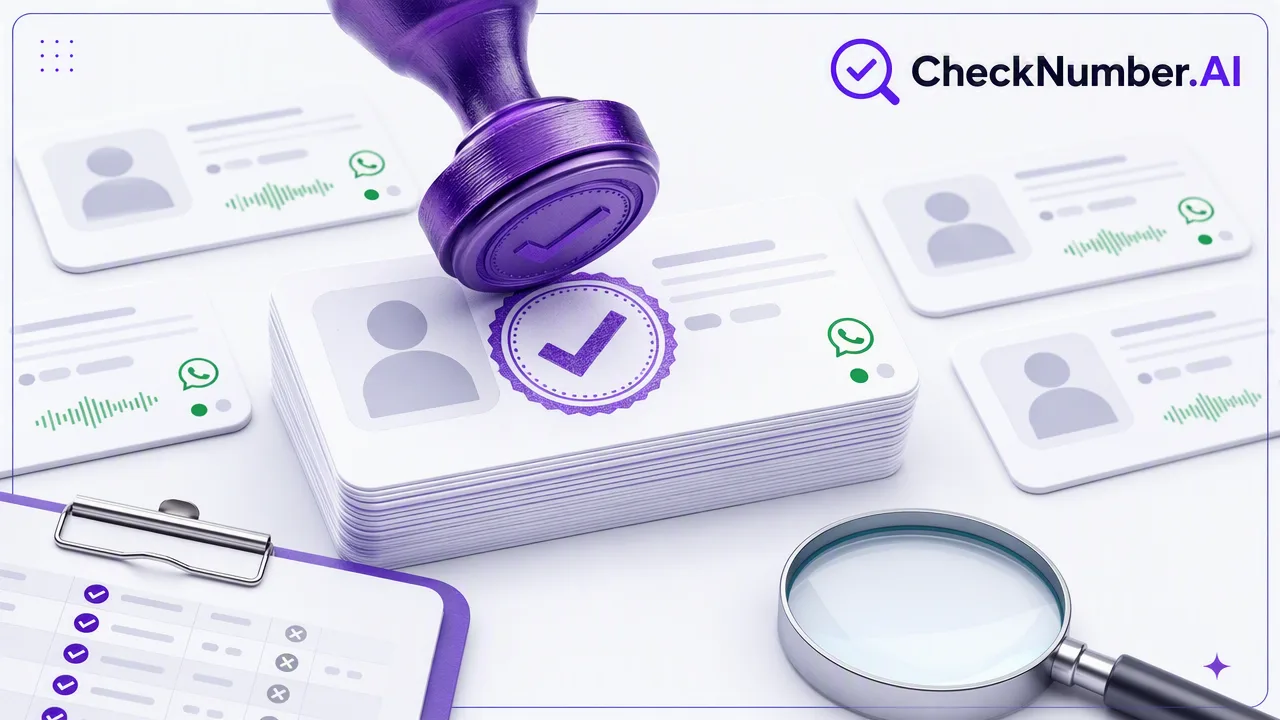
CheckNumber.AI’s Whatsapp Avatar, Age, Gender & Others Checker looks up a phone number’s WhatsApp account presence and returns whatever profile and demographic enrichment is available for it, so teams can screen a list before running a full outreach campaign.
What the WhatsApp avatar signal actually tells you
The Whatsapp Avatar, Age, Gender & Others Checker checks whether a phone number is registered on WhatsApp and, where the platform makes it available, returns profile and demographic enrichment such as an avatar. This is an account-presence and profile-enrichment signal — it helps you understand what public account information exists for a number, not a claim about who owns the number or whether they will respond to a message.
Why teams check avatars before outreach
A missing avatar, a default placeholder image, or a profile that looks freshly created is a pattern many sales and lead-quality teams already watch for informally. Running the check in bulk turns that manual habit into a repeatable list-screening step: you can review contacts before spending outreach budget on numbers that show fewer profile signals, and prioritize the ones with fuller profiles first.
Combining the avatar check with other signals
CheckNumber.AI documents the WhatsApp avatar check as one of several platform-specific checkers, alongside separate registration and activity checks for WhatsApp, Telegram, Viber, and other platforms, plus bulk phone and email validity products. Each checker is scoped to its own platform and its own documented fields — treat the avatar/demographic signal from this checker as one input into a broader list-quality review rather than a replacement for the registration or activity checks.
How to run it on a list
Upload your phone number list through the CheckNumber.AI dashboard or API, select the Whatsapp Avatar, Age, Gender & Others Checker, and export the enrichment results alongside your existing contact fields for review by your sales or data-quality team.
FAQ
Does the avatar check work for numbers outside WhatsApp?
No — the Whatsapp Avatar, Age, Gender & Others Checker is scoped to WhatsApp. CheckNumber.AI offers separate, platform-specific checkers for Telegram, Viber, and other platforms.
What happens if a number has no available avatar or demographic data?
Some WhatsApp accounts do not expose an avatar or additional profile fields at all. In that case the checker returns whatever enrichment is available, which may be limited to the registration signal itself.