CheckNumber.AI
 · 5 min read
How to Check If a Phone Number Is on WhatsApp Without Saving It
Learn how to check if a phone number is on WhatsApp without saving contacts to an address book, using automated file verification and platform-registration signals.

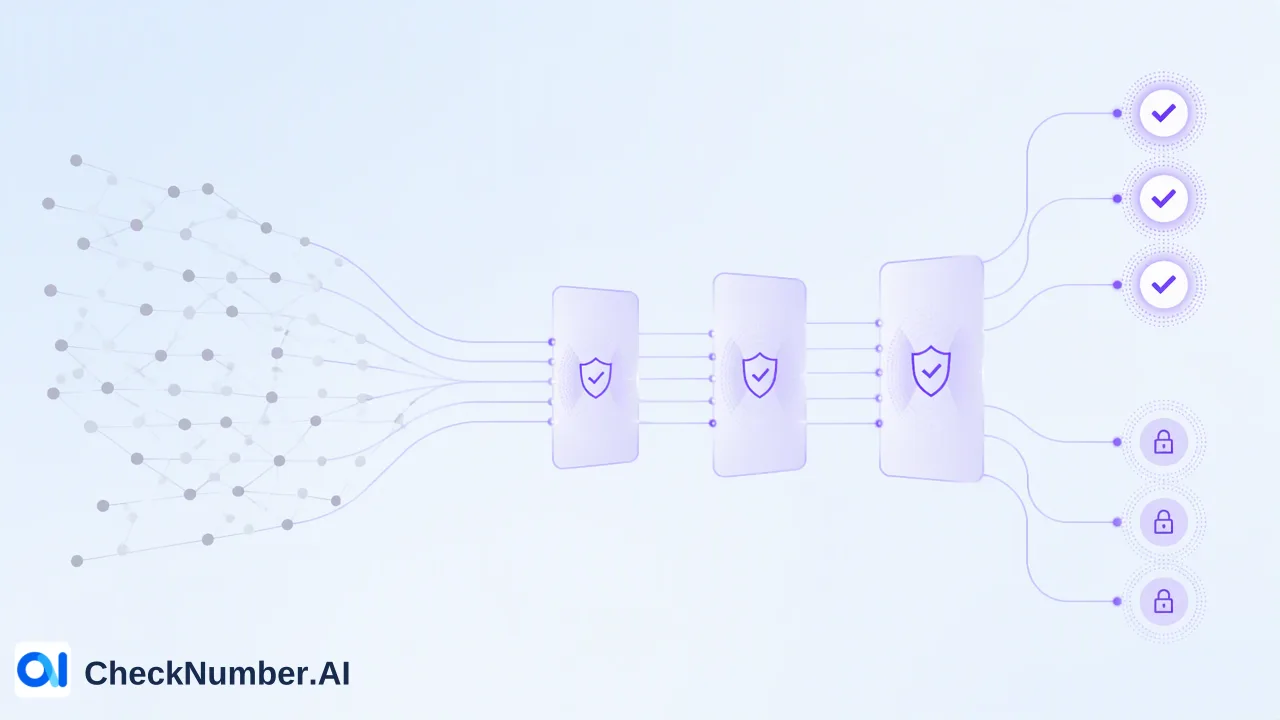
To check if a number is on WhatsApp without saving it to a device or address book, organizations use automated bulk verification workflows. Instead of manually adding individual contacts to a phone, teams upload contact lists via CSV or TXT files or integrate through a REST API using CheckNumber.AI. The service evaluates each entry and returns a platform-registration signal confirming whether an account is present on WhatsApp at the time of the check.
Why Manual Contact Saving Fails for Large Contact Lists
Checking WhatsApp presence manually requires adding a phone number to a mobile device’s address book, opening the WhatsApp application, refreshing contact entries, and searching for the profile. While this manual method functions for a single personal contact, it introduces significant friction for business and operational workflows.
Manual contact management clutters corporate hardware with temporary entries, consumes administrative time, and exposes teams to data-entry errors. When teams manage hundreds or thousands of prospective customer contacts, support inquiries, or user records, manual inspection ceases to be viable. Automated list checking solves this operational bottleneck by verifying platform presence programmatically, ensuring contact lists remain clean, structured, and independent of physical phone hardware.
Preparing Phone Lists for WhatsApp Registration Checks
Accurate platform verification requires proper list preparation and formatting. CheckNumber.AI supports bulk workflows through CSV or TXT uploads as well as REST API access, providing flexibility for batch processing or system integrations.
To ensure consistent results, phone-list files should adhere to documented formatting criteria:
- Single-Country Structure: Organize files so that each upload contains numbers from only one country.
- Single Entry per Line: Place each phone number on its own line, accompanied by the appropriate numerical country code.
- Optional Plus Sign: The leading plus sign before the country code is optional and accepted by the parser.
Before initiating a paid platform check, teams can pass their files through Number Cleaner. This built-in utility standardizes numbers into the international E.164 format while detecting and stripping out duplicate rows and malformed entries. Pre-cleaning lists ensures that downstream queries evaluate only properly structured telephone records.
Step-by-Step Workflow for Bulk WhatsApp Verification
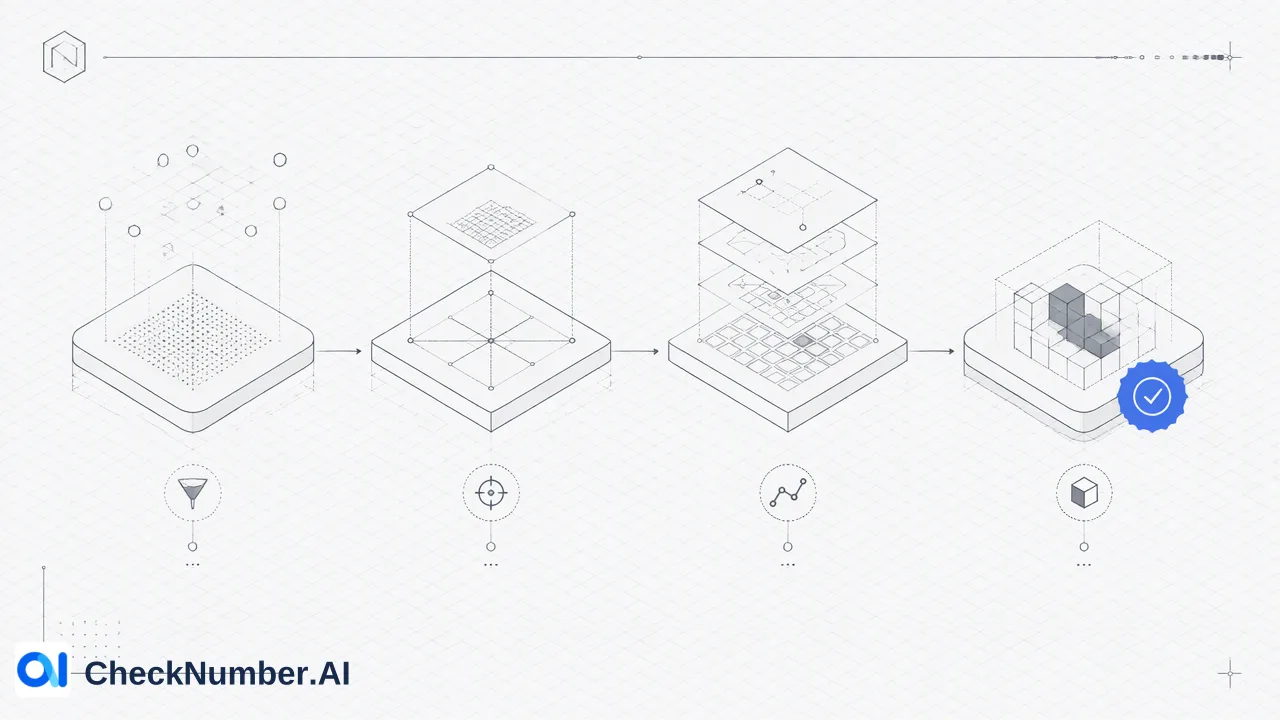
Verifying WhatsApp presence across a database follows a repeatable, automated sequence that bypasses device address books entirely:
- Assemble the Contact Dataset: Export the target phone numbers from your CRM or database into a plain TXT or CSV file, segmented by country.
- Run Number Cleaner: Process the raw list to convert every number into standard E.164 format and purge invalid syntax and duplicates.
- Select the WhatsApp Product: Choose the appropriate checking product based on the required level of verification detail.
- Execute the Verification: Submit the list through the web interface or send records through the REST API.
- Review Results: Download the enriched dataset containing the platform status for each record, ready for routing or outreach planning.
Interpreting WhatsApp Platform Registration Signals
The primary output of a WhatsApp verification check is a platform-registration signal. This indicator provides check-time reachability context, confirming whether the specified phone number currently corresponds to an active account on the WhatsApp network.
A confirmed registration signal informs teams that the channel is viable for messaging workflows, helping communications reach the intended platform. Outreach initiatives still require appropriate recipient consent under applicable data protection regulations.
Selecting the Right WhatsApp Verification Capability
Different verification needs require distinct data points. CheckNumber.AI offers several specialized WhatsApp products, each tailored to specific operational requirements:
| Product Name | Core Scope | Documented Capabilities |
|---|---|---|
| WhatsApp Number Checker | Verifies whether phone numbers are registered with WhatsApp | Platform registration signal |
| WhatsApp Advanced Checker | Verifies current registration using stricter real-time detection | Platform registration signal, real-time check |
| WhatsApp Days Checker | Evaluates account presence, last-seen recency, and account type | Platform registration signal, activity signal, business profile signal |
| WhatsApp Age & Gender Checker | Evaluates account presence with profile and demographic enrichment | Platform registration signal, profile enrichment, demographic enrichment |
Standard registration checks assist teams in maintaining clean contact databases, while real-time checks support high-priority outreach pipelines. When organizations require richer context to segment users or identify business accounts, Days Checker and Age & Gender Checker provide complementary signals to inform communication strategy.
FAQ
How can teams check if a phone number is on WhatsApp without adding it to an address book?
Teams can upload a formatted list of phone numbers in CSV or TXT format to CheckNumber.AI or submit queries via REST API. This checks account registration directly, generating platform-registration signals without modifying a phone contact list or requiring manual address book synchronization.
What is the distinction between WhatsApp Number Checker and WhatsApp Advanced Checker?
WhatsApp Number Checker evaluates phone numbers to return a standard platform-registration signal. WhatsApp Advanced Checker reviews current account registration across uploaded phone-number lists using a stricter real-time detection process for operations requiring verified real-time platform presence.
How should phone lists be structured prior to running a WhatsApp check?
Phone lists should be arranged with one country per file and one phone number per line, including the relevant country code. The preceding plus sign is optional. Running lists through Number Cleaner normalizes entries to E.164 and removes duplicate or invalid items before running the check.
What context can teams obtain beyond basic WhatsApp registration?
Teams needing deeper contextual data can select specialized checkers. WhatsApp Days Checker reports account presence alongside available activity or last-seen indicators and business-account status. WhatsApp Age & Gender Checker provides account presence coupled with available profile and demographic enrichment.