CheckNumber.AI
· 6 min read
WhatsApp Number Checker Extensions vs Upload-Based Bulk Checks
A workflow comparison for teams deciding how to check WhatsApp registration across a phone list.
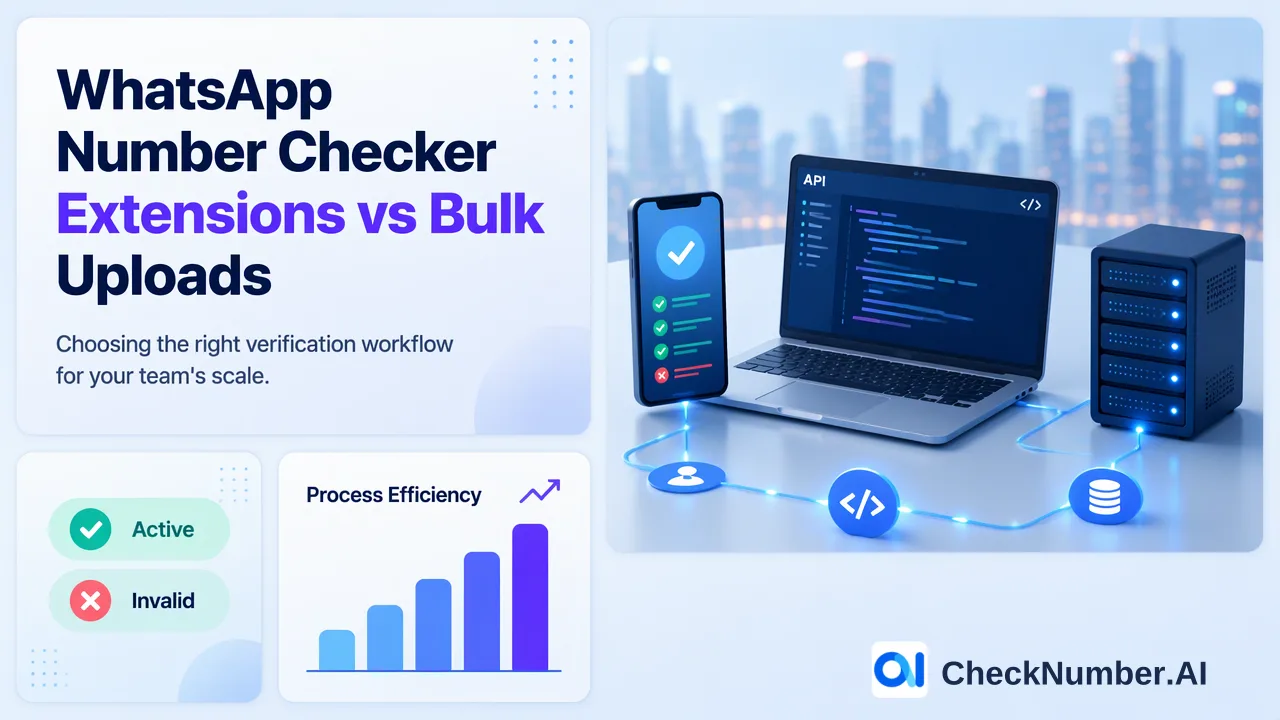
A WhatsApp number checker extension works inside a browser workflow, while an upload-based bulk check starts with a prepared phone list and produces results for later review. Choose according to where the list lives, whether a personal WhatsApp Web session is acceptable for the chosen extension, and how the team will reconcile exported results. Neither approach establishes permission to message a person.
What a WhatsApp number checker extension actually changes
An extension is installed in a browser and may be built around an already open WhatsApp Web session. That dependency is a decision point, not a universal feature of every extension: read the listing and permissions for the exact tool being considered. For example, one Chrome Web Store listing explicitly requires an active WhatsApp account and WhatsApp Web access and describes CSV export. Its description is a vendor claim about that extension, not an assurance about other extensions or their data handling.
An individual analyst may find a browser tool convenient when investigating a small set of contacts during an existing browser session. A team managing repeated CRM exports has different needs: documented handoffs, a consistent input file, result ownership, and a path for joining results to source records. Browser convenience alone does not solve those tasks. Before installation, review requested browser permissions, the extension publisher’s current privacy information, how the list is entered, whether results can be exported, and who may use the connected account. Test the proposed workflow with data the organization is authorized to use.
Do not treat an extension listing’s claim of privacy, speed, or unlimited use as an independently verified property. The browser environment and the vendor’s own terms can change. Keep extension evaluation separate from the question of what a WhatsApp registration result means.
How an upload-based WhatsApp bulk check fits a list workflow
An upload workflow starts outside a personal WhatsApp Web session. The list owner prepares supported phone-number input, selects the relevant checker, submits the list, and exports checker-specific results for customer-controlled review and segmentation. CheckNumber.AI supports CSV or TXT bulk uploads and REST API access for supported products; its WhatsApp number checker page is the appropriate place to confirm the current product choice. The WhatsApp checker API documentation describes registration checking and recommends normalized phone input. Consult the live documentation for implementation details and applicable limits.
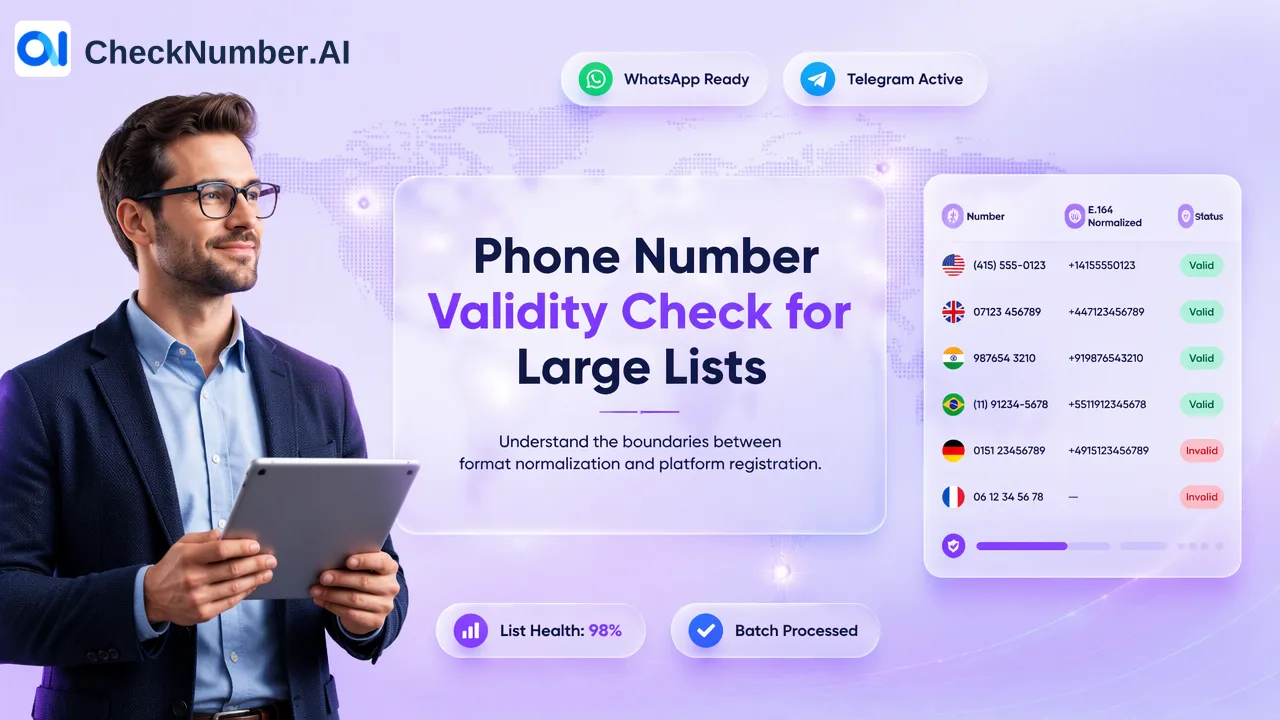
For phone-list uploads, keep one country per file and one number per line with the country code; the leading plus sign is optional. If a CRM export mixes markets, split it before submission and preserve a local mapping from each input number back to its source record. The mapping is a team-managed data step, not a claimed checker feature. A free dashboard Number Cleaner can normalize numbers to E.164 and remove duplicate or invalid entries before a paid check. Keep an untouched source copy so a rejected or corrected value can be audited later.
After export, join the checker-specific result to the preserved source mapping. Review unmatched, duplicated, or ambiguous rows before writing anything back to a CRM. A registration signal is specific to the named platform at check time. It does not establish who controls the number or whether the contact wants messages. Those interpretation rules apply regardless of whether the original lookup began in an extension or a bulk file.
Compare the handoffs before choosing a method
Start with the source of truth. If an employee has a few numbers for an authorized manual investigation, document the exact extension, connected session, and export procedure. If the team works from scheduled CRM extracts, define an input contract before choosing the checker: country, normalization rule, source record identifier, permitted reviewer, and the place where results are stored. These are internal governance choices, not features promised by any vendor.
Then ask how a result returns to the system that needs it. A screenshot or browser-only view may answer a one-off question but leaves a fragile audit trail for a large list. An exportable result can support reconciliation, yet an export is useful only if the team retained the source mapping and knows how to handle duplicate numbers shared by different contact records. Never infer that output order matches upload order. Use a controlled join process based on the number representation and internal record reference that the team actually preserved.
Finally, separate checking from outreach. WhatsApp’s guidance on responsible use tells people to obtain permission and respect contact boundaries. A registered result is a platform-specific reachability signal at check time; it is not consent, a delivery guarantee, or a reply prediction. Keep the consent record and suppression rules in the team’s own workflow. A number that appears registered can still be ineligible for a campaign, and a number without a usable result should be reviewed rather than silently assigned an outreach path.
A practical evaluation checklist for a team
Use the same sample of authorized records to evaluate candidate workflows, without treating the sample as a published performance study. First, record the original values and source record IDs. Second, mark local-format numbers, missing country codes, duplicates, and mixed-country files for cleanup. Third, check whether each candidate tool accepts the intended input without requiring undocumented workarounds. Fourth, verify that a reviewer can export or otherwise capture the relevant result and associate it with the original records. Fifth, have a second person review the ambiguous cases and the proposed CRM update rules.
For an extension, add a separate review of account dependence, requested browser access, operator handoff, and the ability to repeat the procedure when the original analyst is unavailable. For a bulk service, review the current checker documentation, list-format requirements, and export review process. The product catalogue can help a team avoid applying a different product’s signal or output expectation to WhatsApp checking. The chosen process should state which checker was used, when the list was checked, which input version was submitted, and which records were withheld from action.
The decision should follow the work to be done. A personal browser workflow may suit a narrow manual task if its permissions and account use are acceptable. A prepared upload or supported API workflow suits a repeatable list process when the organization needs file ownership, export review, and controlled CRM reconciliation. In either case, retain the distinction between a WhatsApp registration signal and a decision to contact someone.
FAQ
How can teams tell whether an extension needs WhatsApp Web?
Read the current listing and permissions for that exact extension. Some listings explicitly require an active WhatsApp account and WhatsApp Web access; those requirements should not be assumed for every browser tool.
How can teams prepare a bulk phone file?
Keep a source copy and mapping to internal record IDs, normalize numbers, and prepare one country per file with one number per line including its country code. Review duplicate and unclear values before upload.
Does a registered result authorize a WhatsApp campaign?
No. Registration is a platform-specific signal at check time. Teams must separately establish prior express and informed consent and apply their own suppression rules.
Can an export be matched to CRM records by row position?
Teams should not assume that output order matches input order. Retain a local record-to-number mapping and reconcile results against that mapping before making CRM changes.